






Phone: +1-888-661-7779
Email: service@arrtle.com
Address: Room 2011, Cloud End, Tung Chau Street, Tai Kok Tsui, Yau Tsim Mong District, Hong Kong

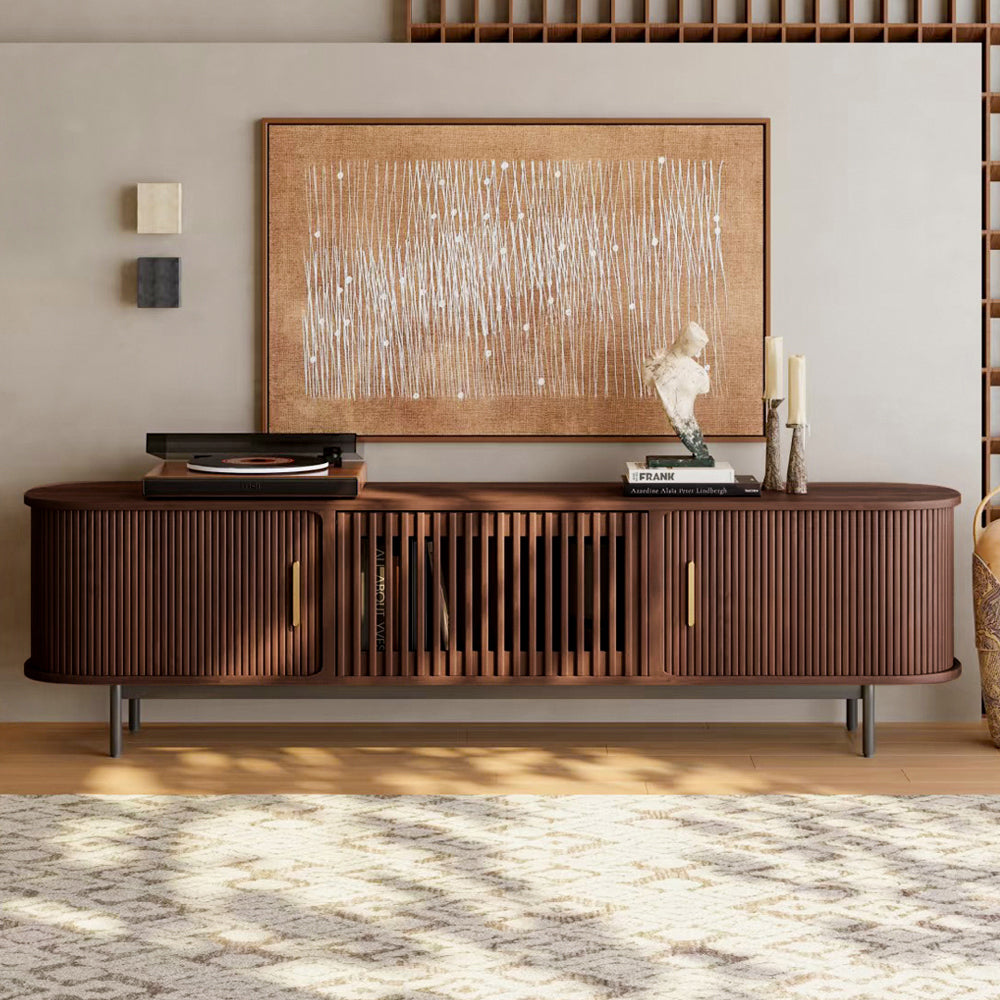
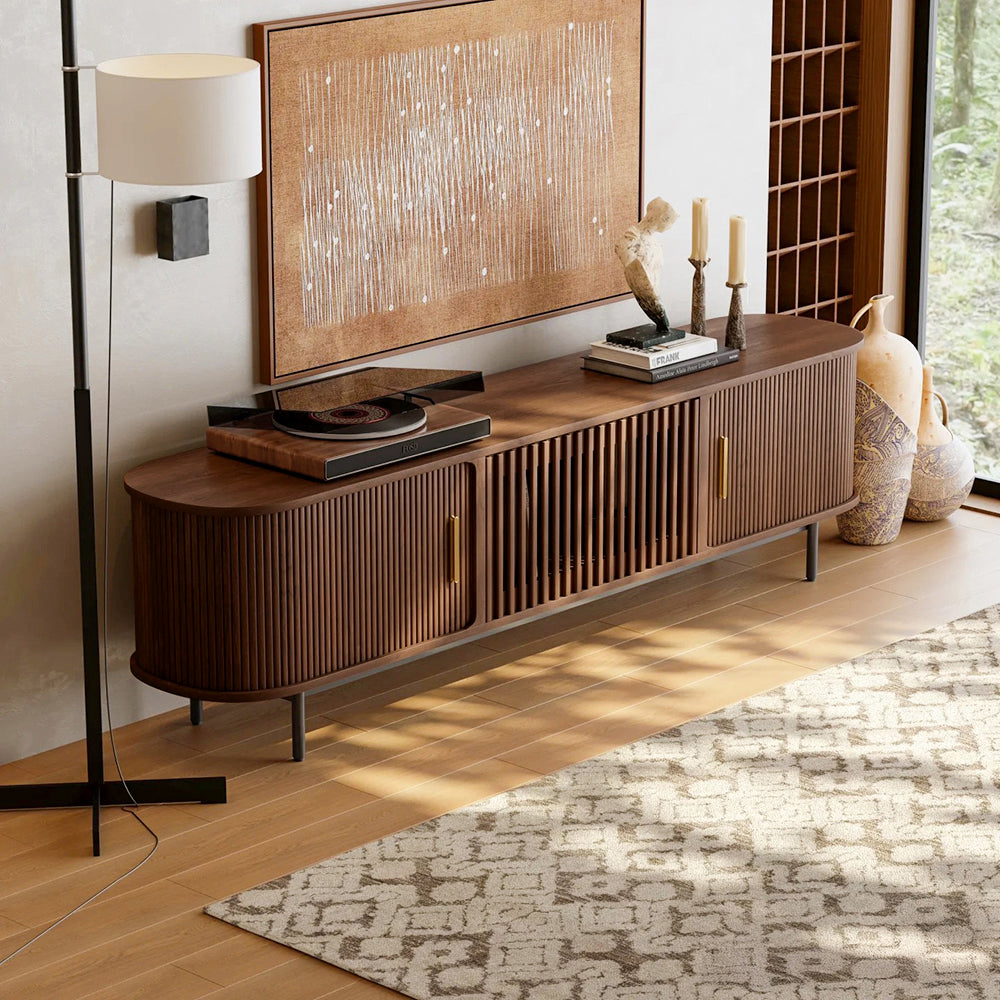
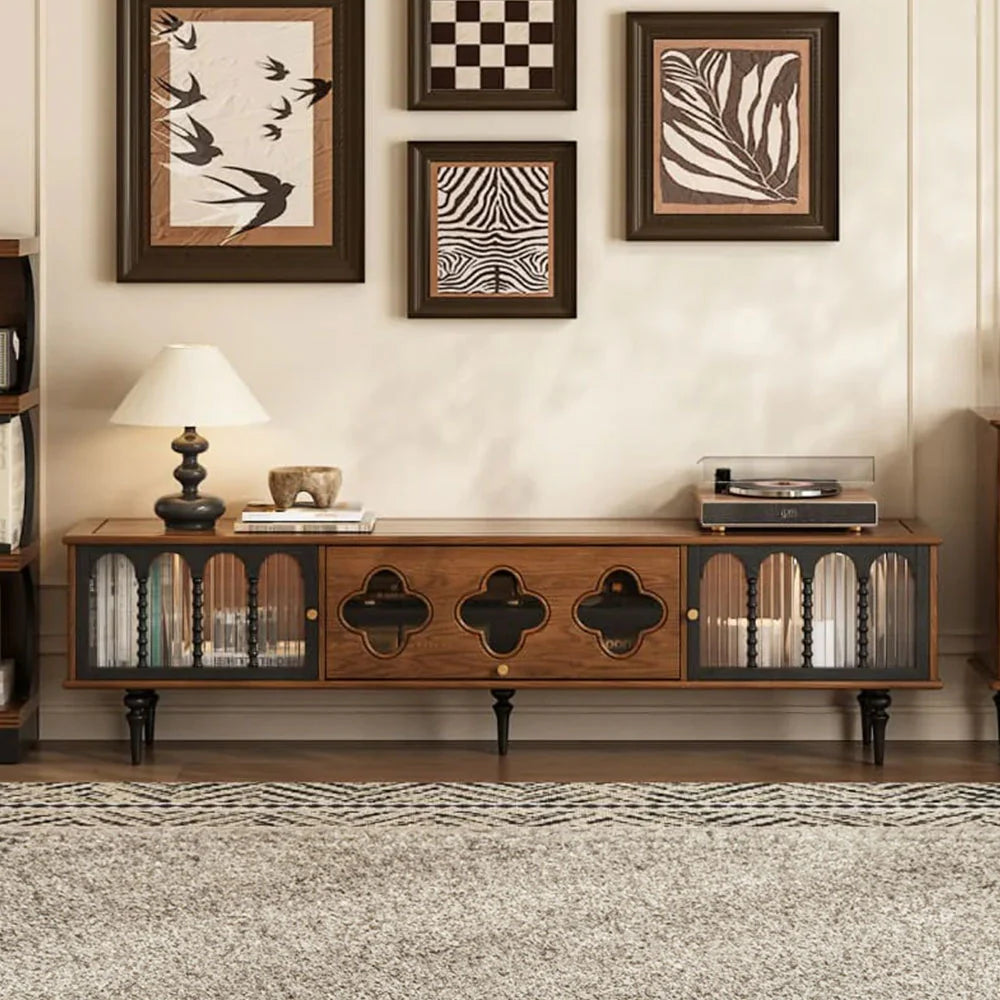
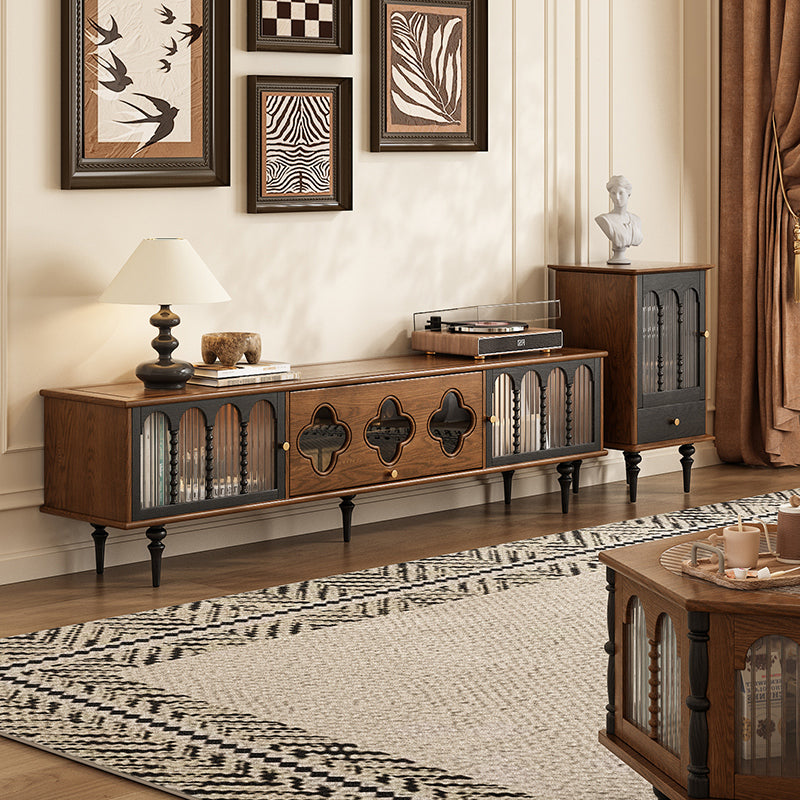
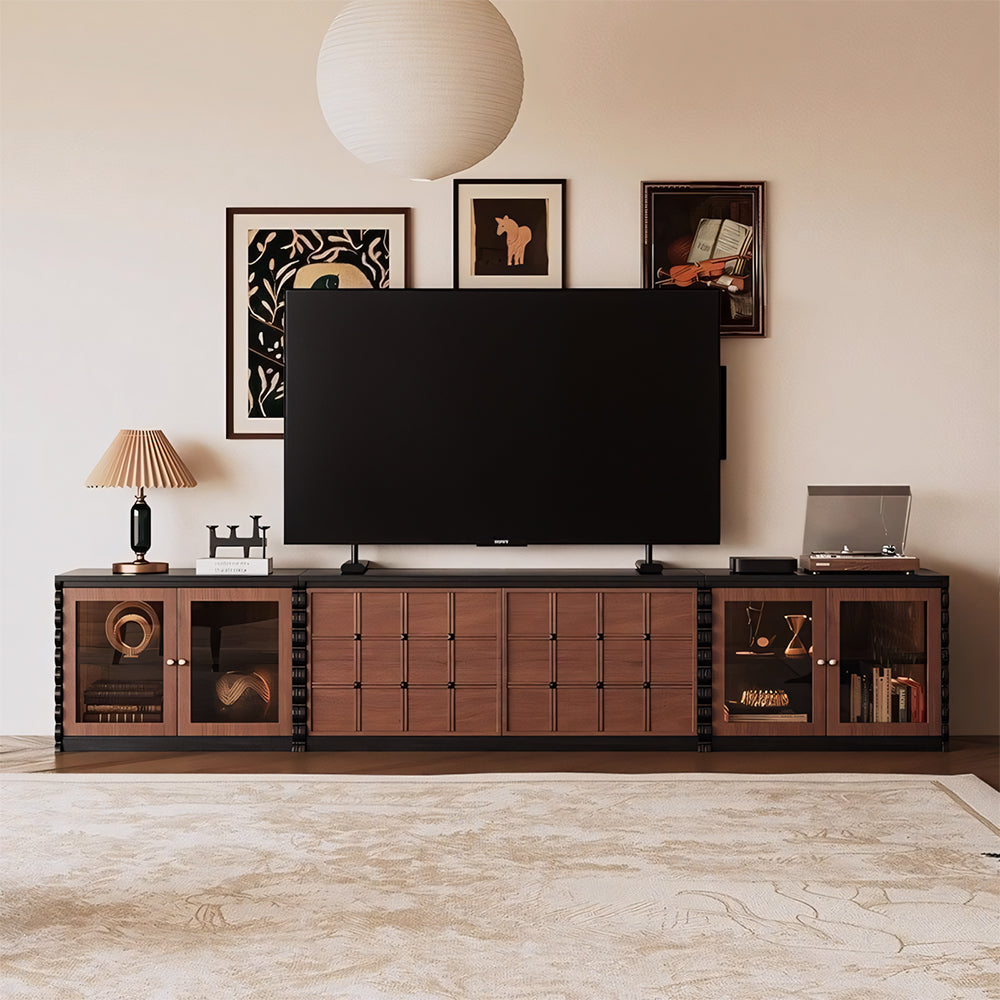
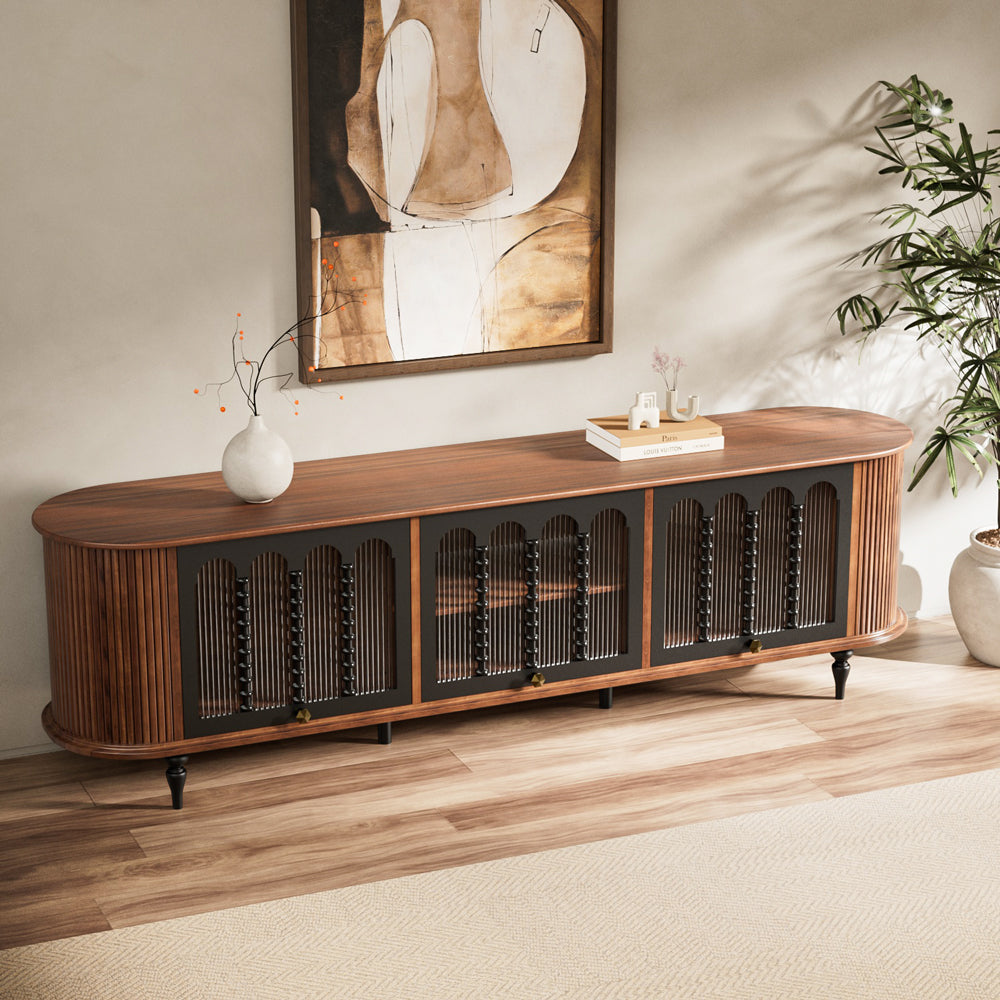
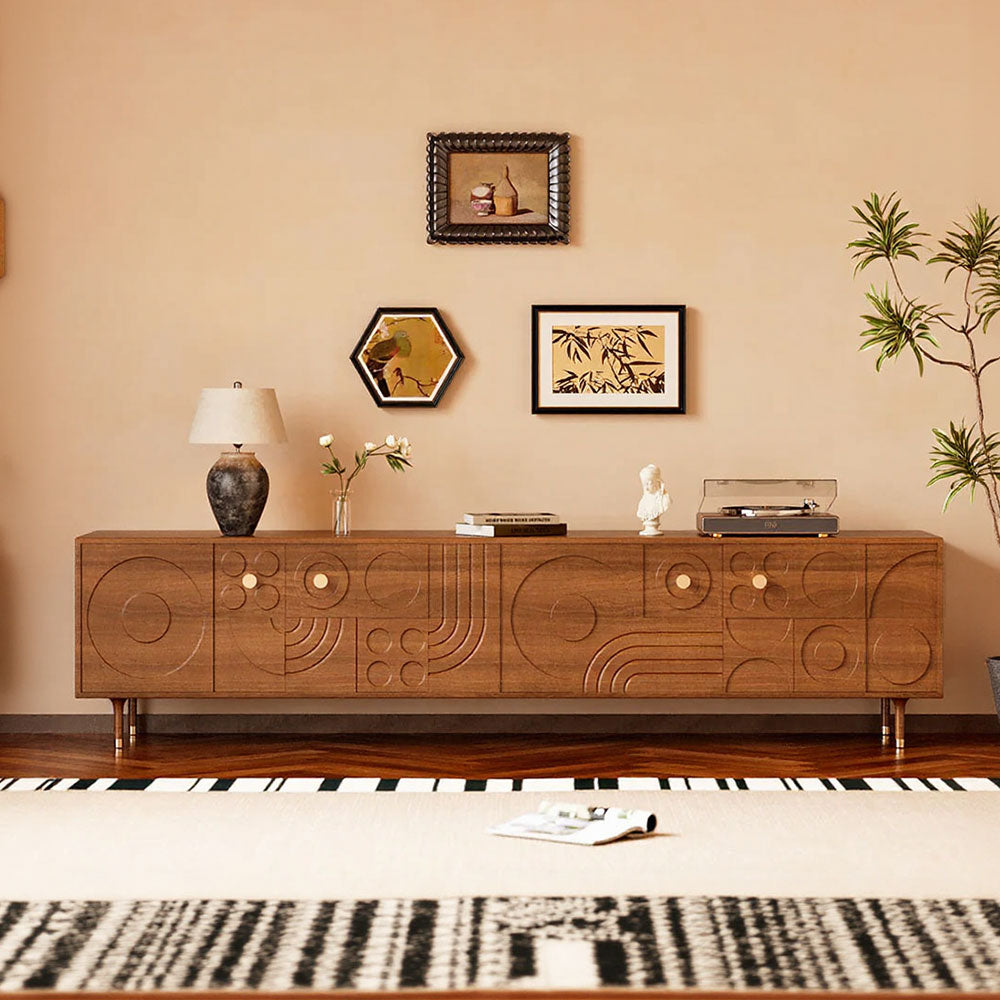
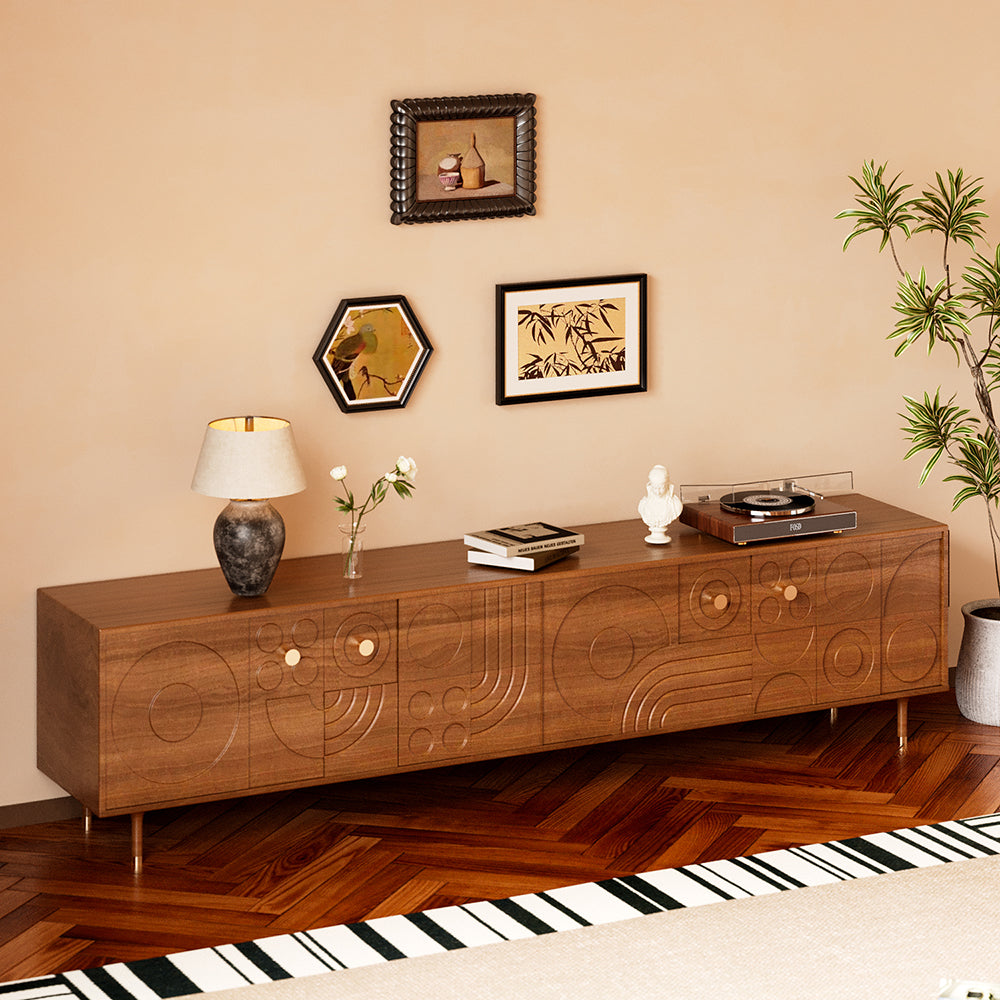

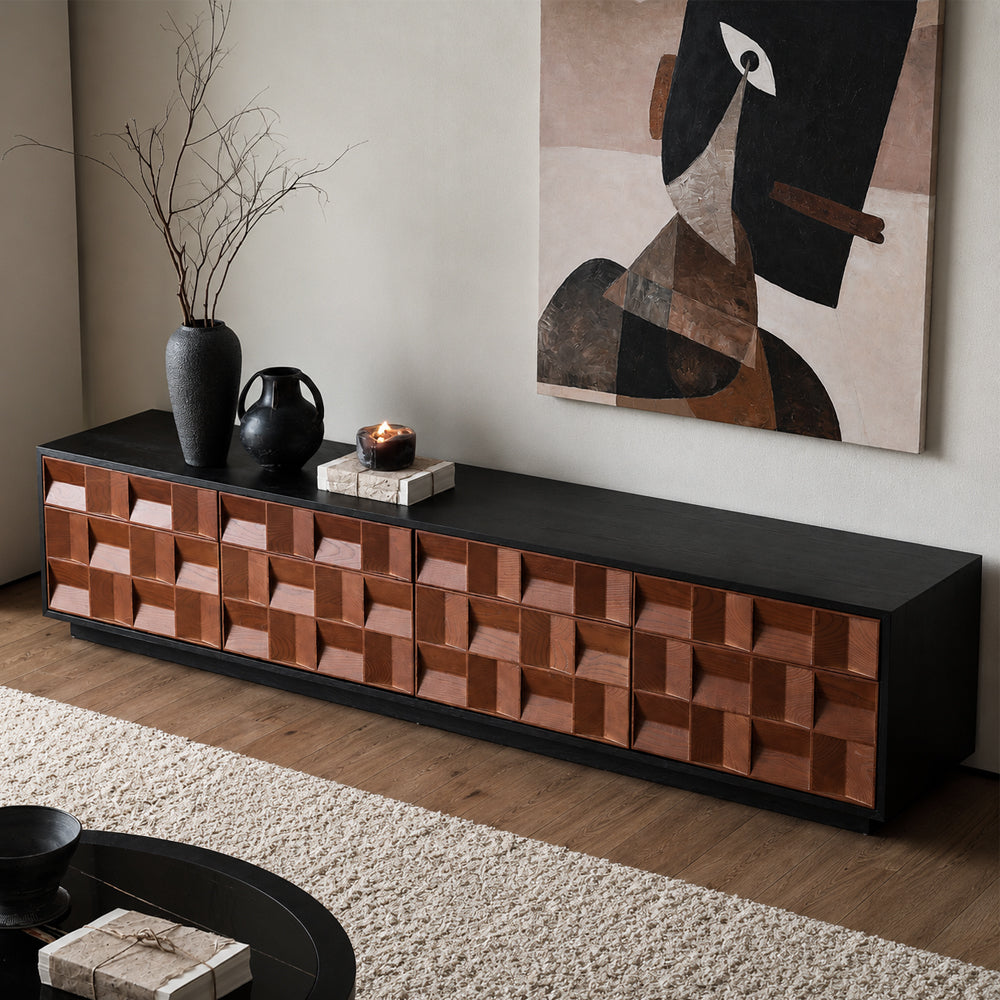
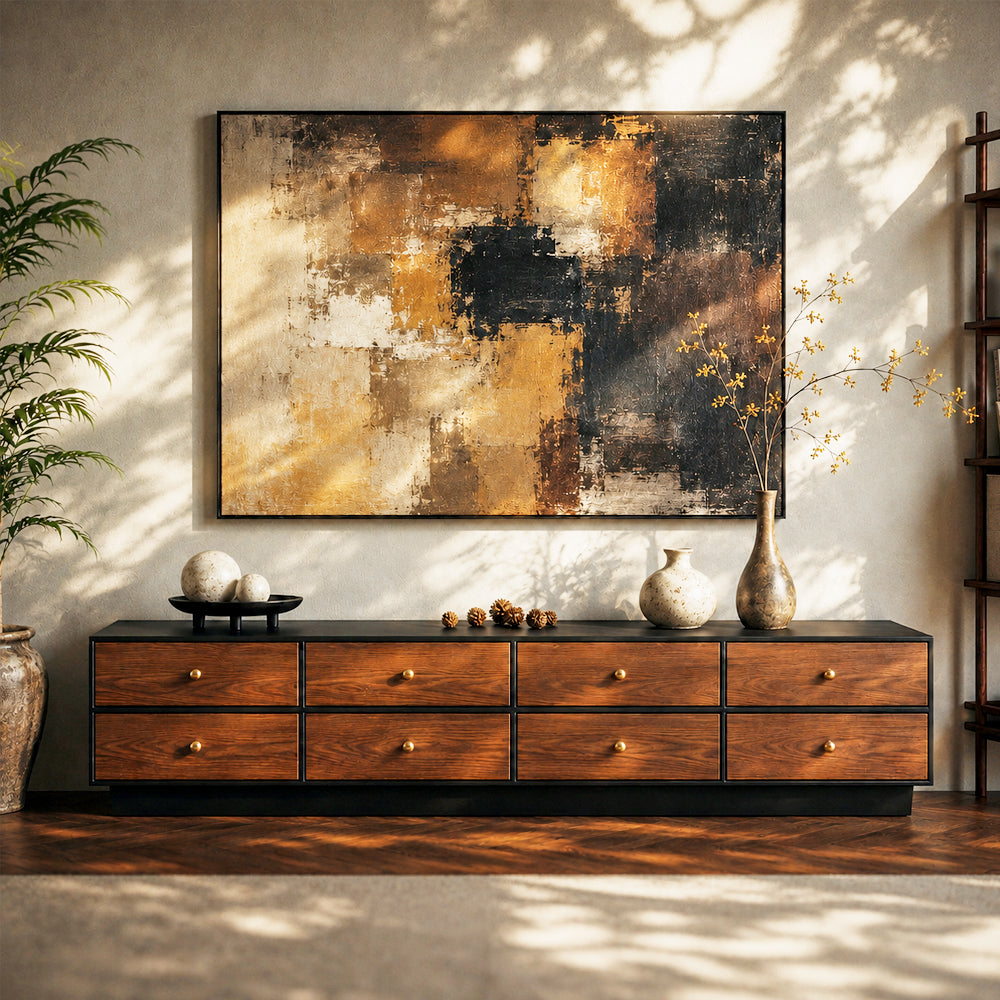
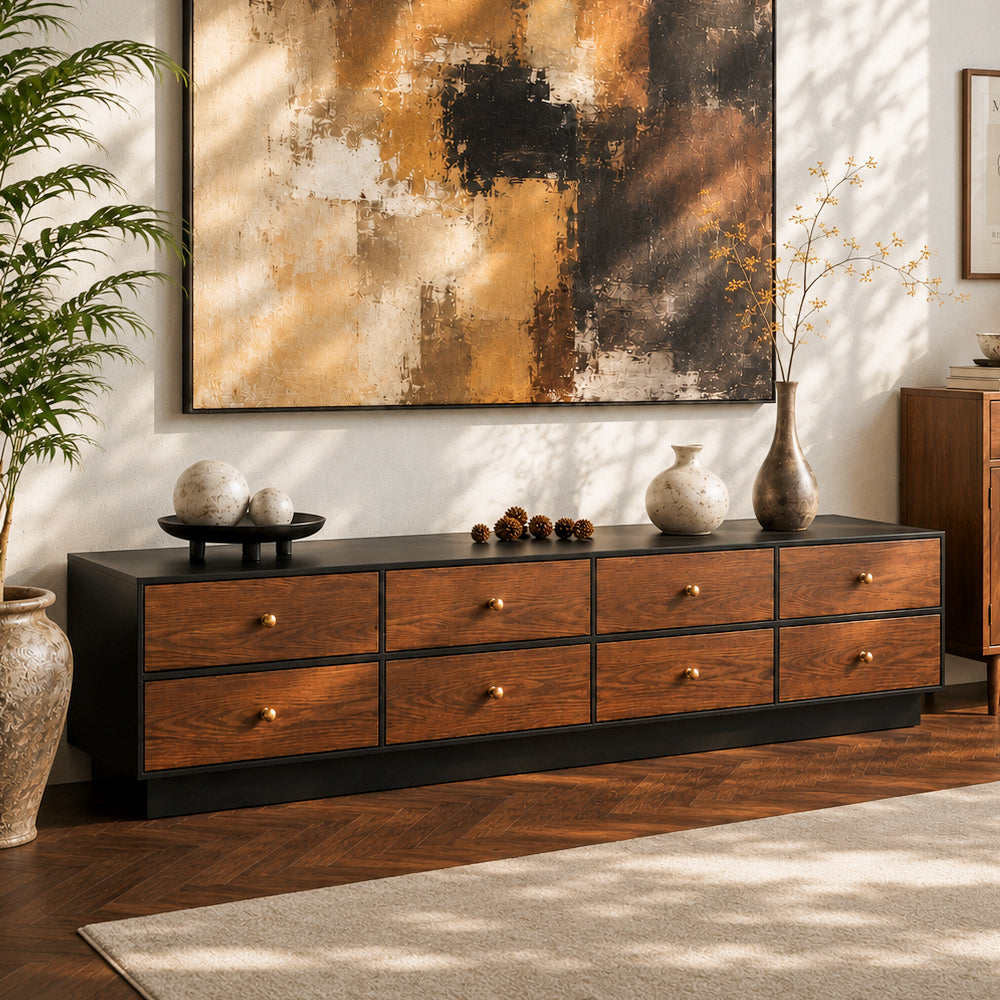
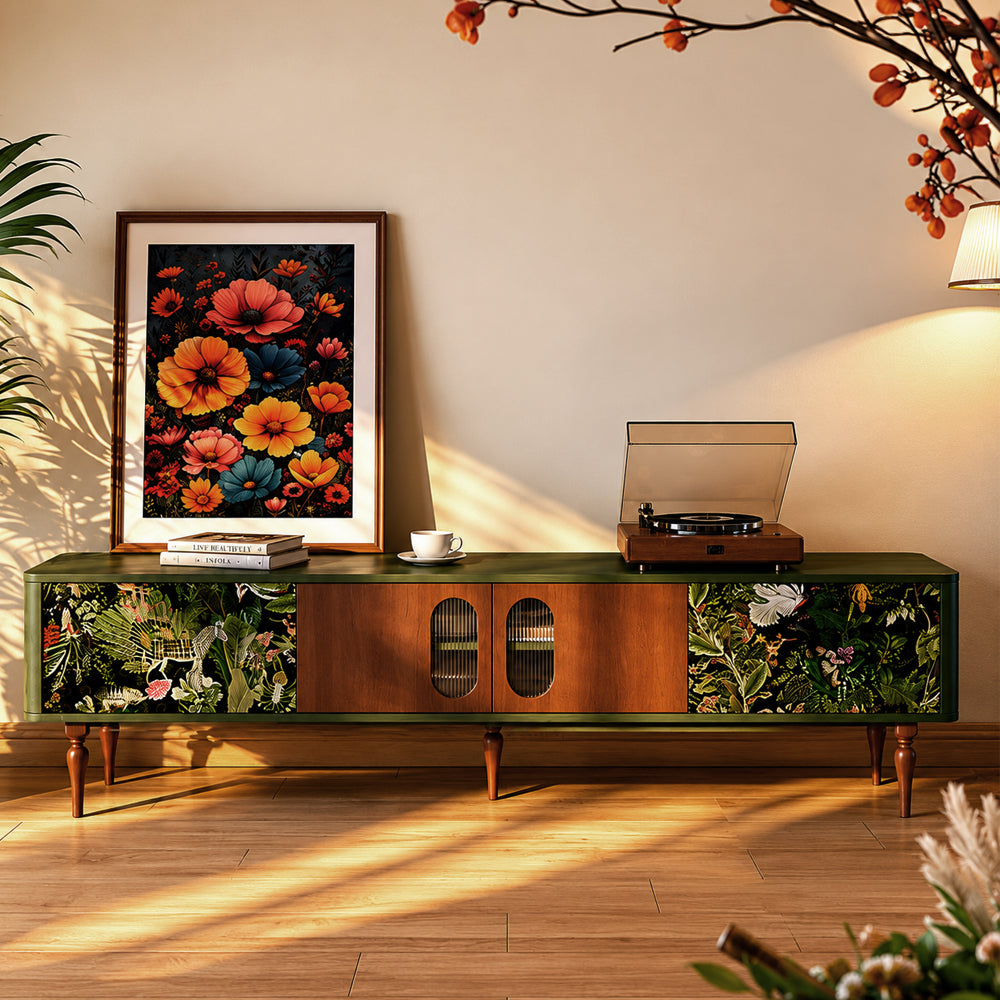
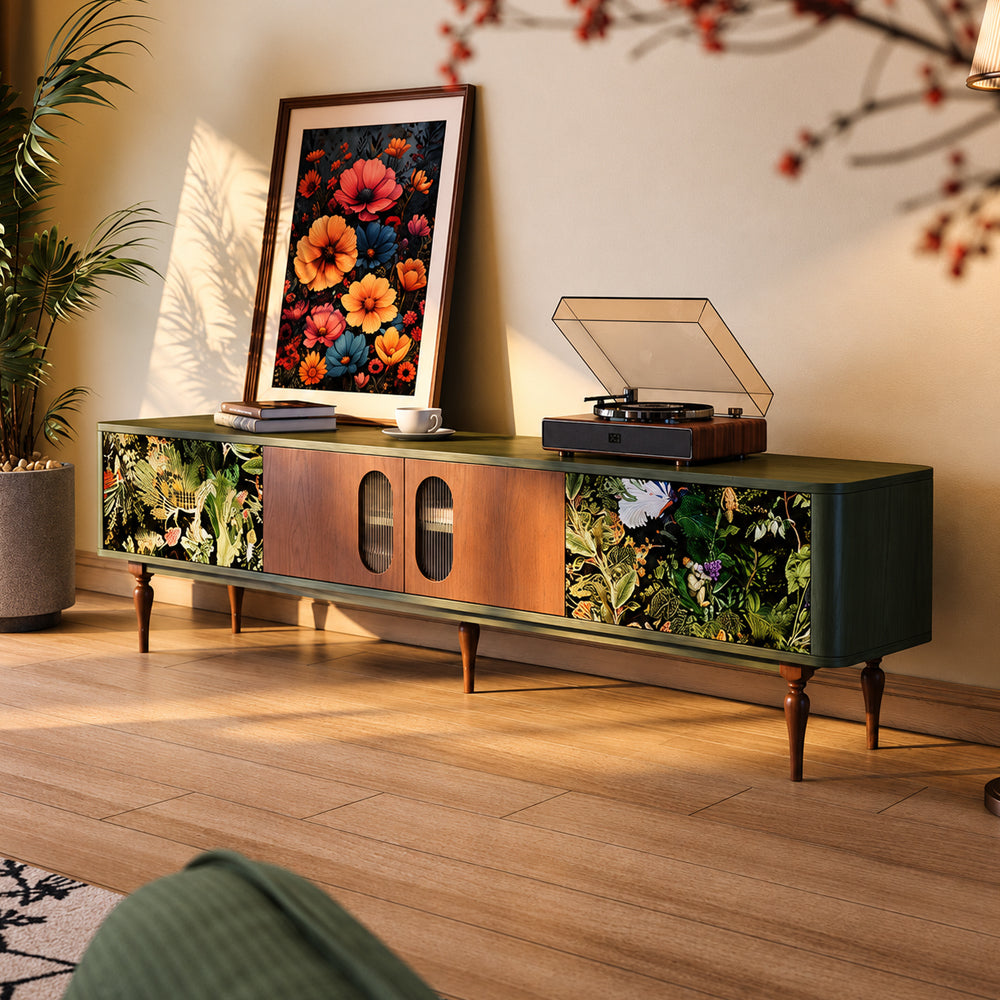
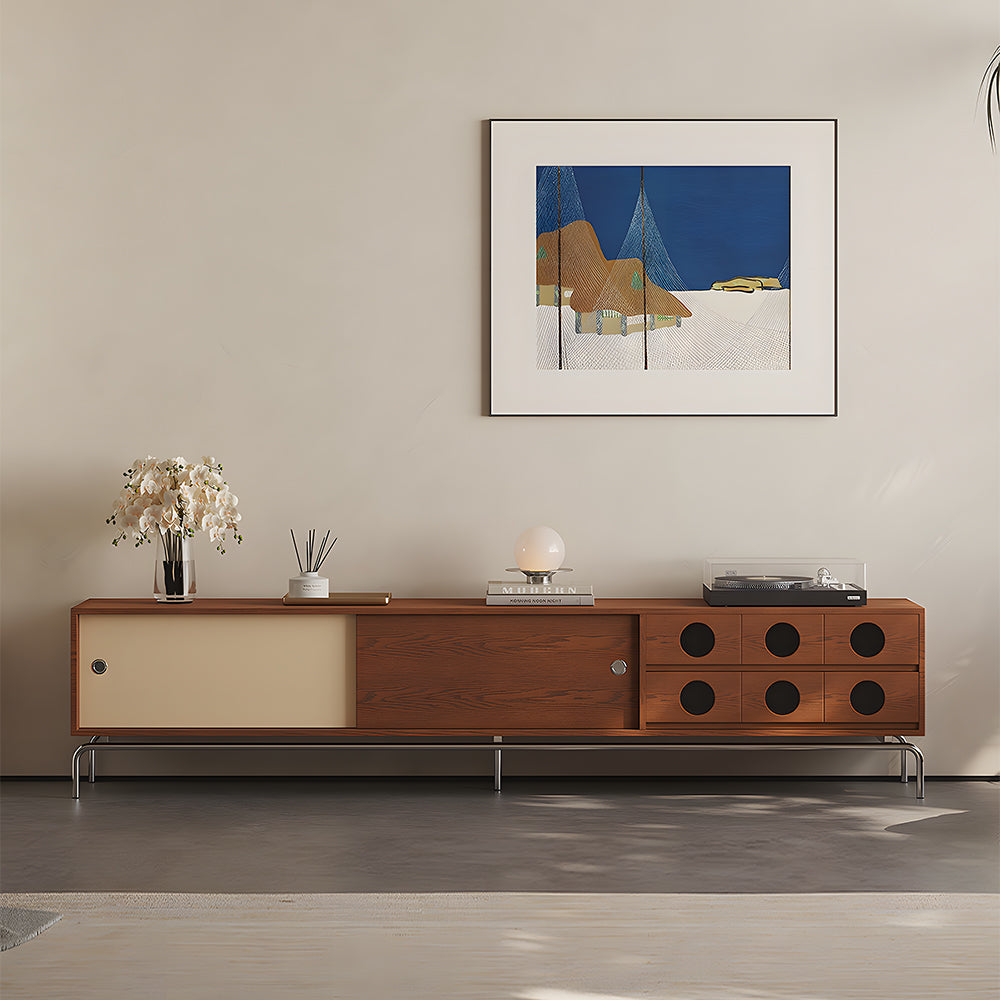
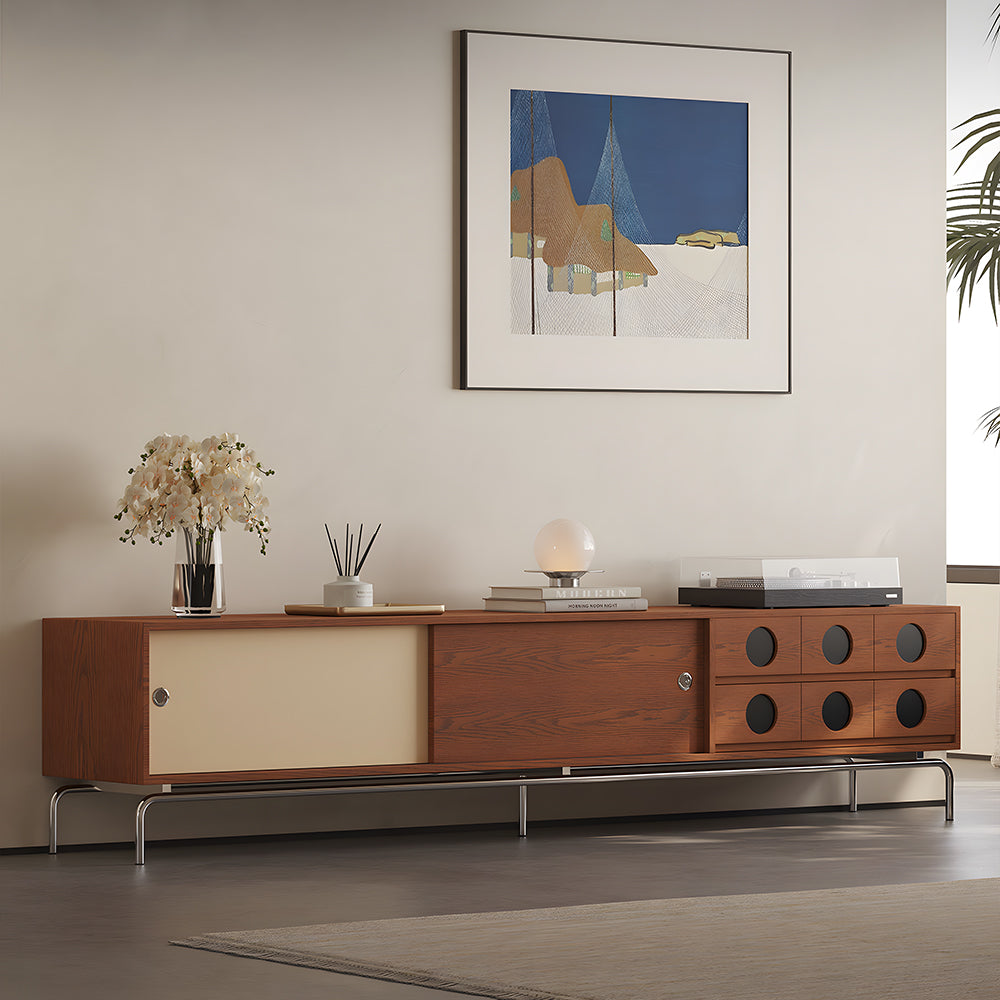
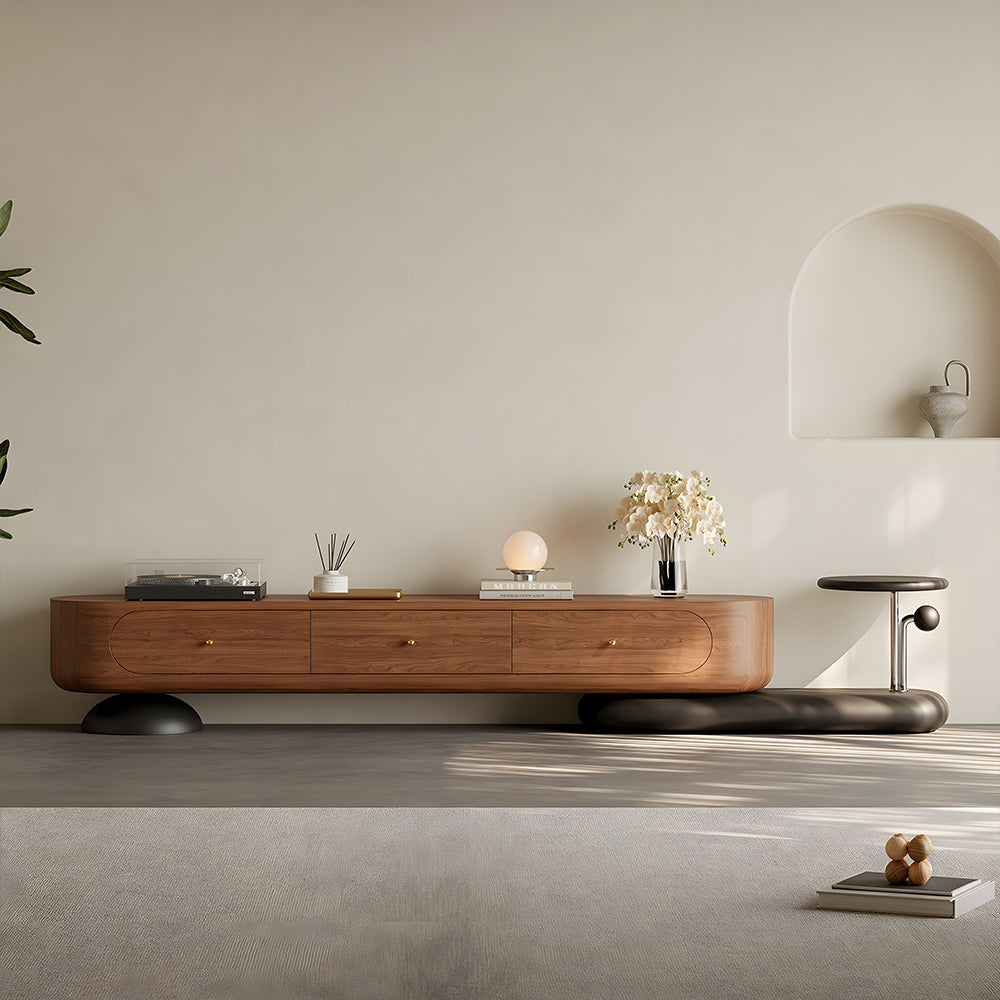
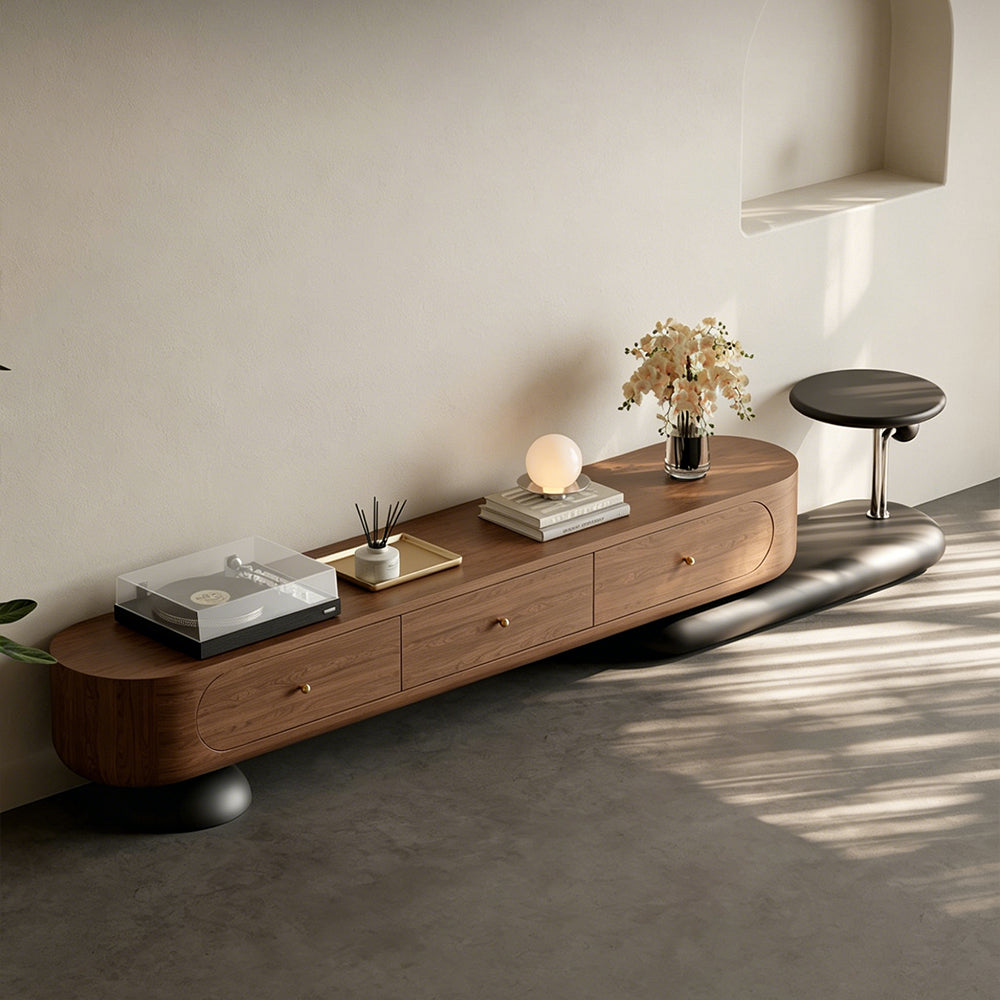
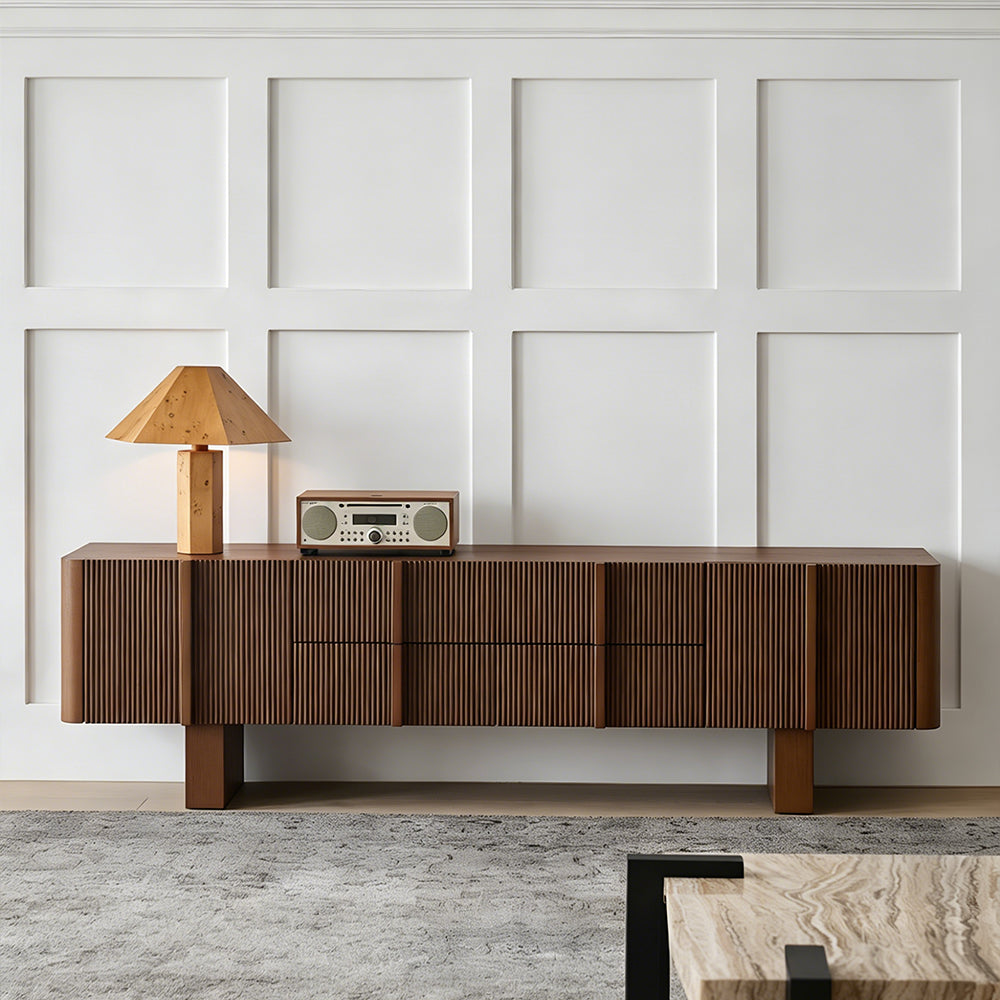
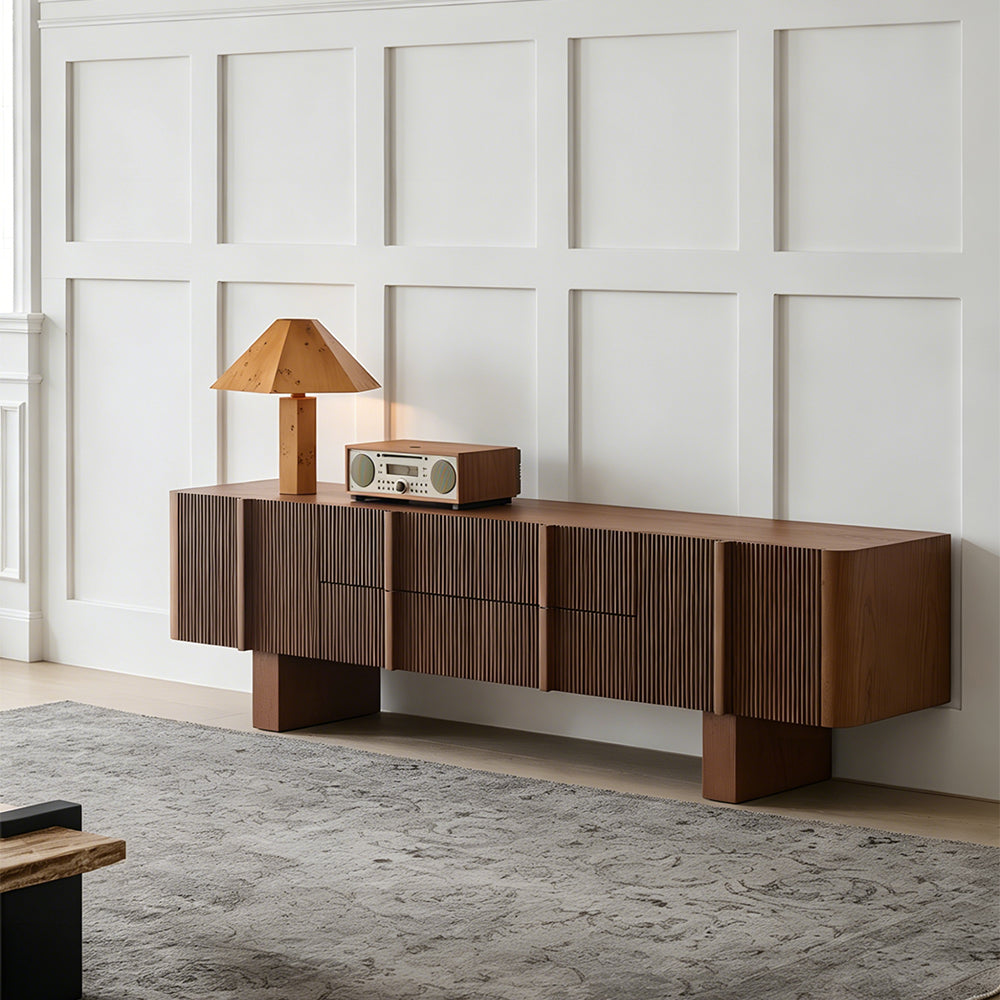
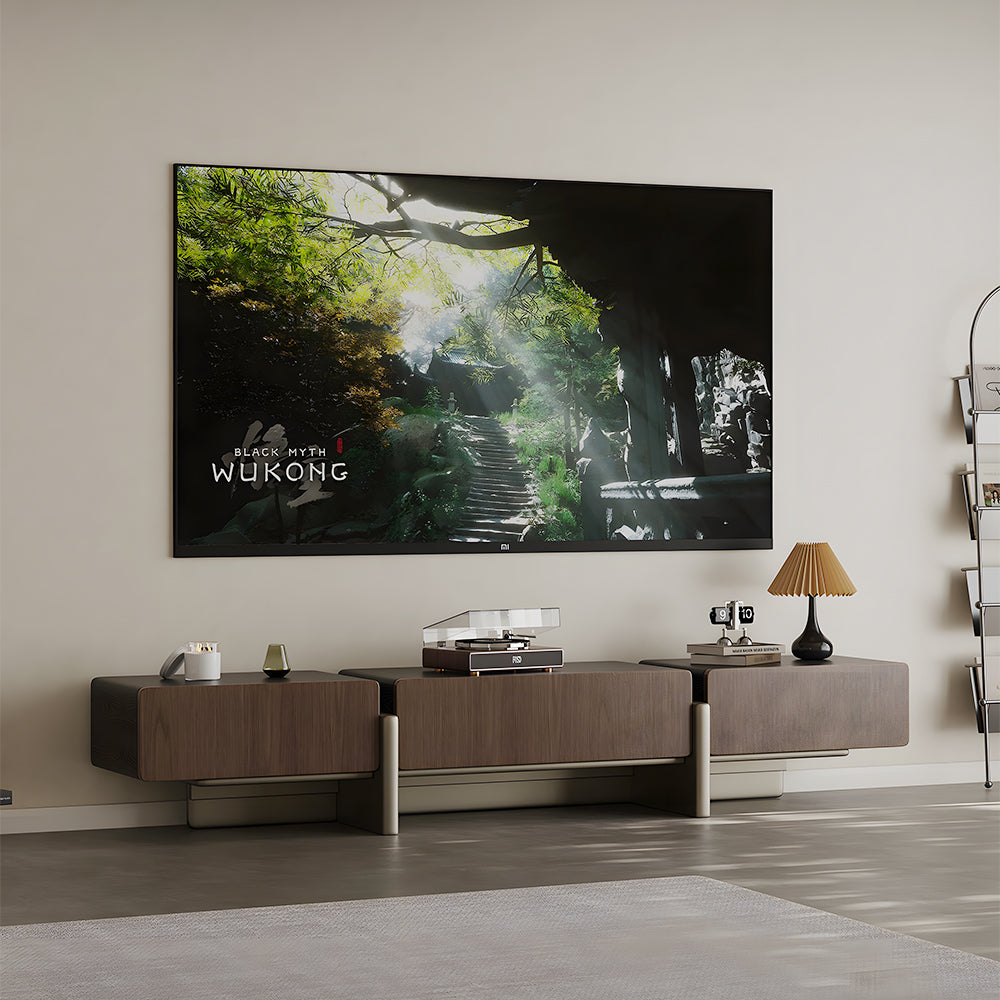
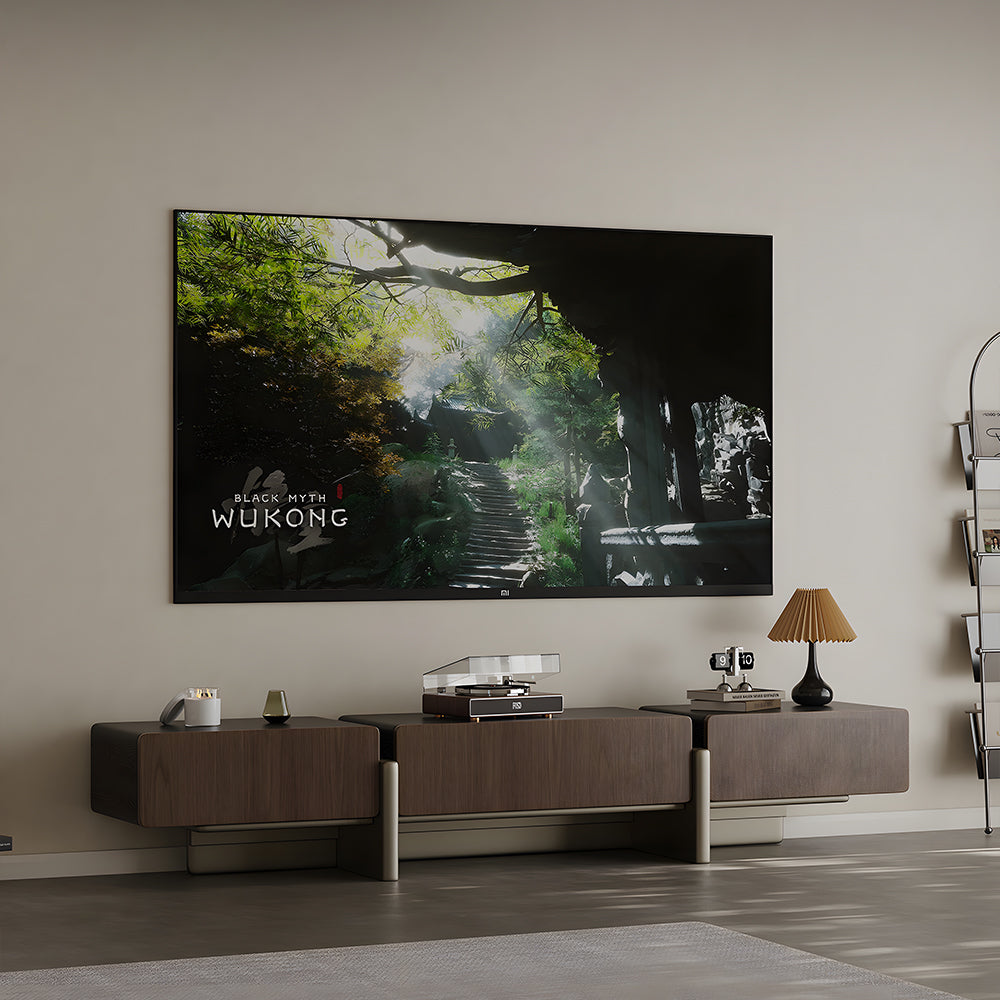
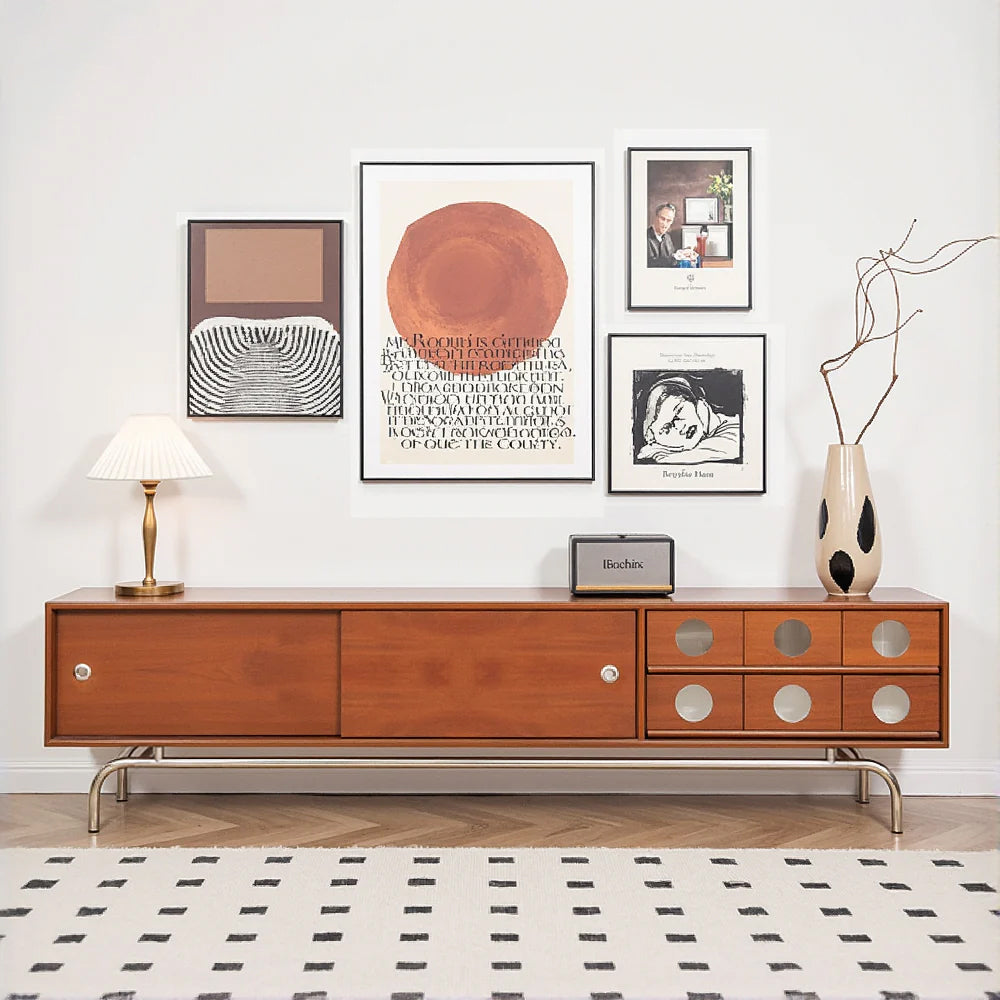
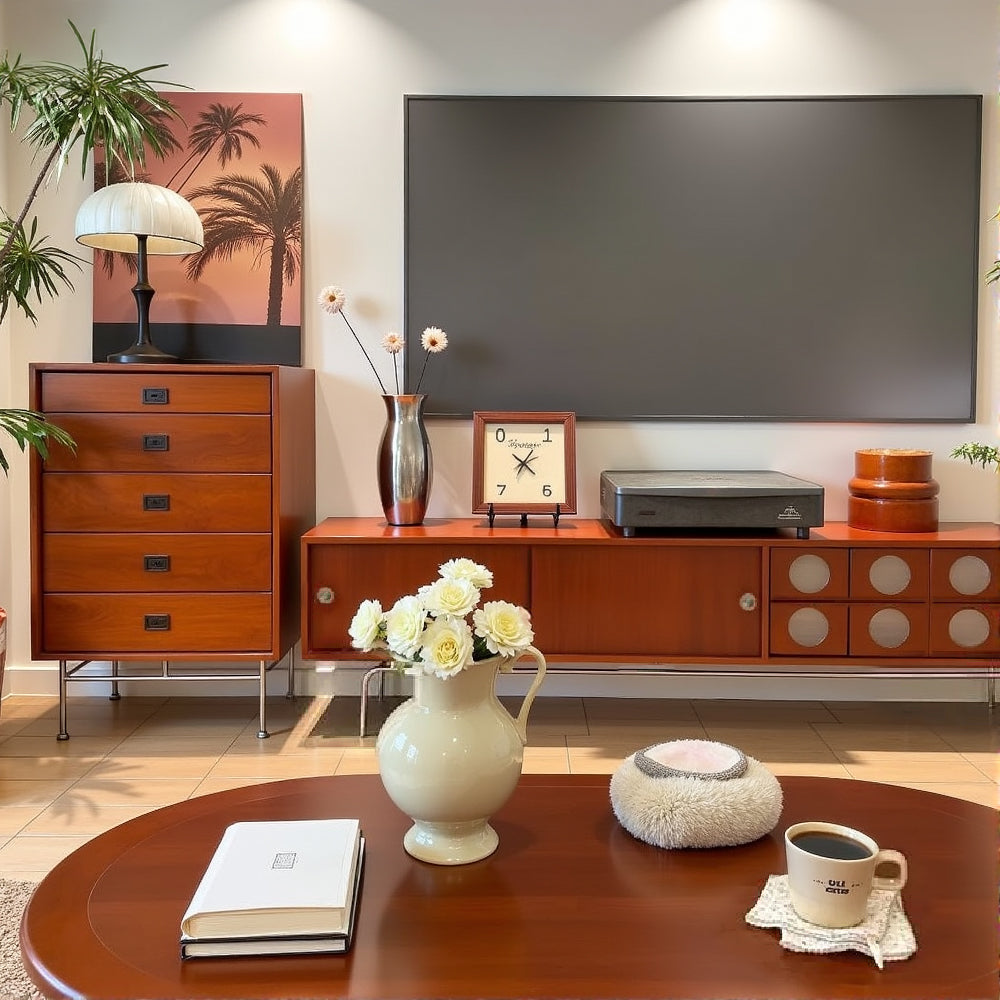
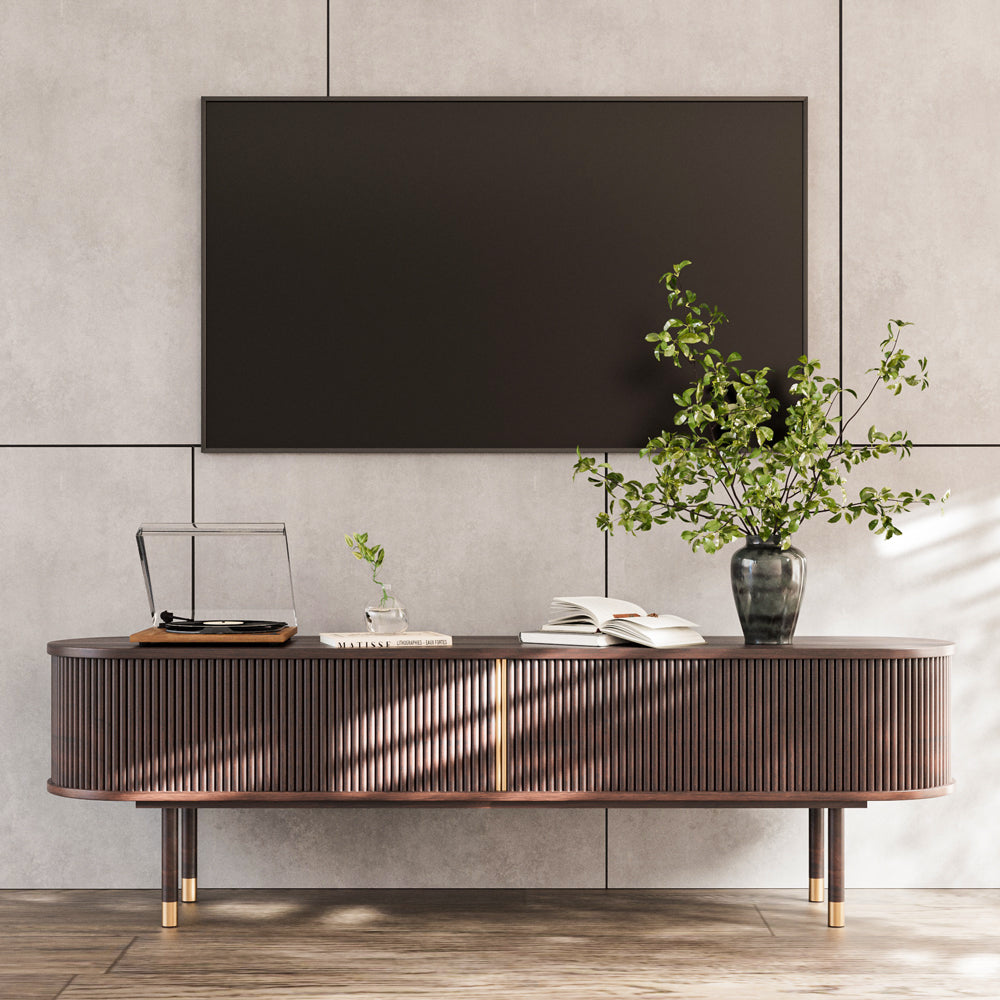
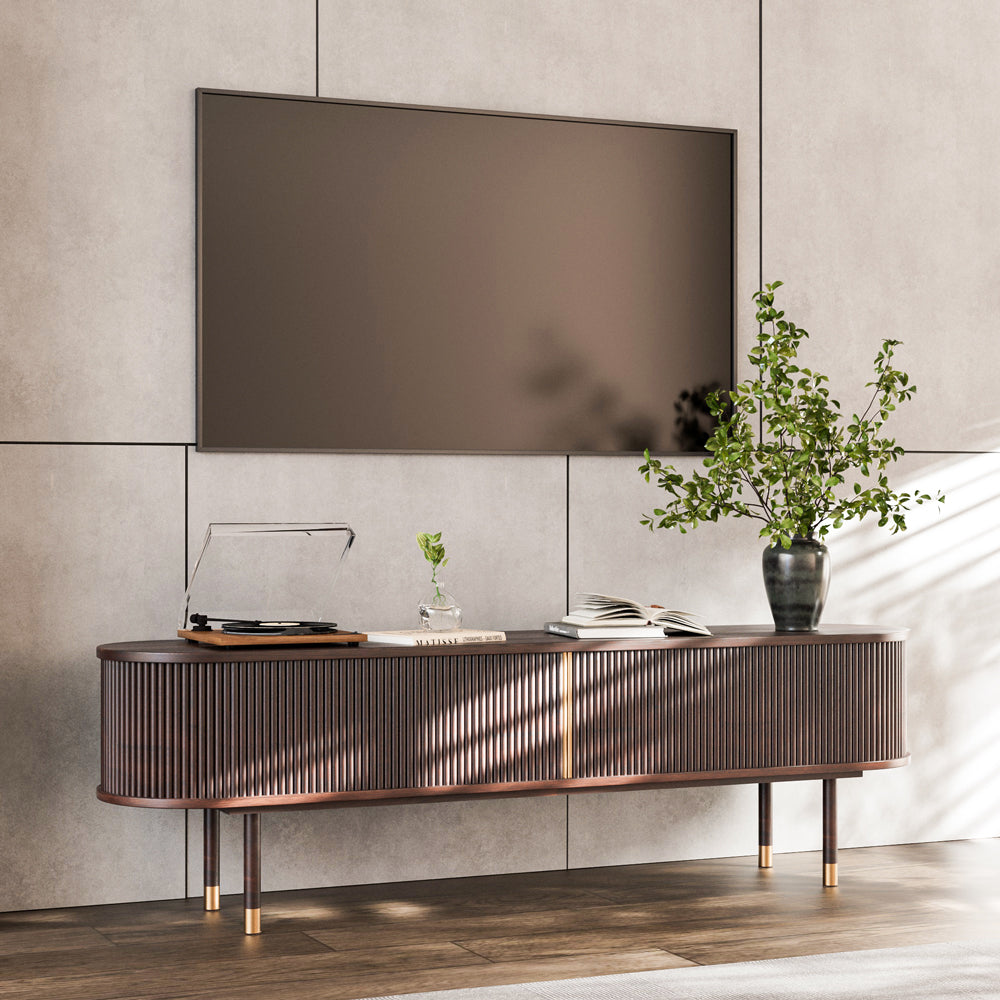
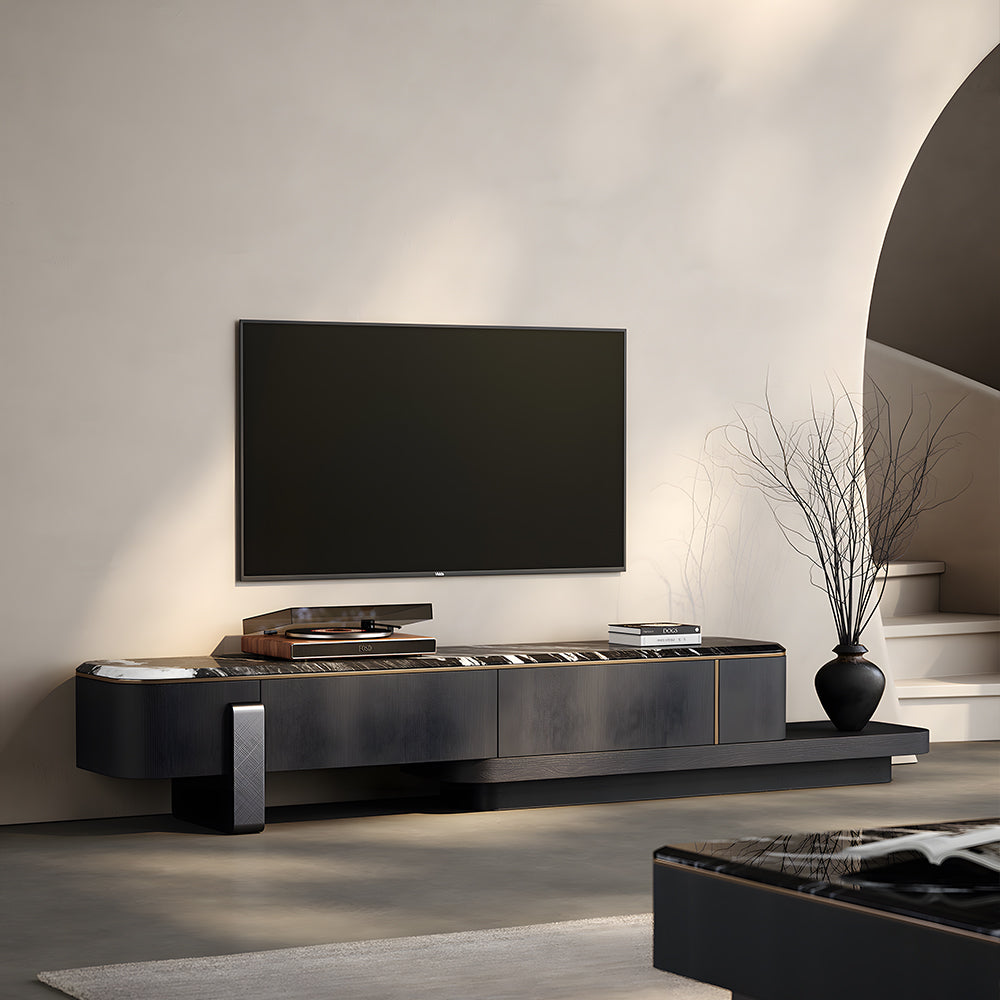
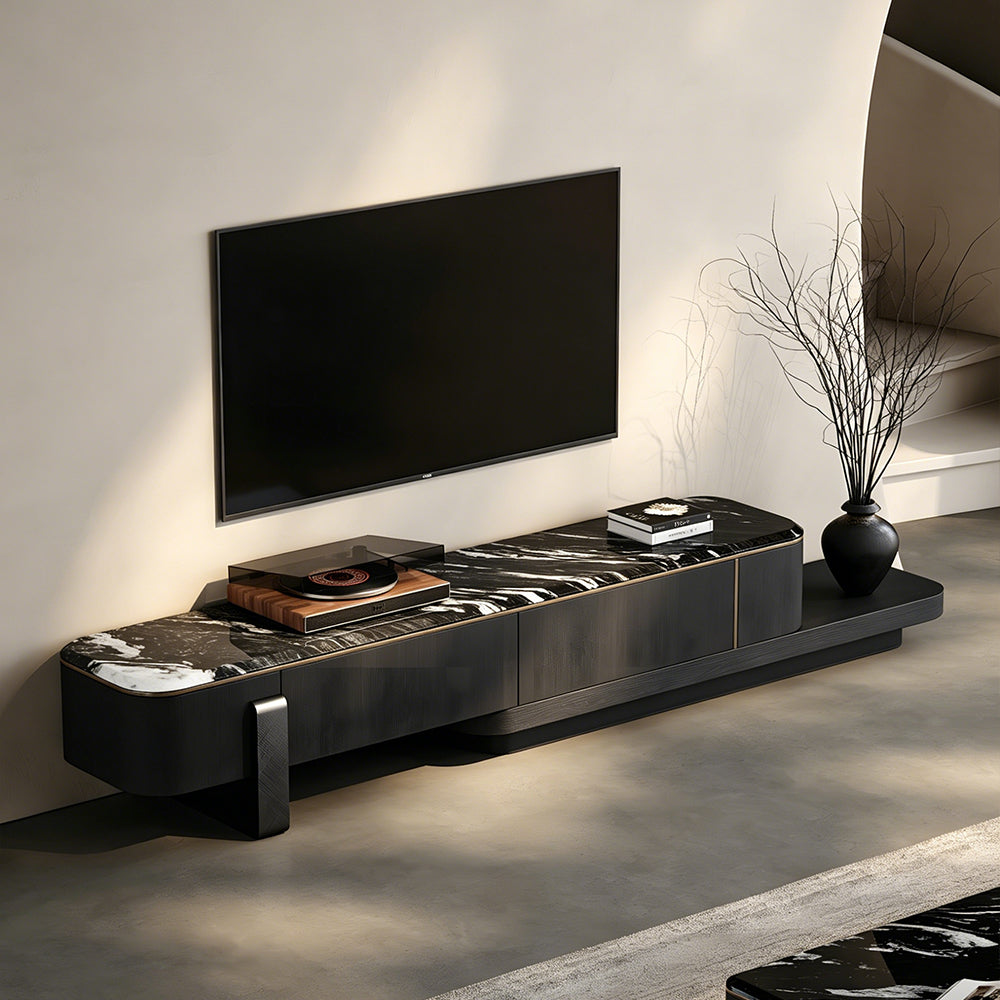
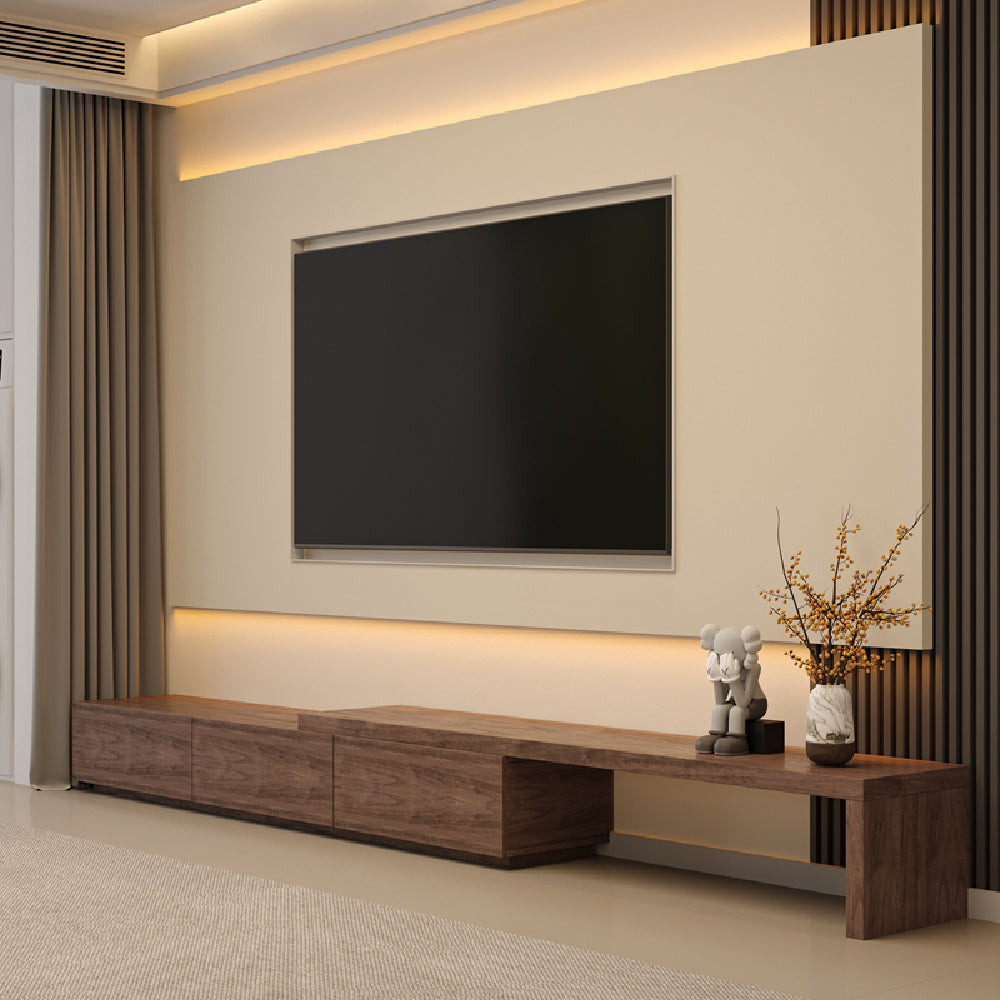
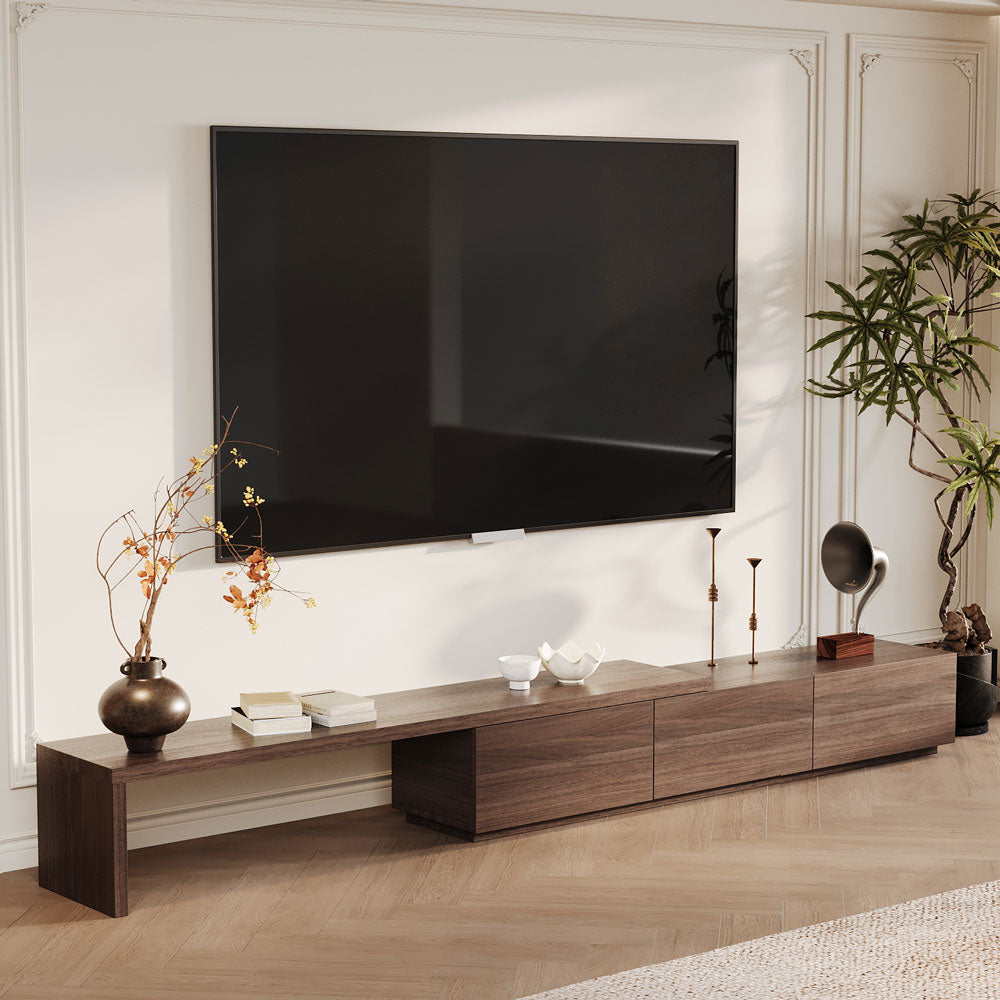
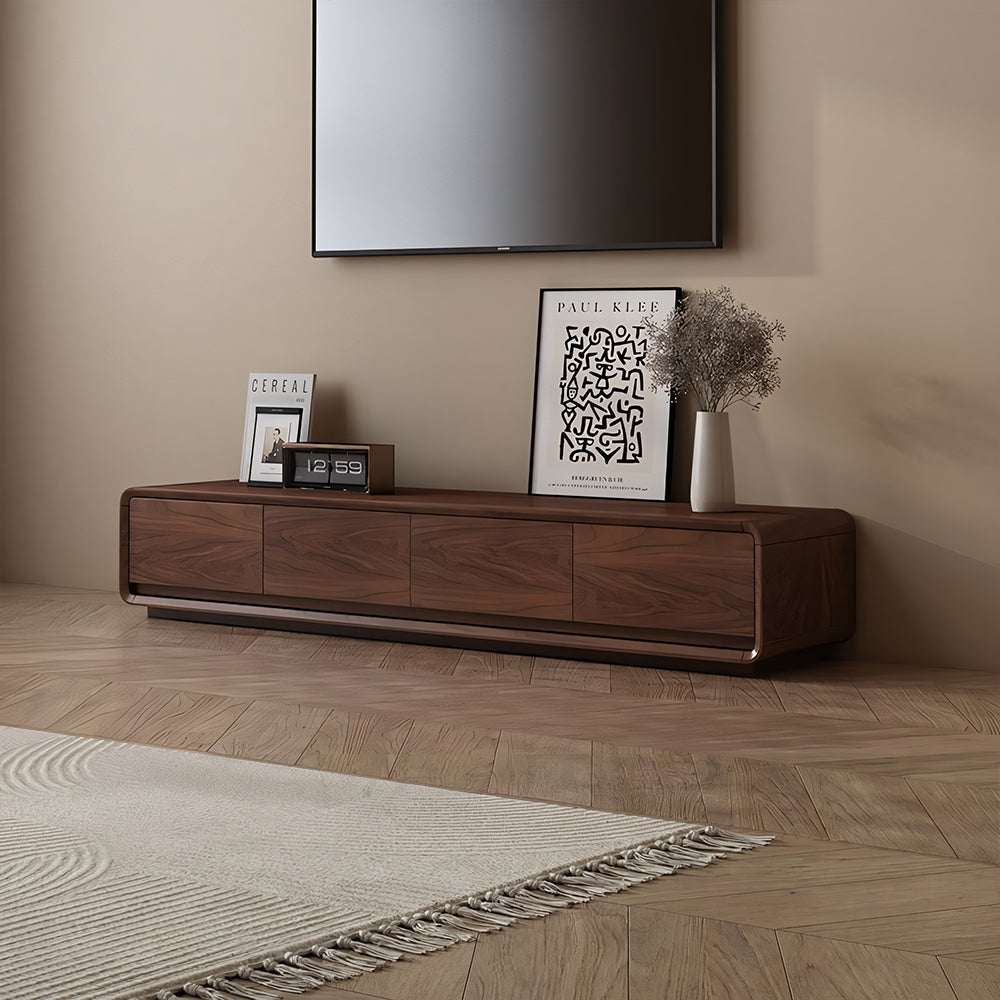
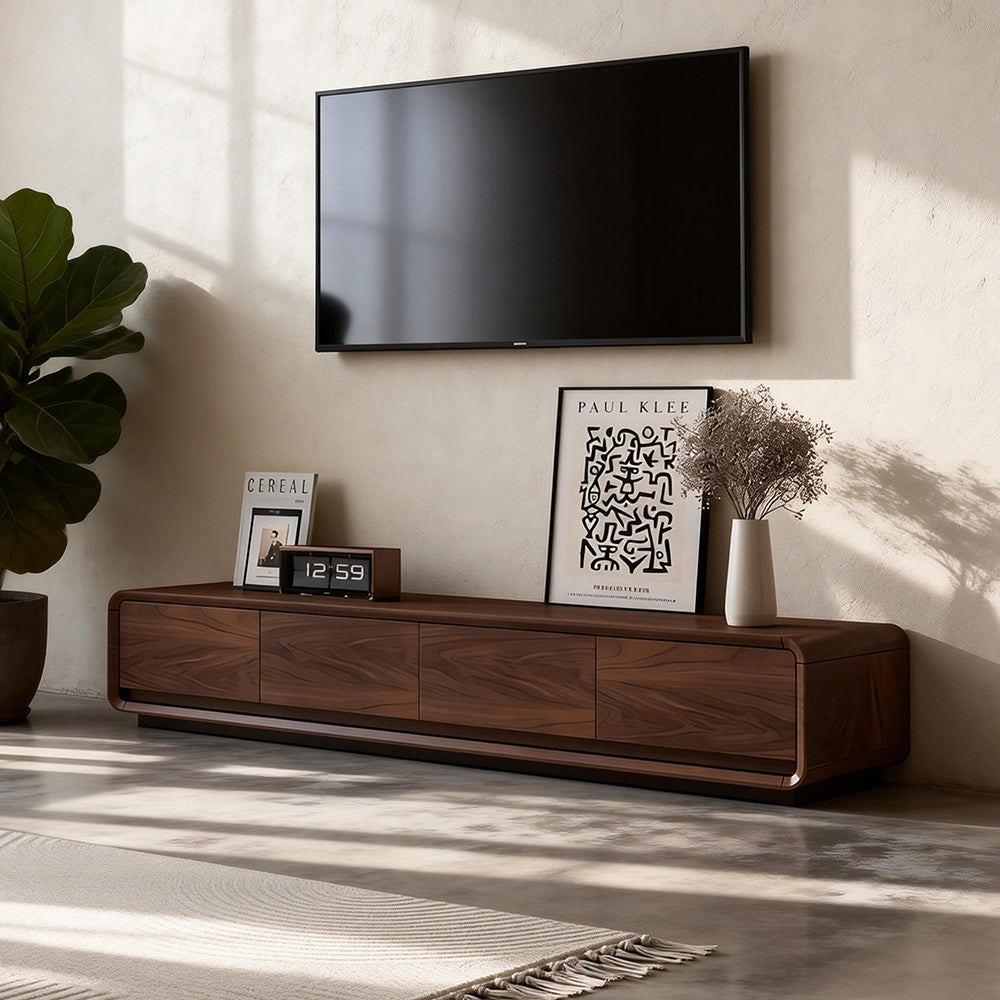
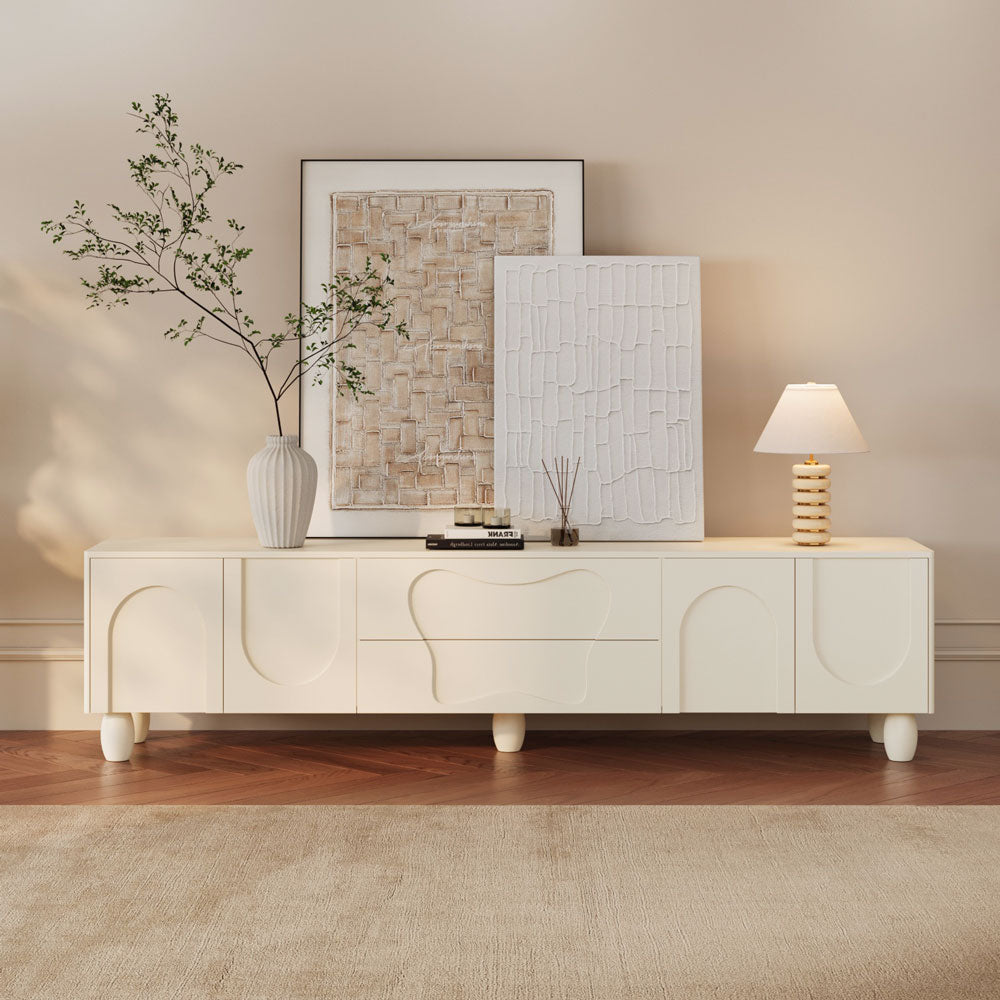
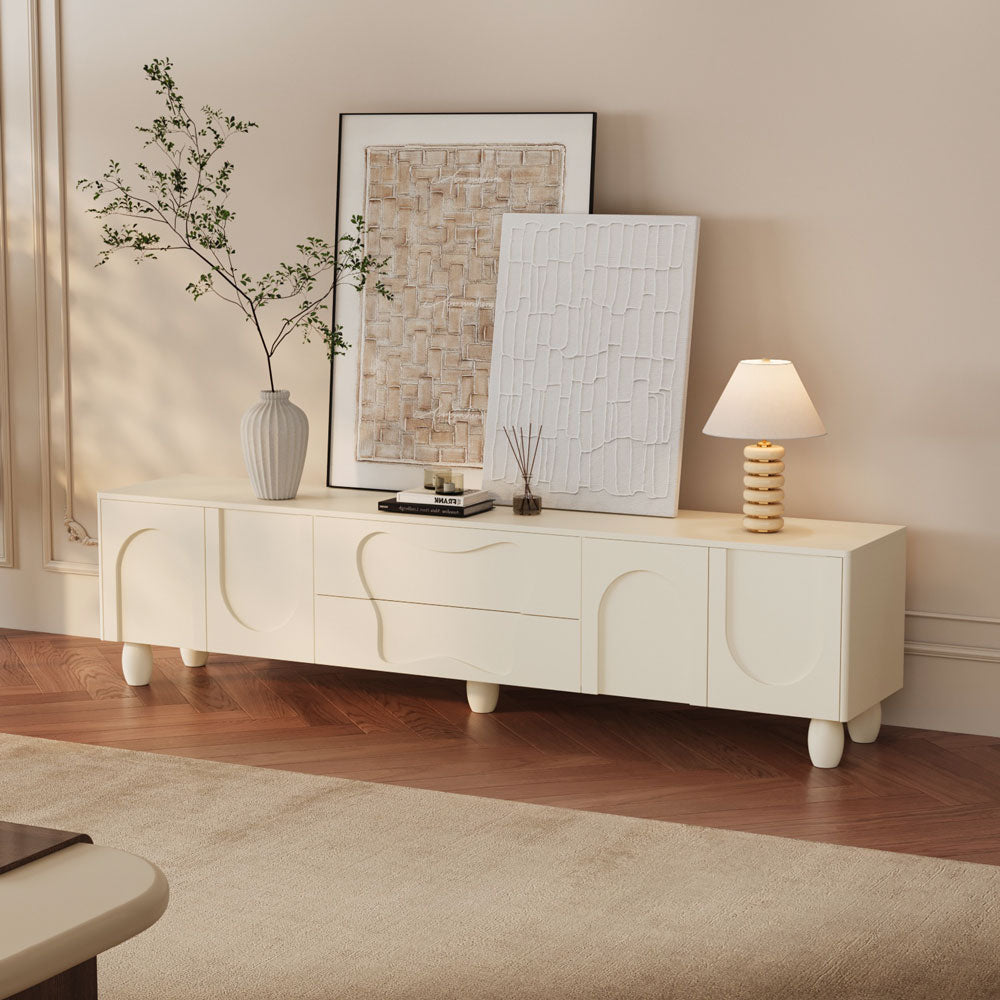
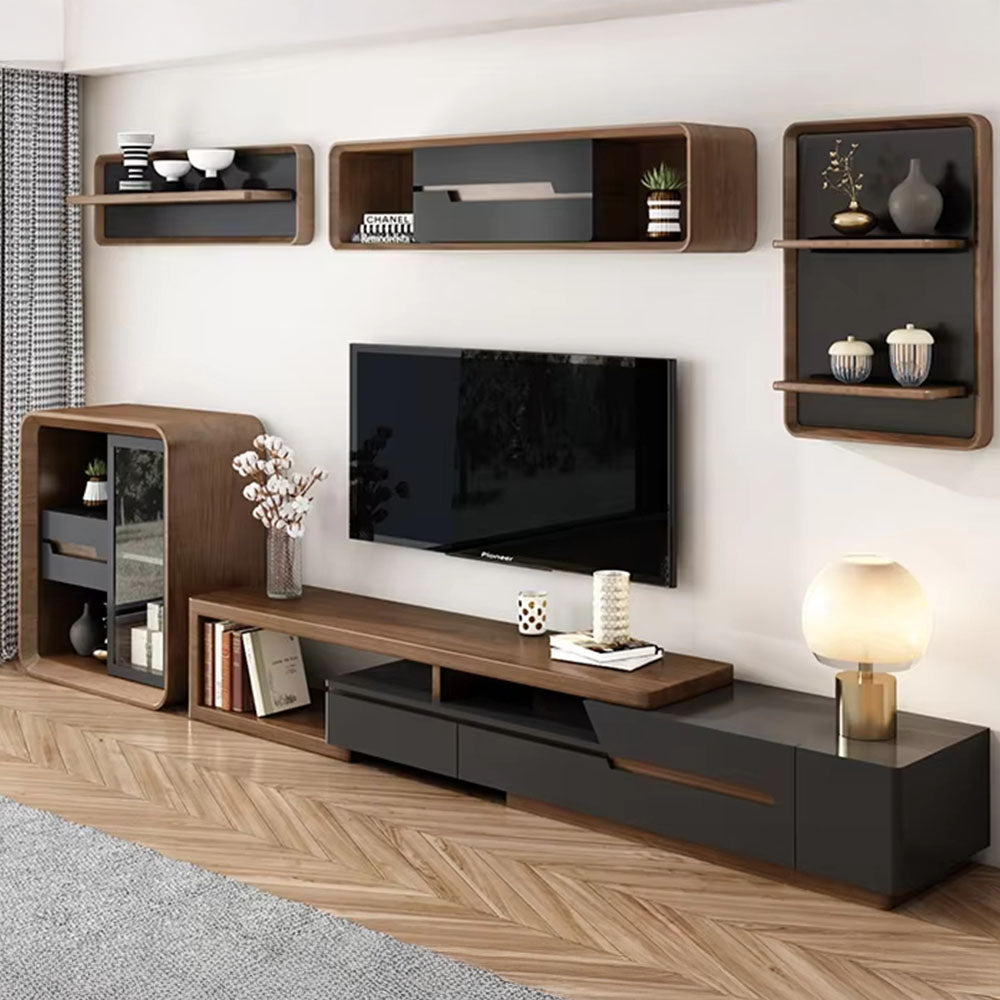
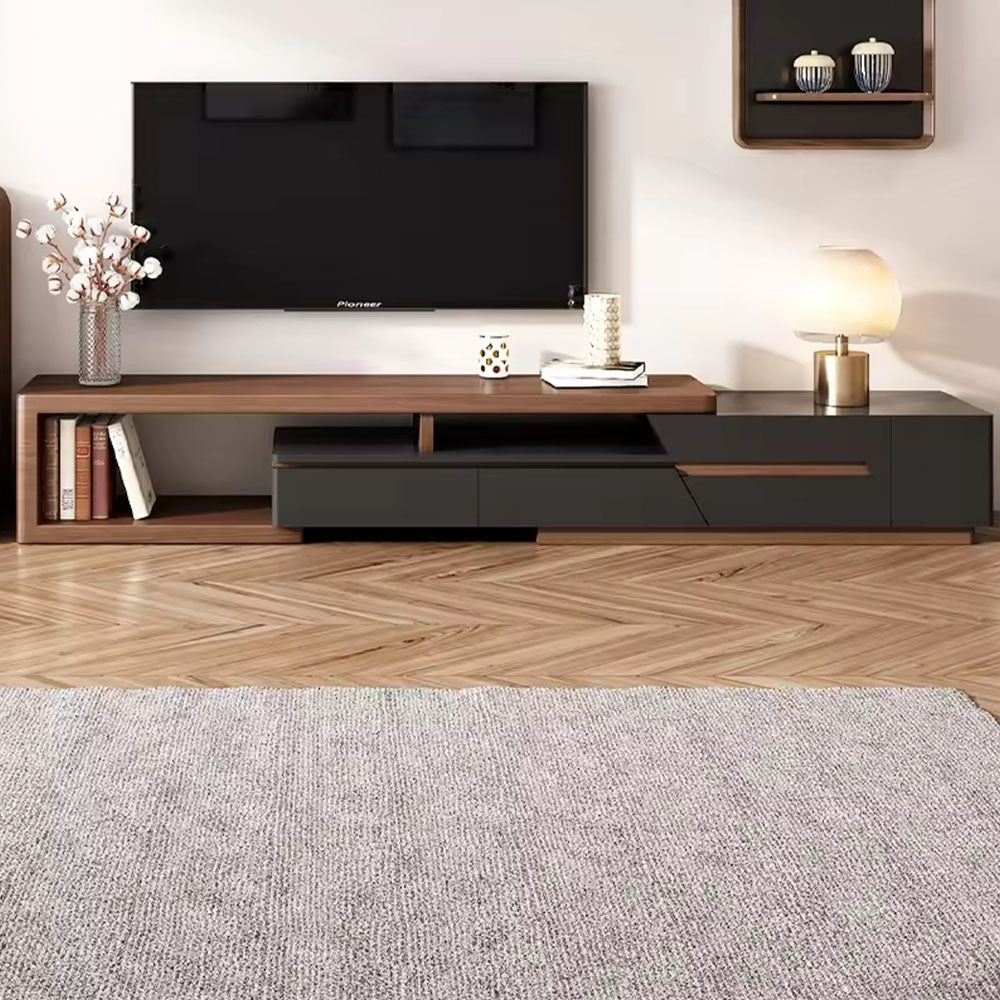
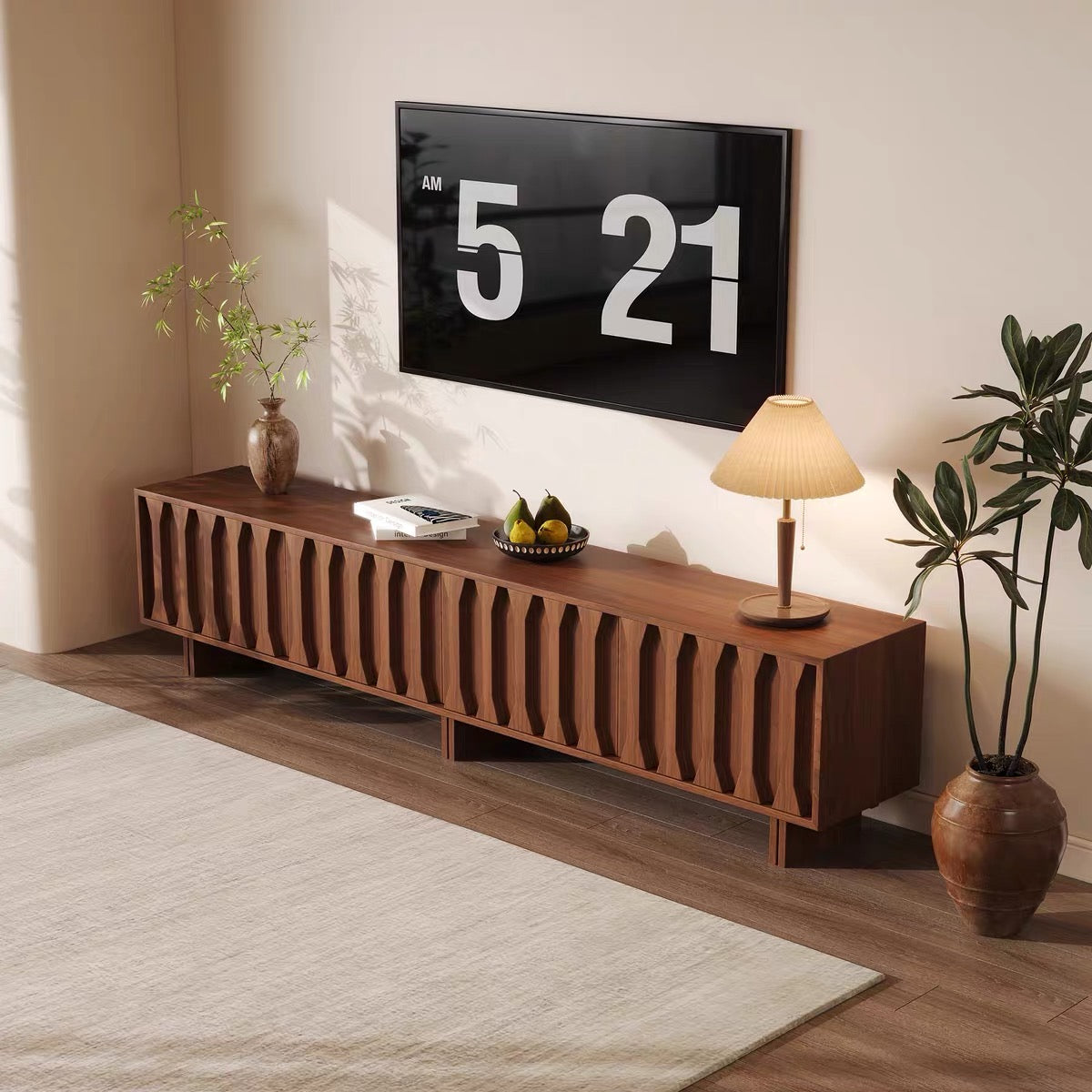
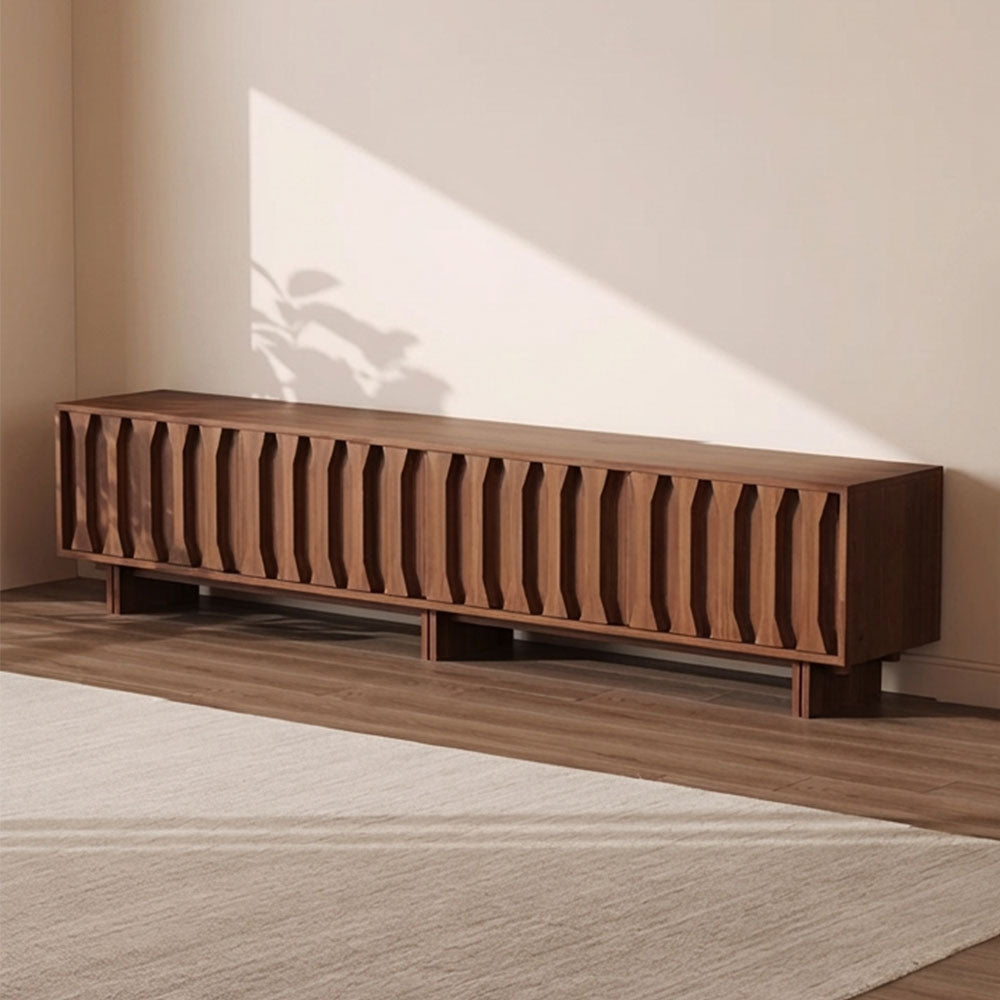
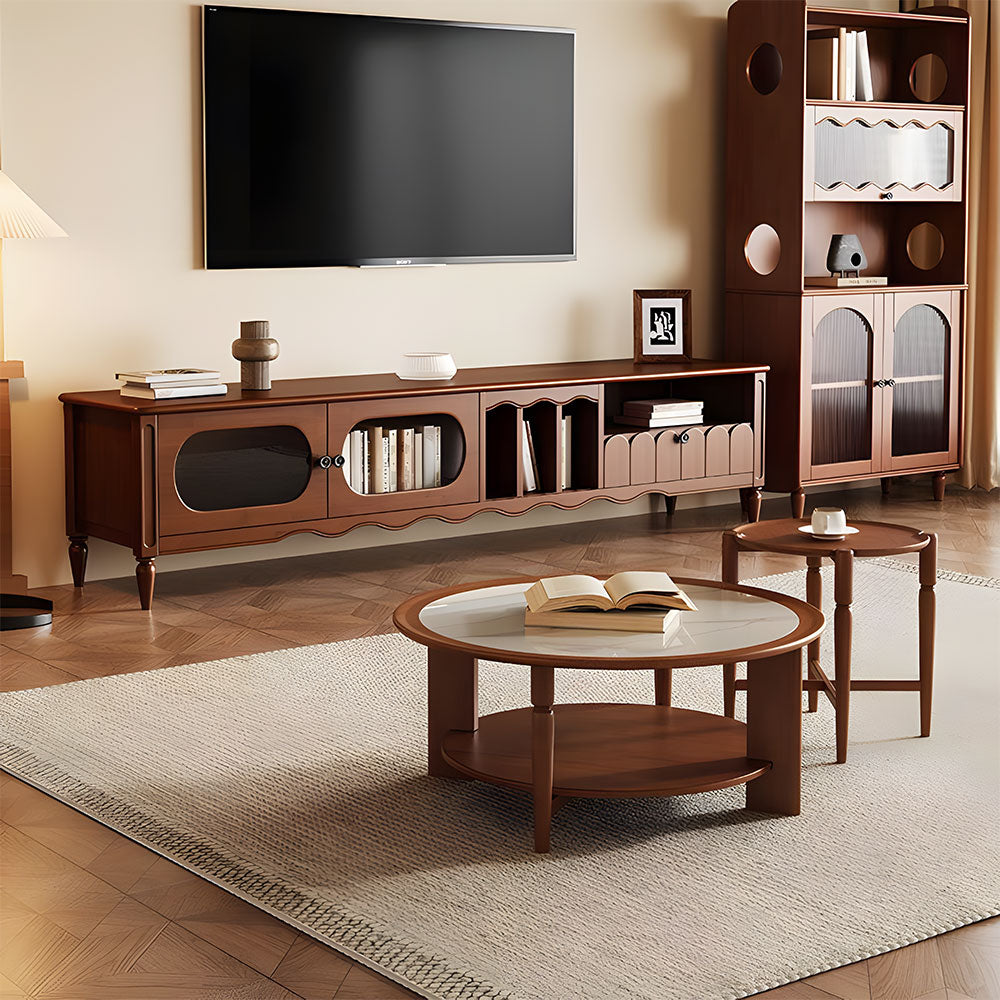
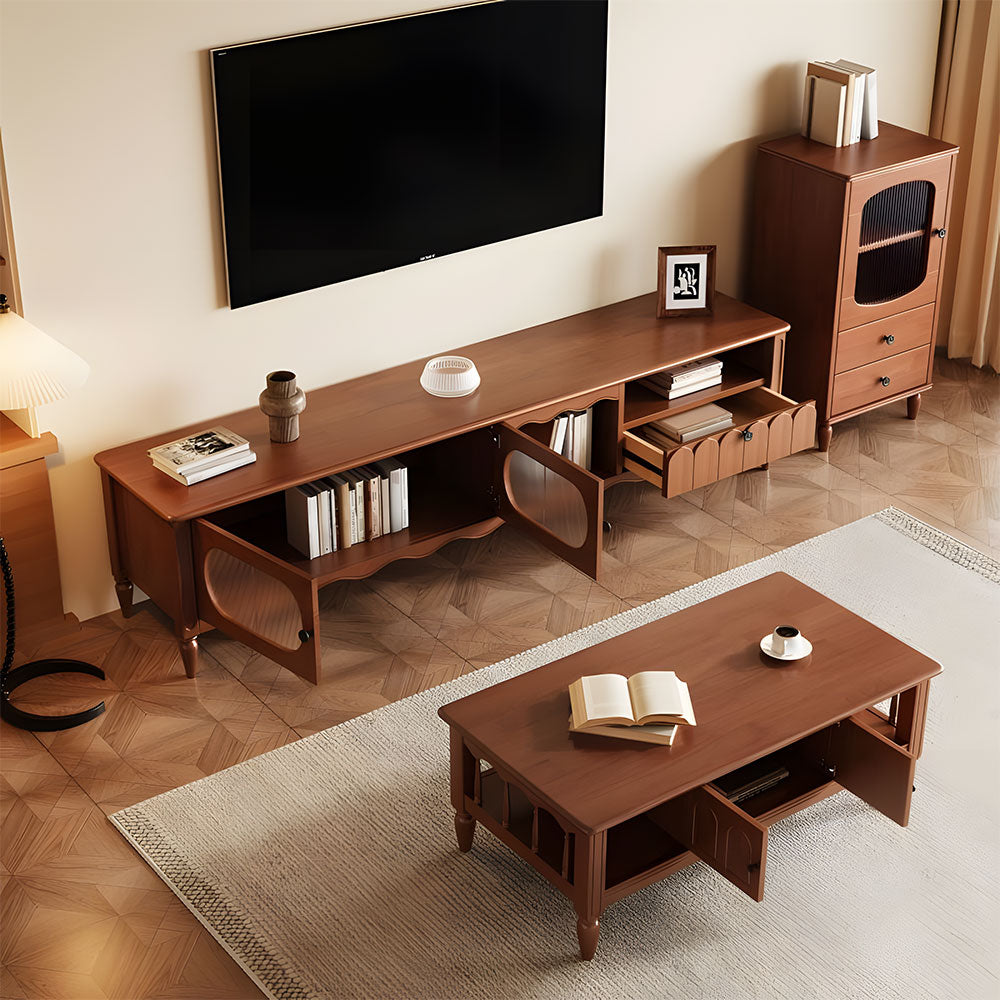
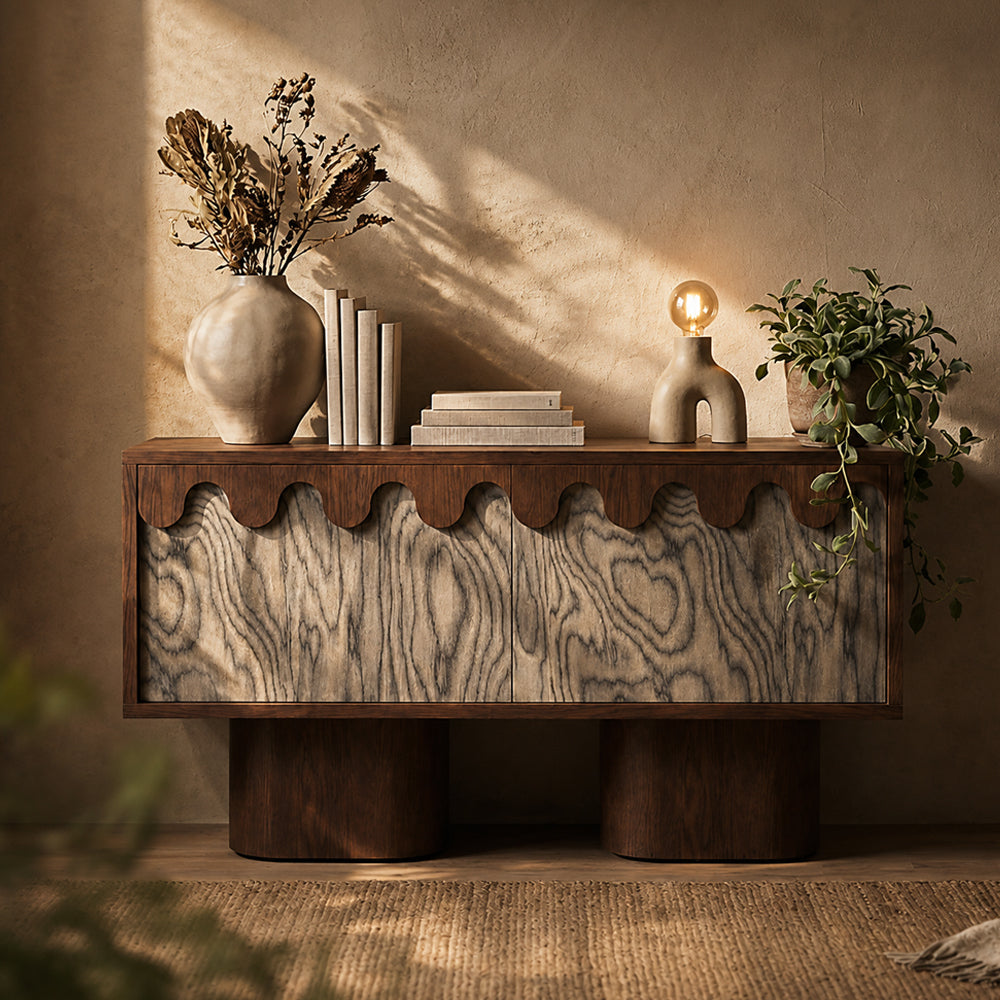
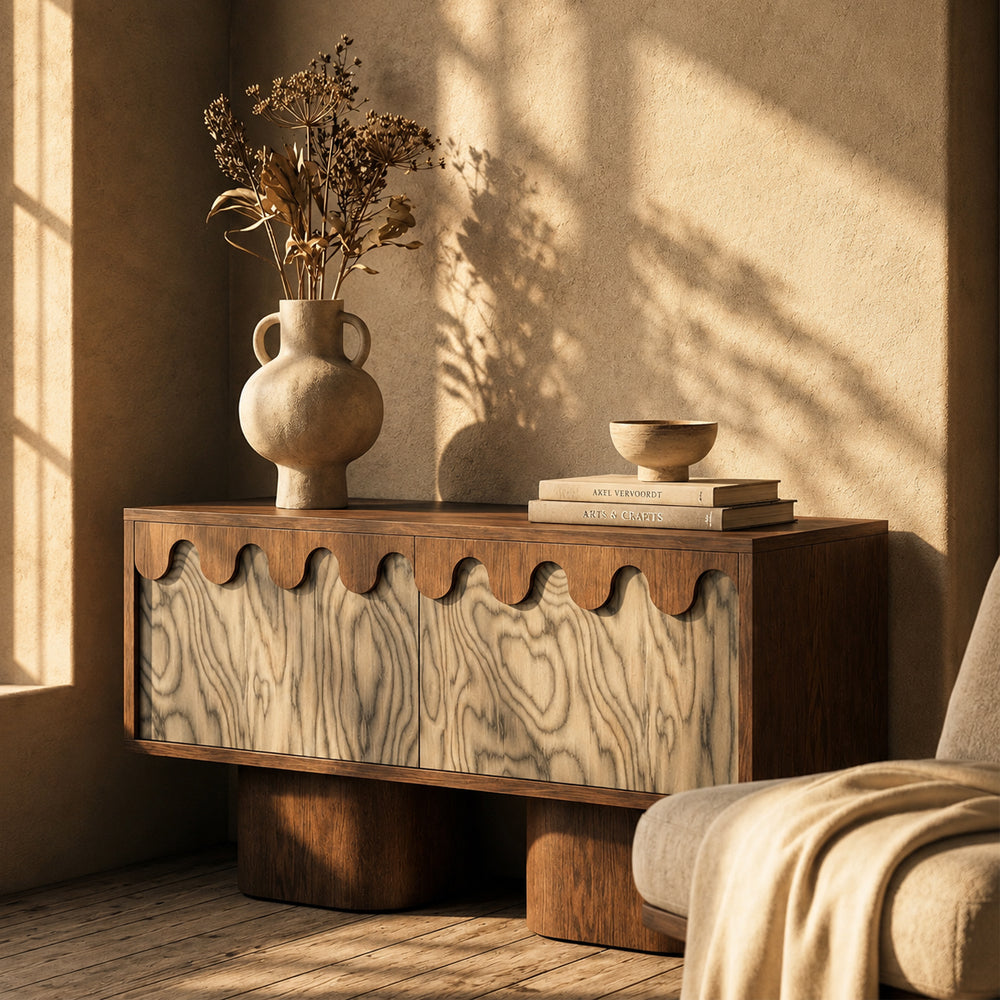
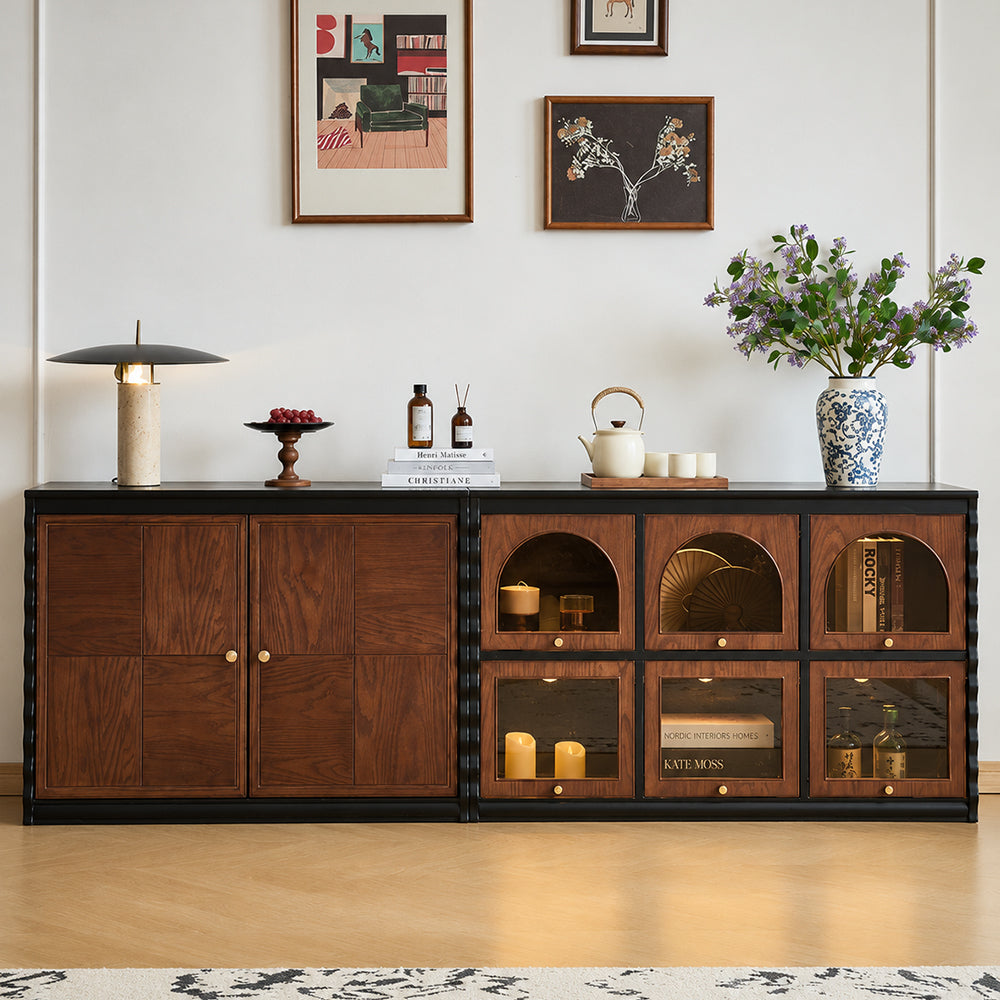
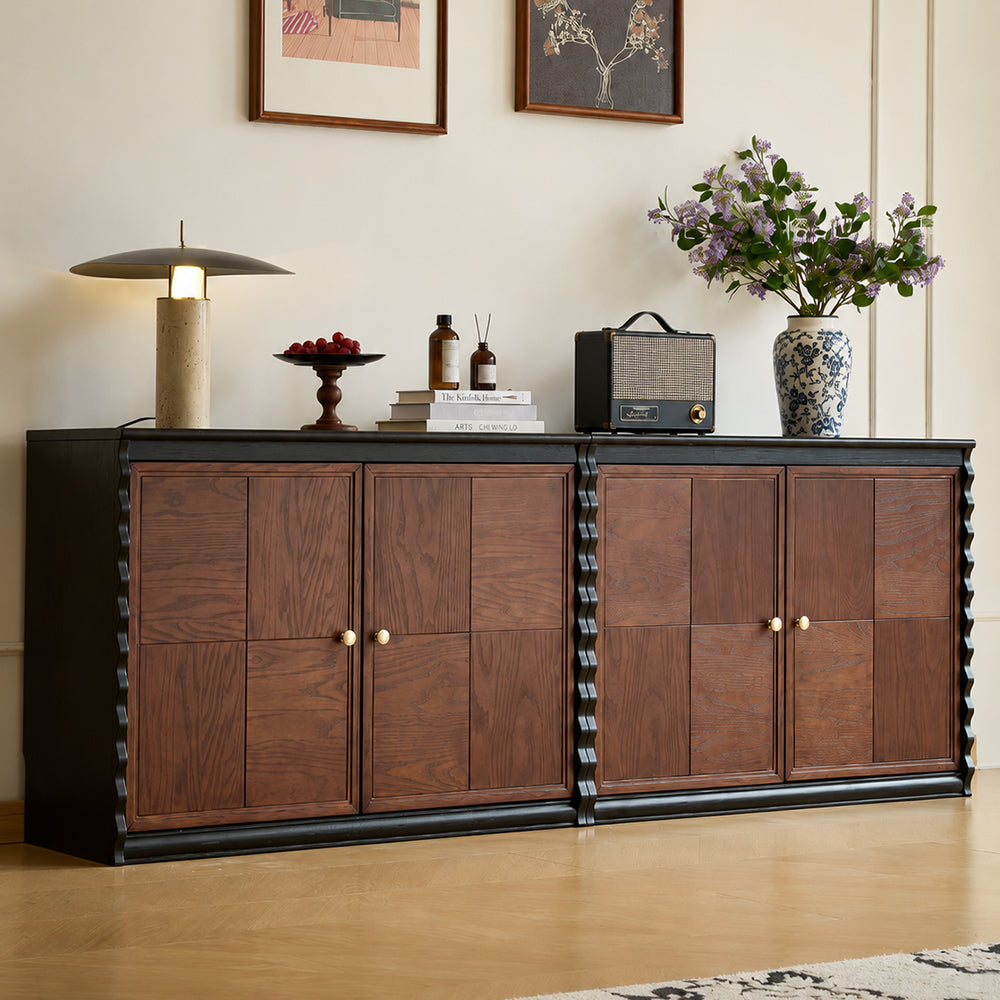
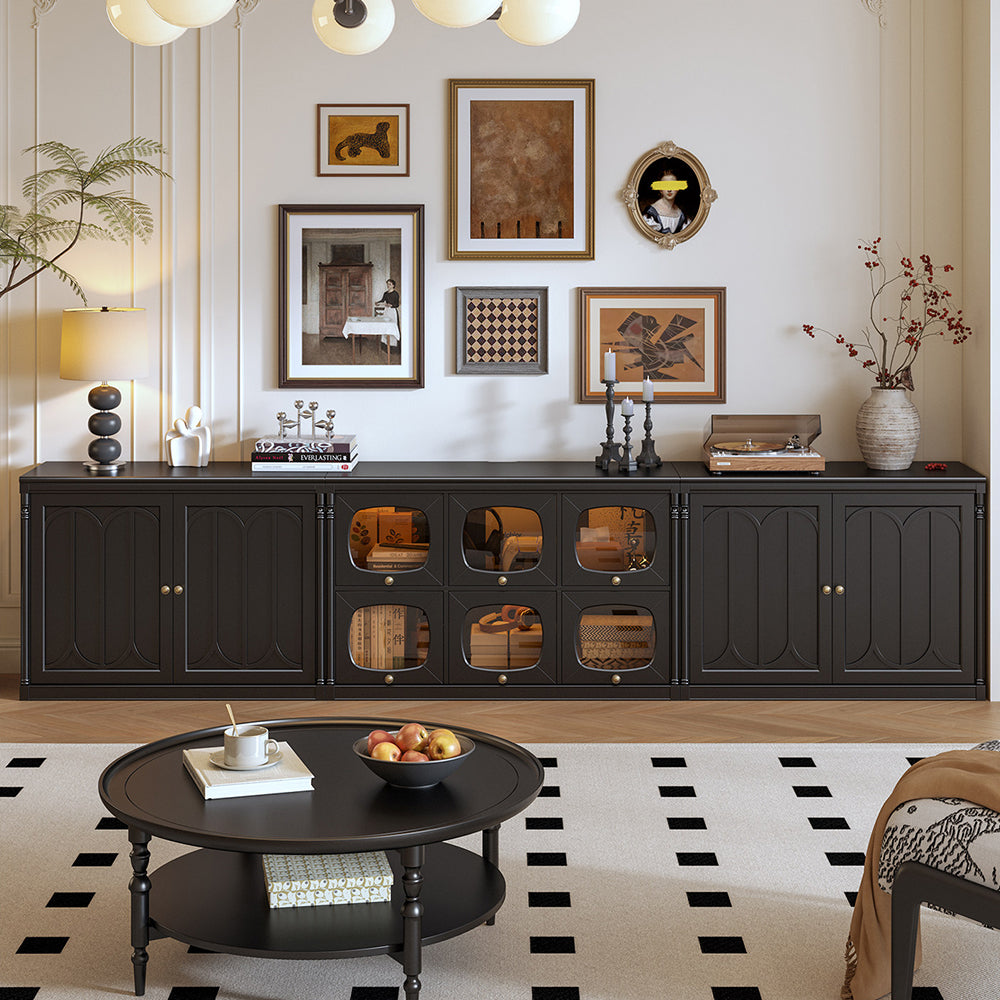
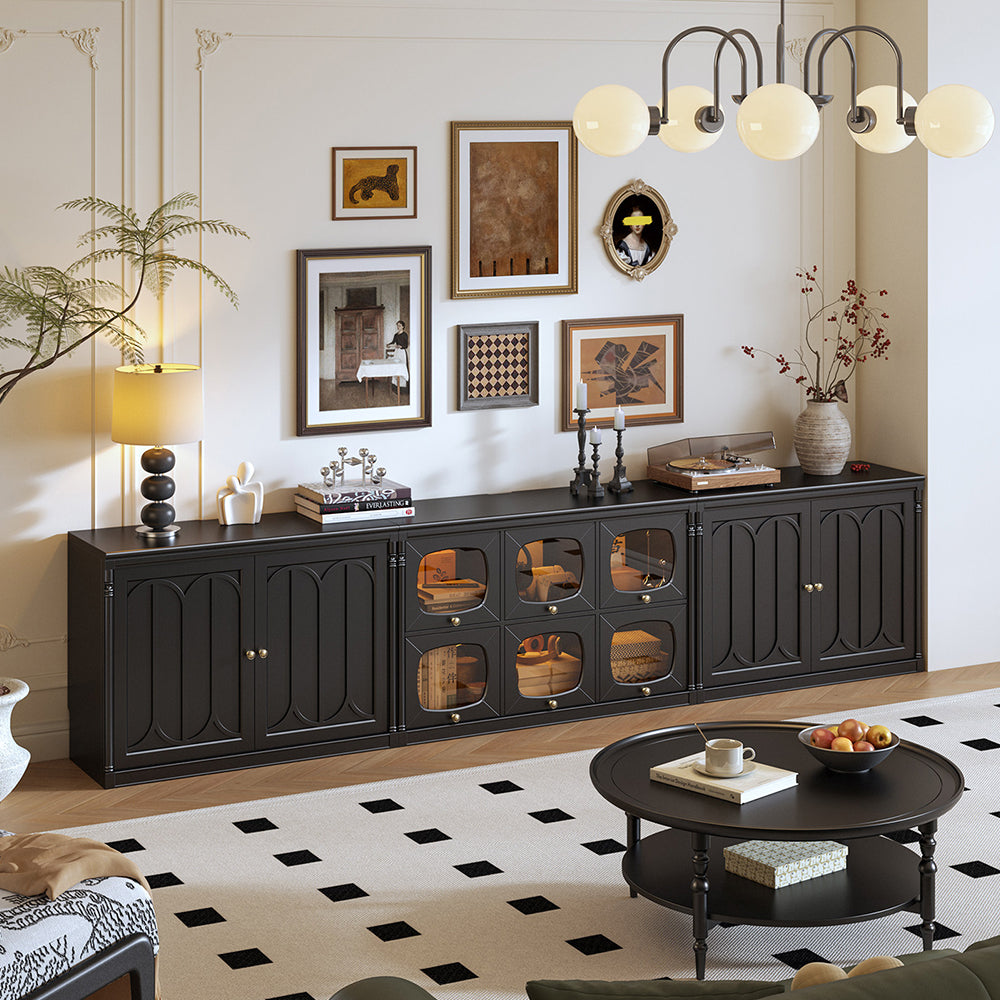
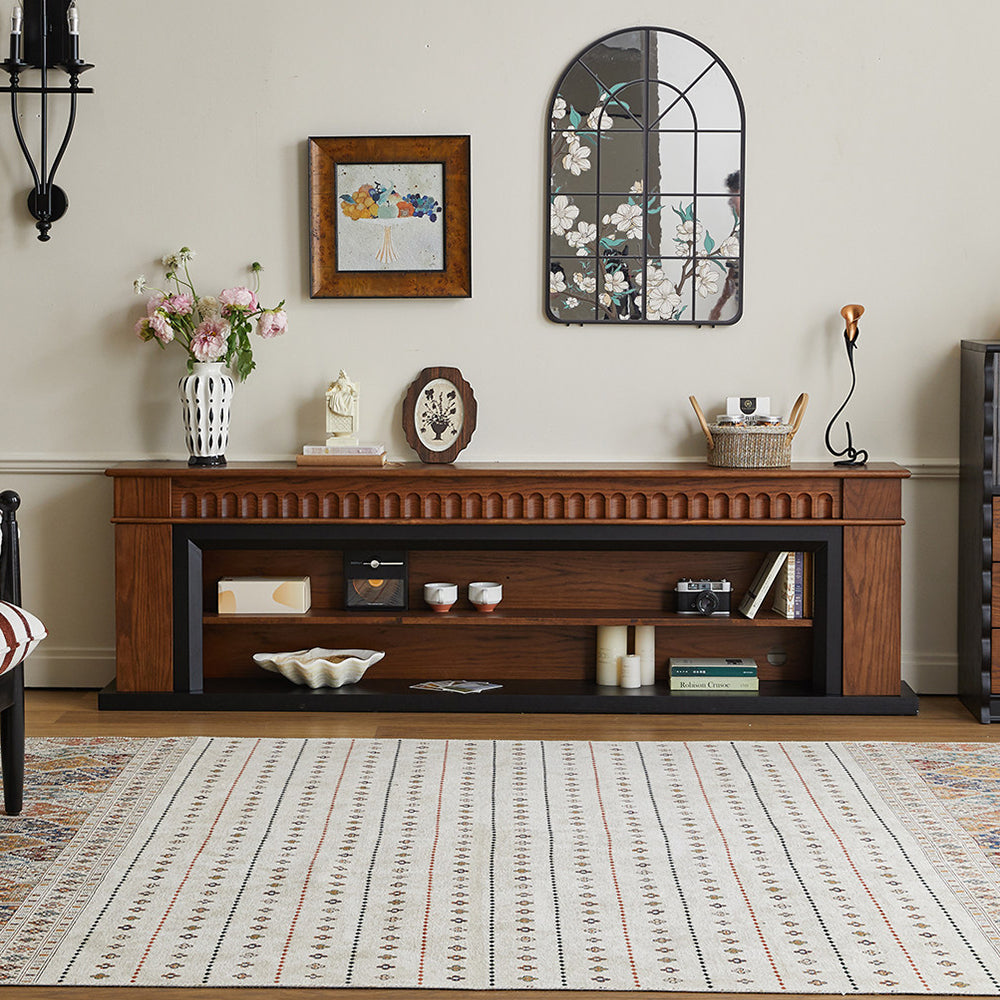
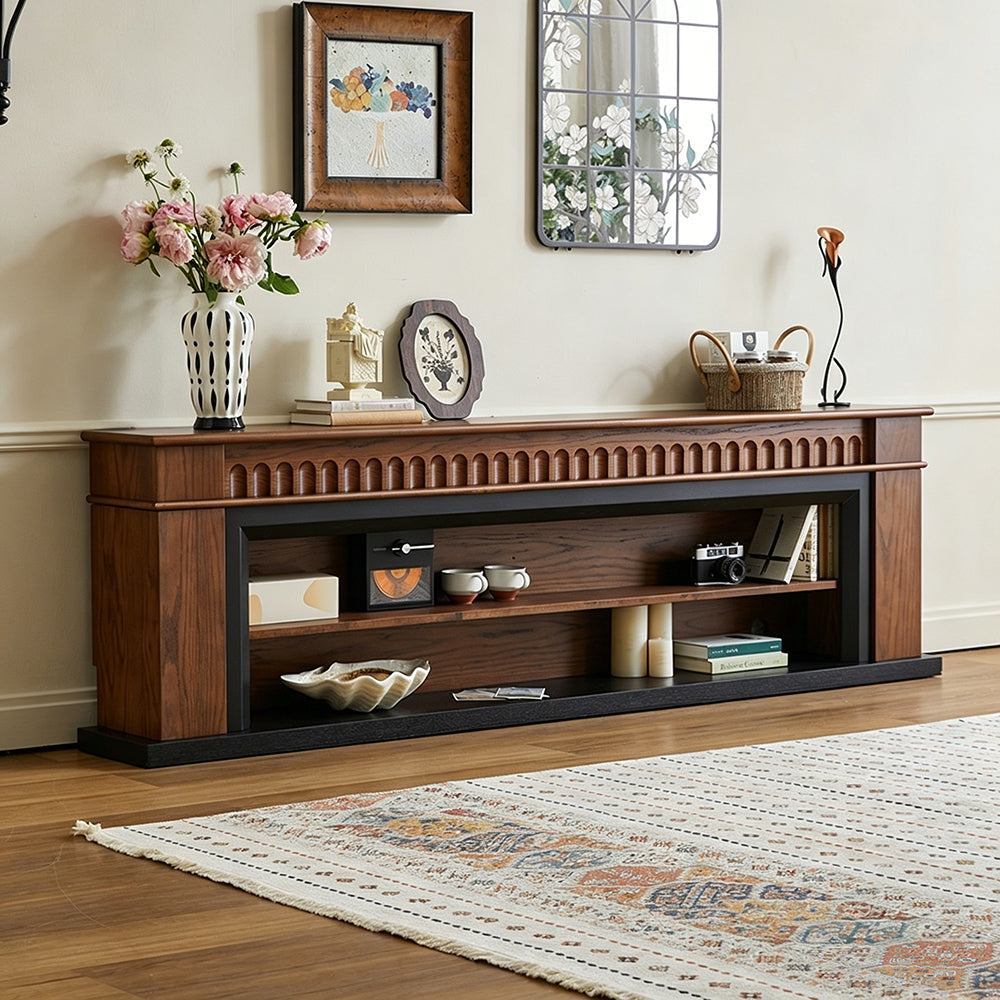
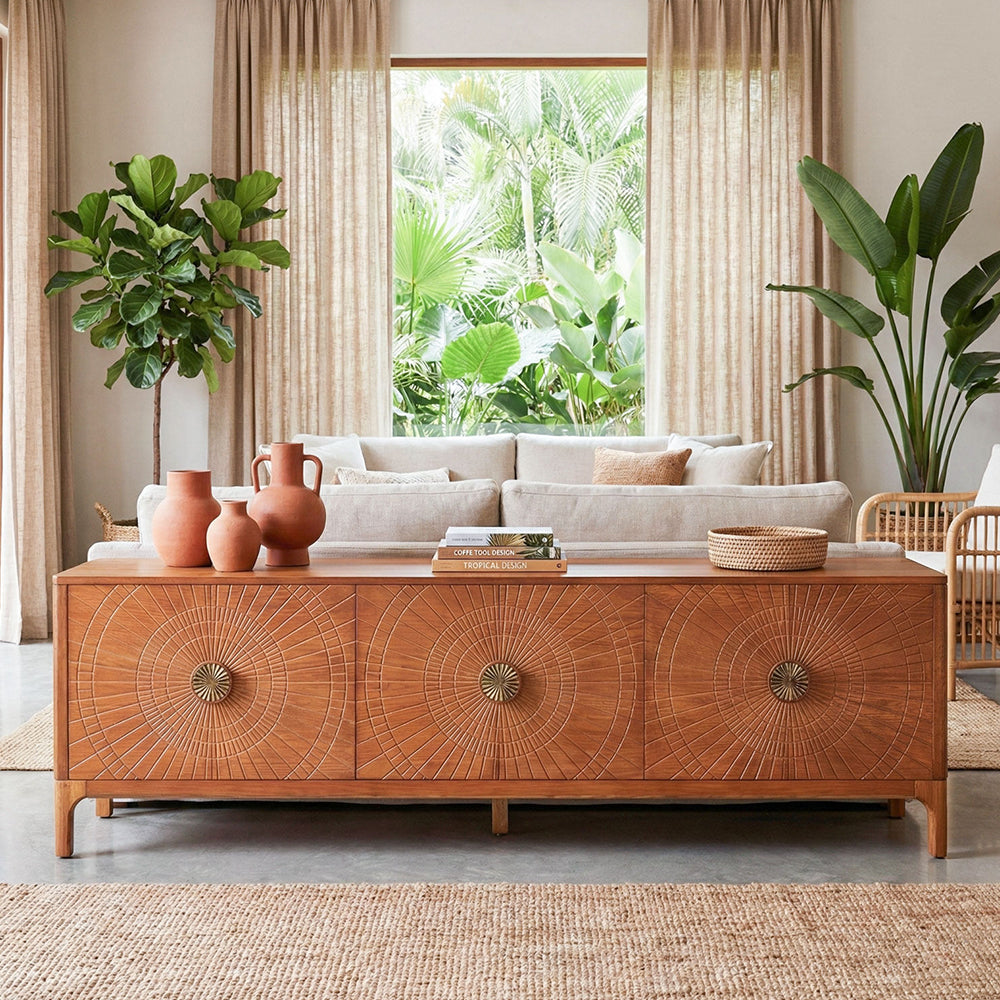
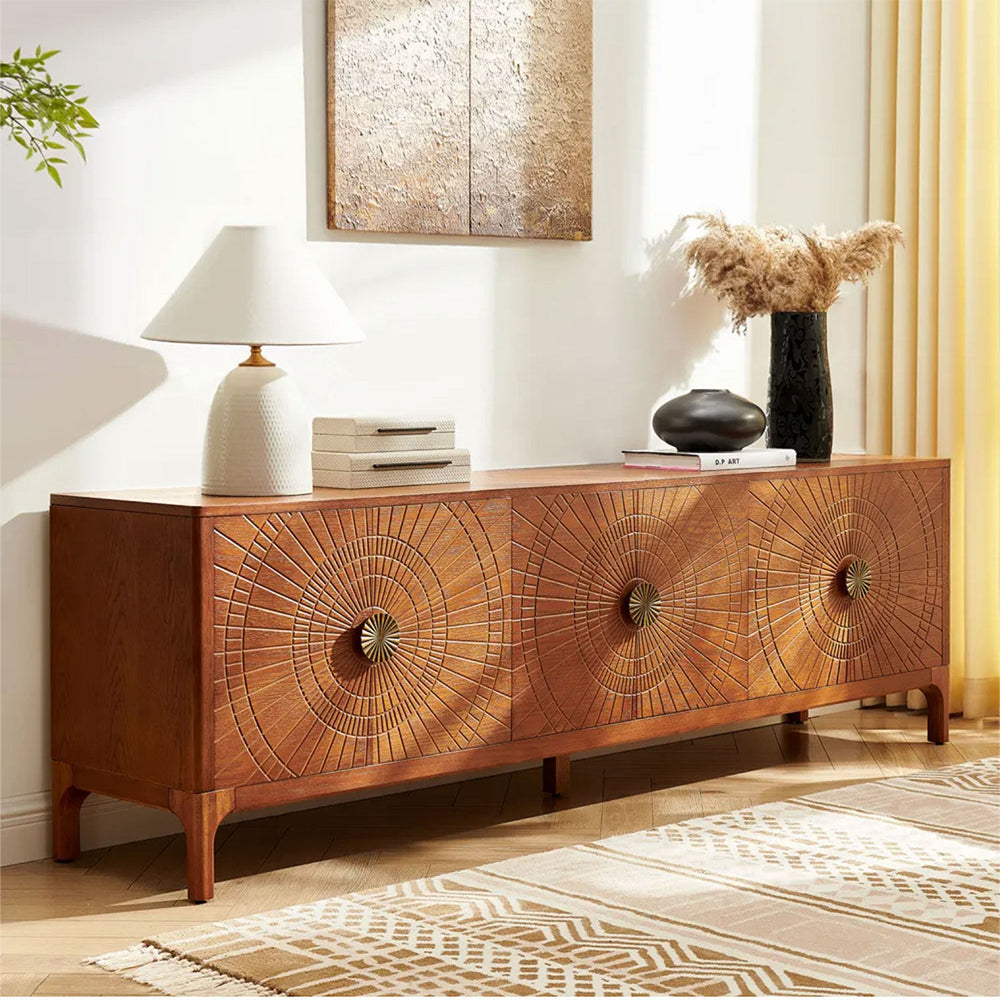
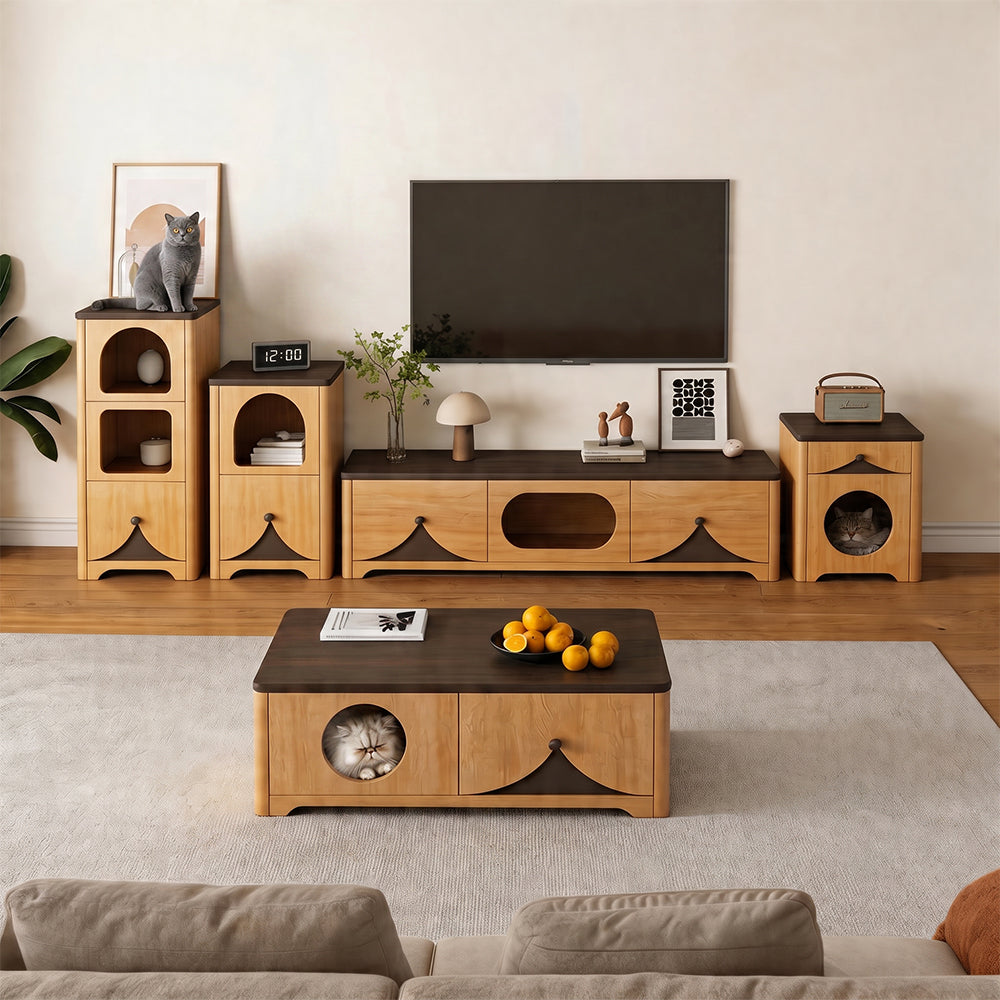
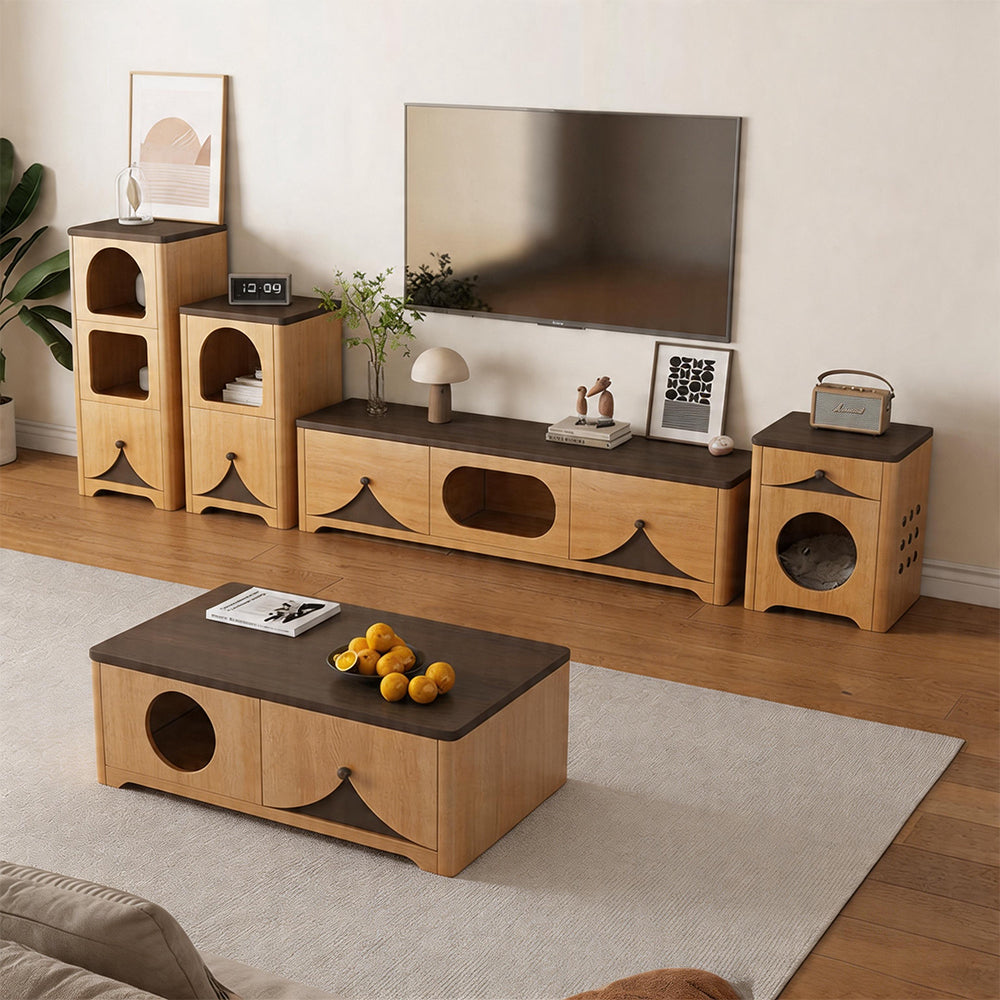
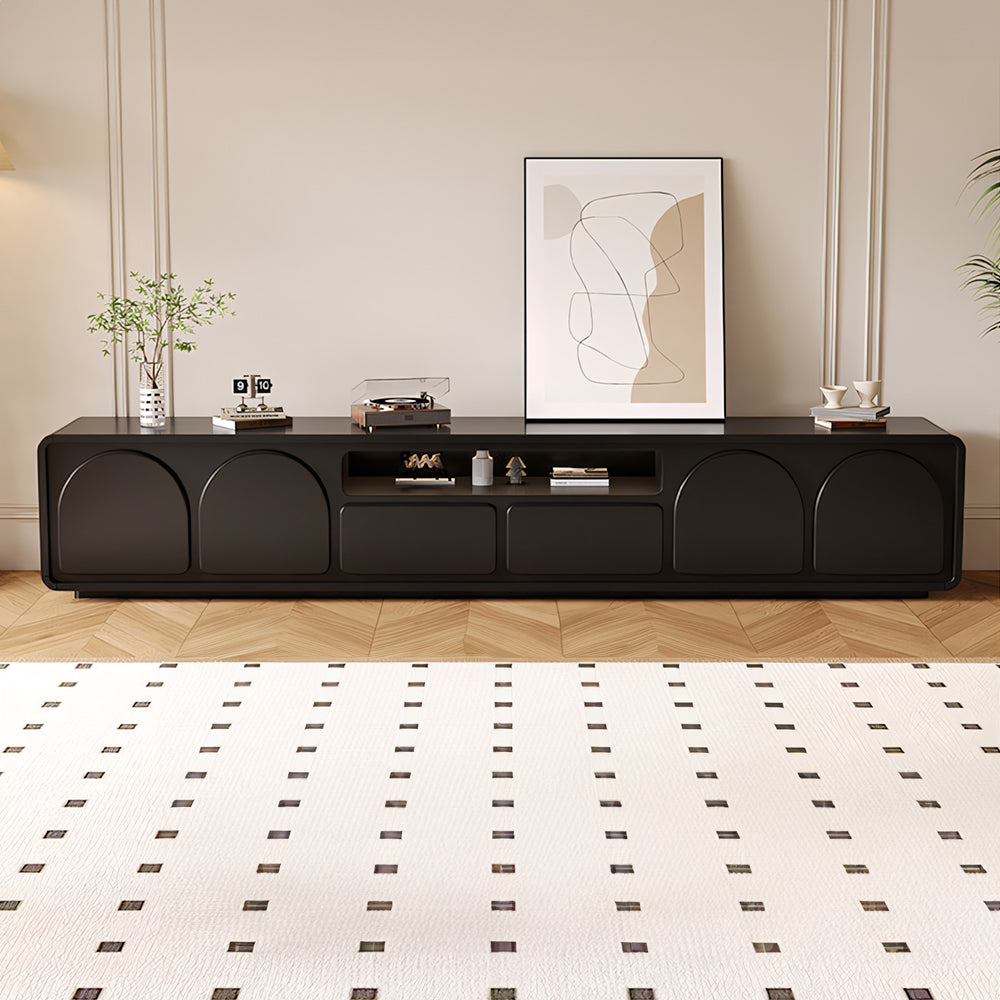
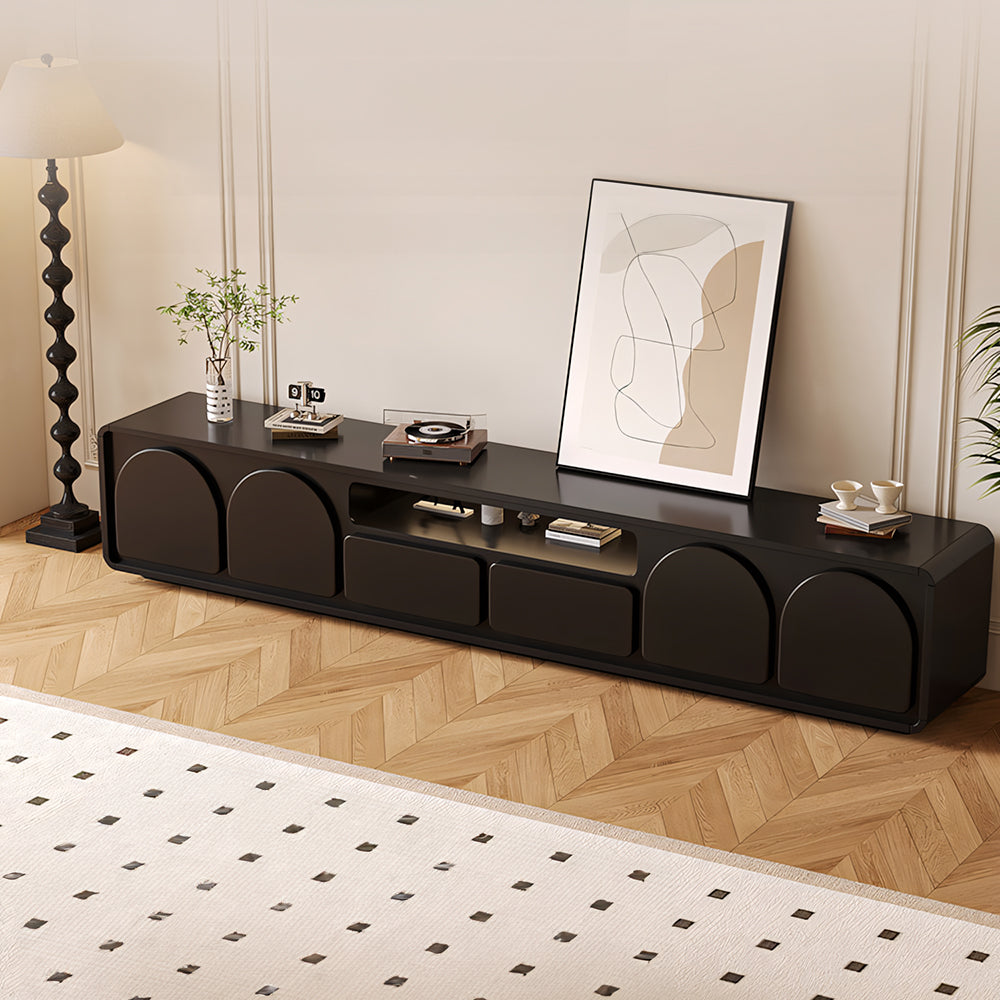
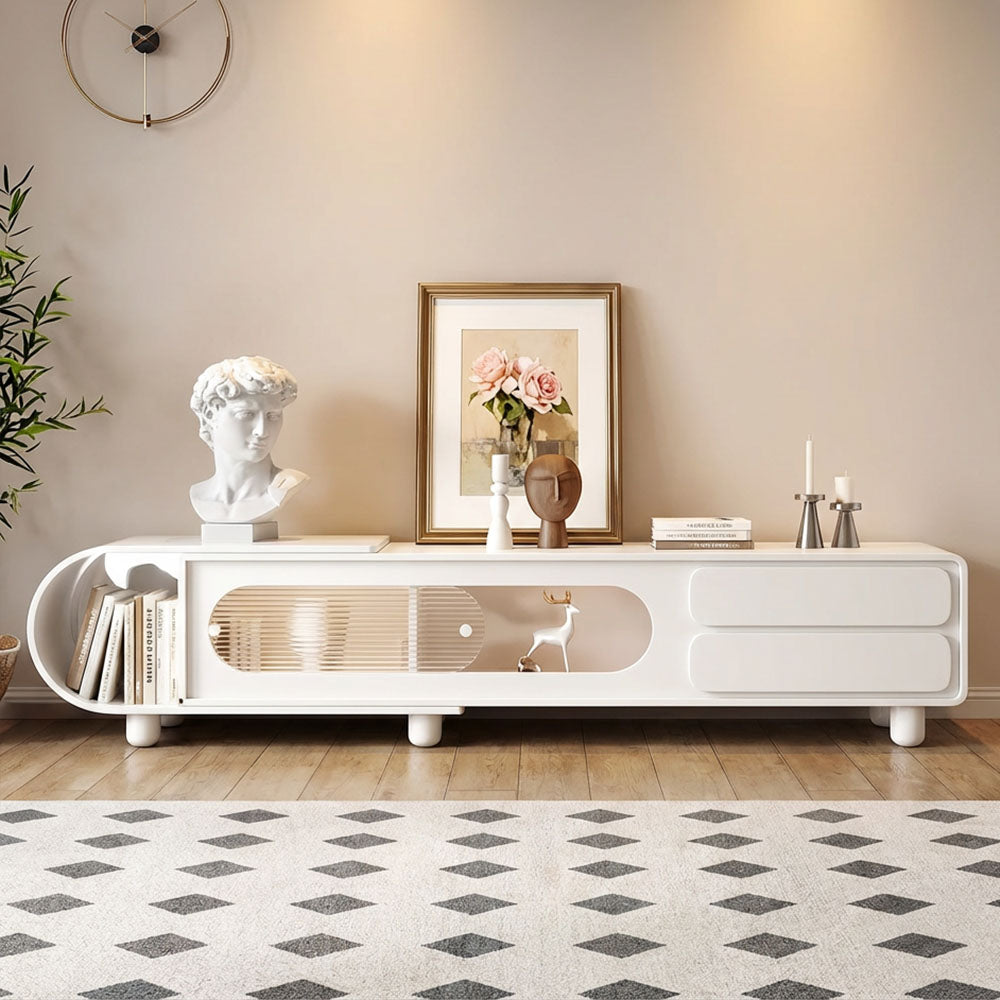
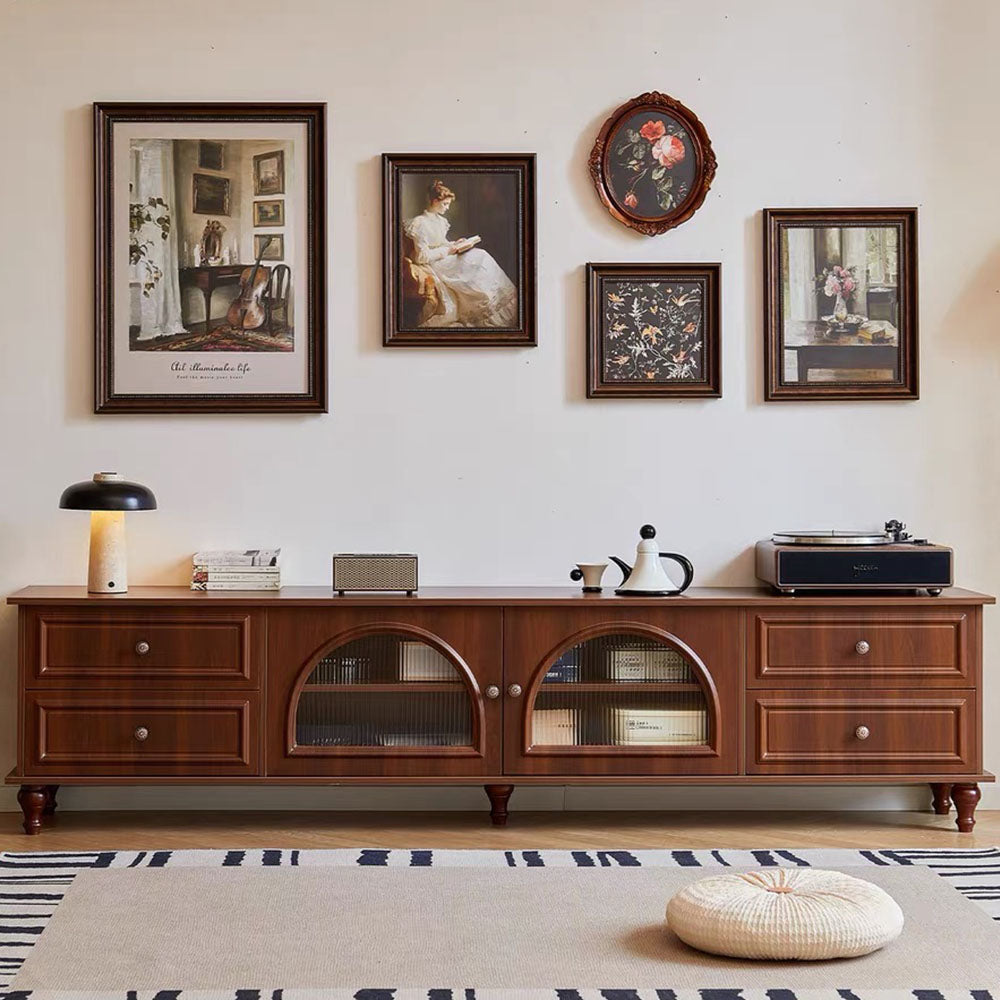

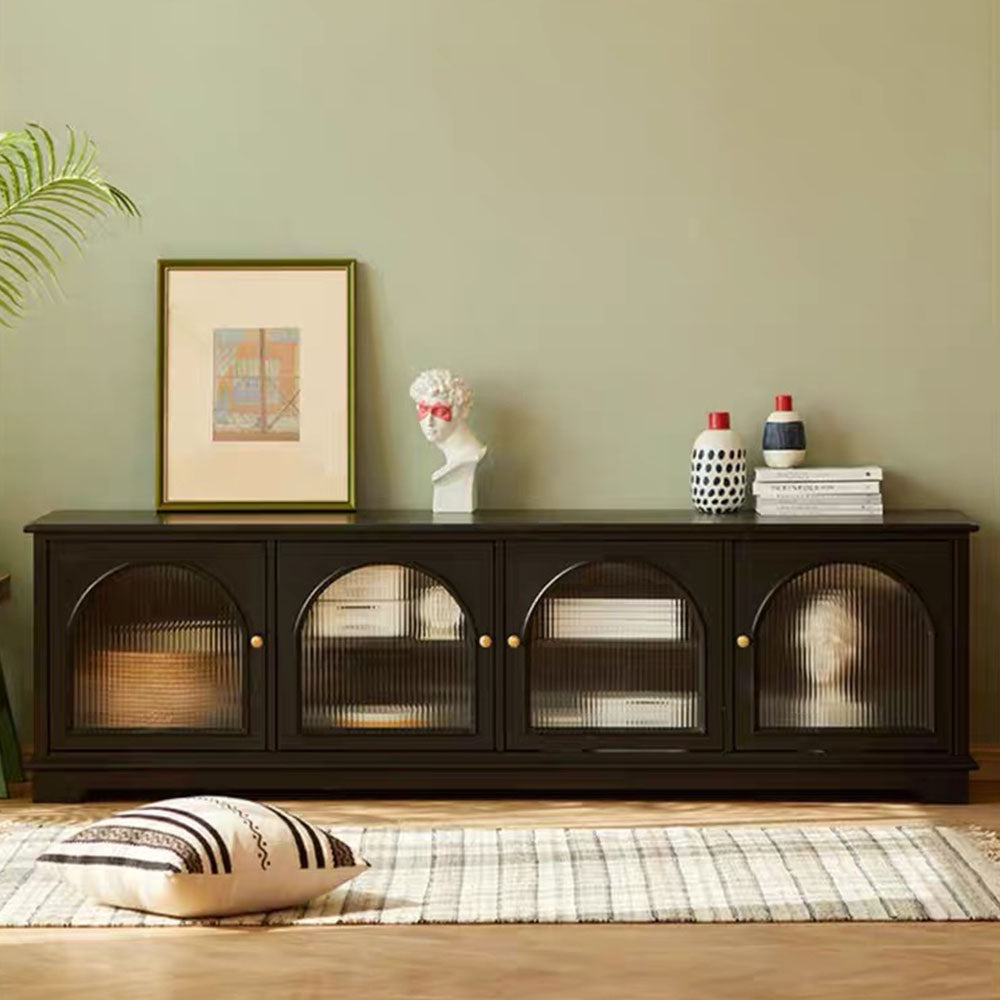
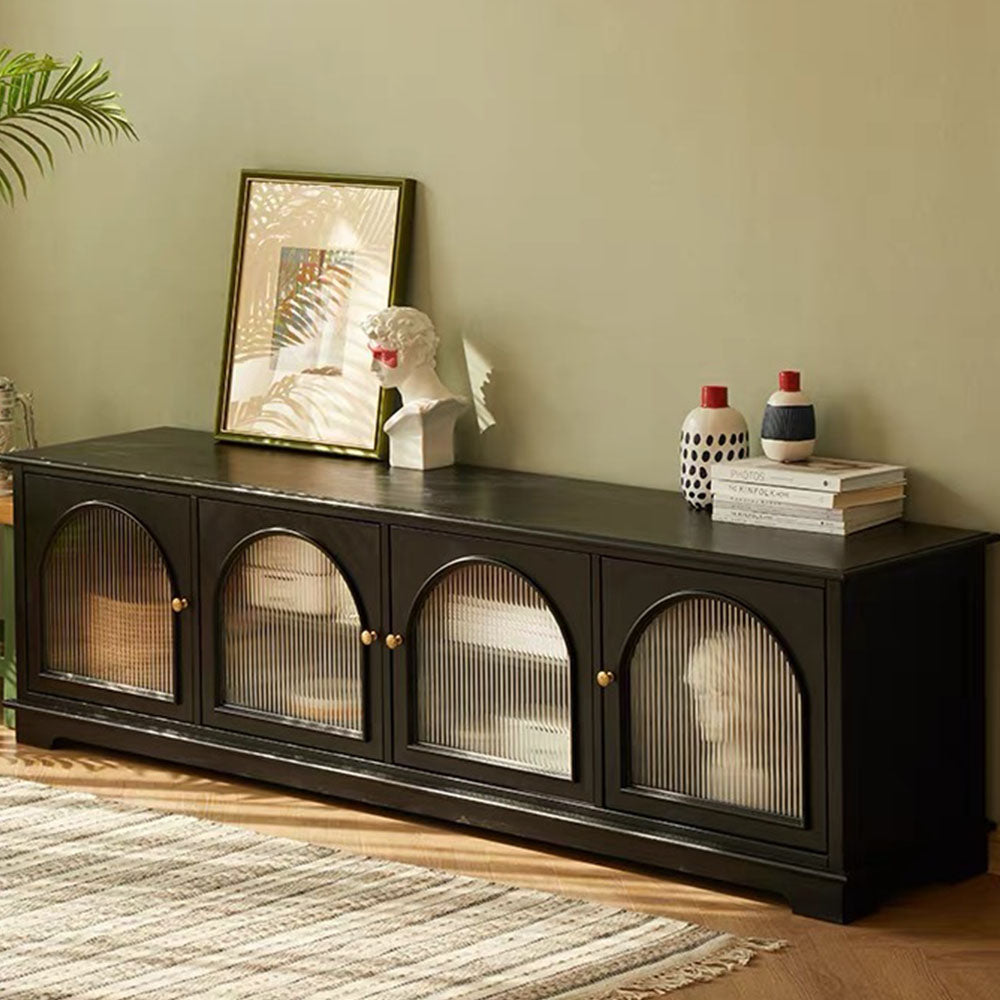
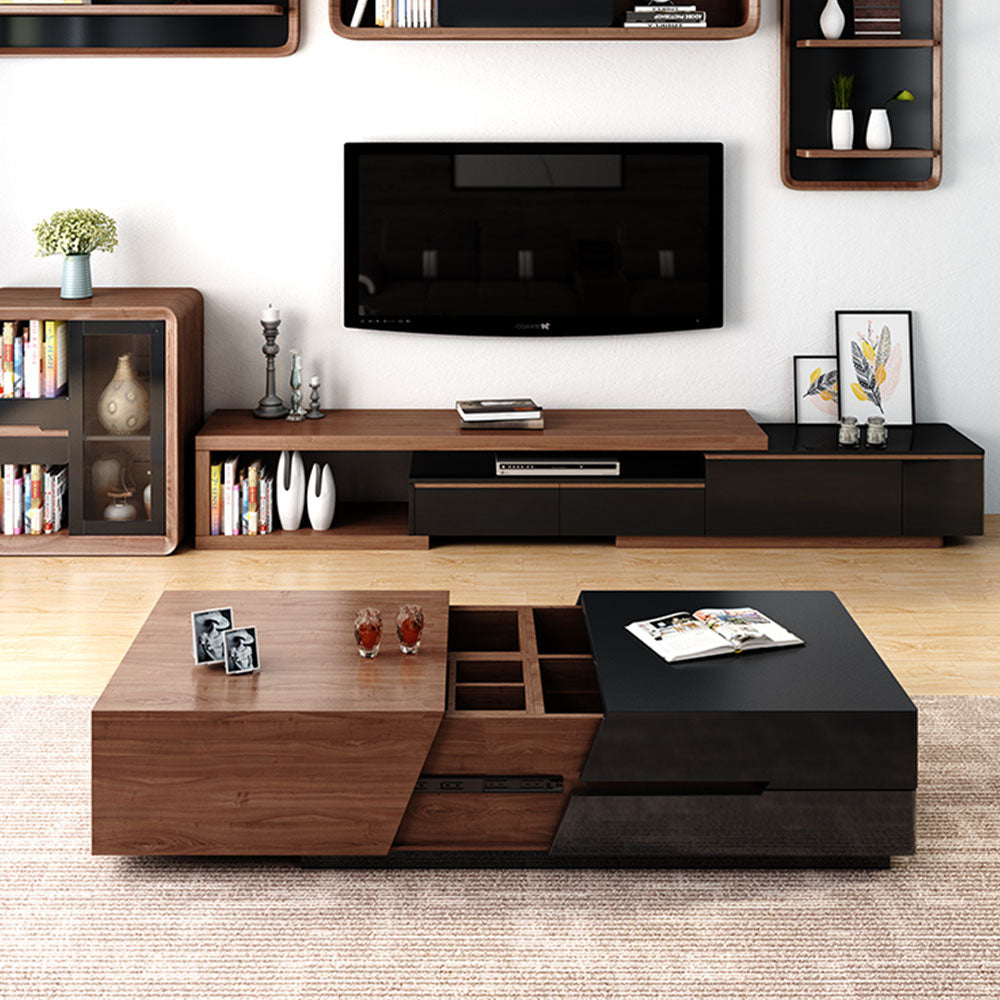
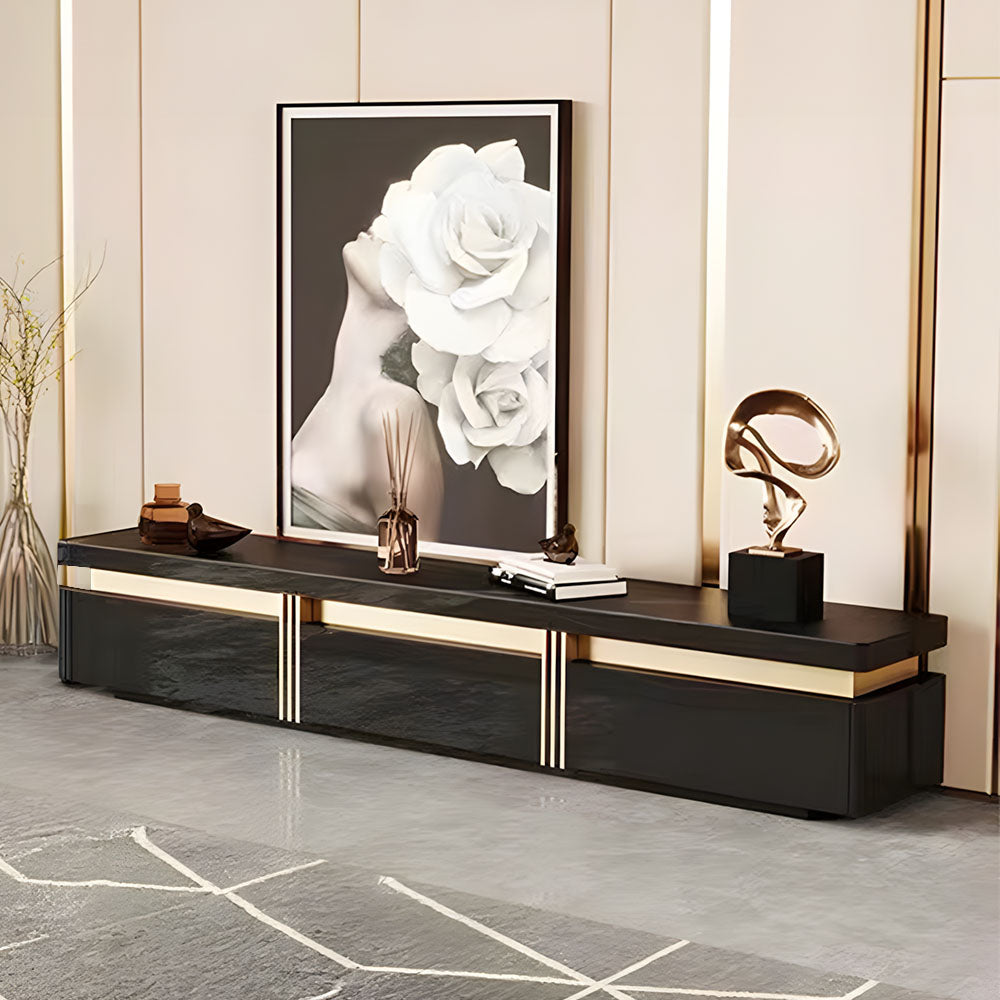
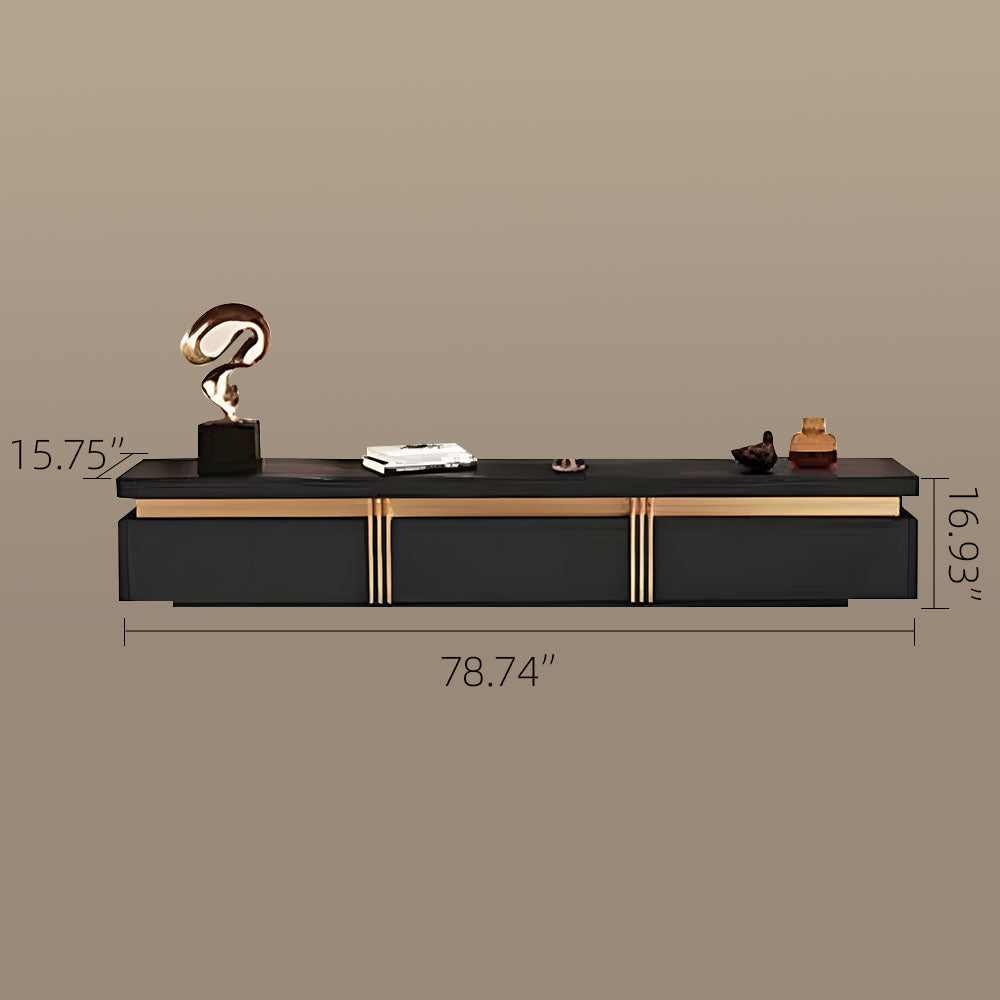
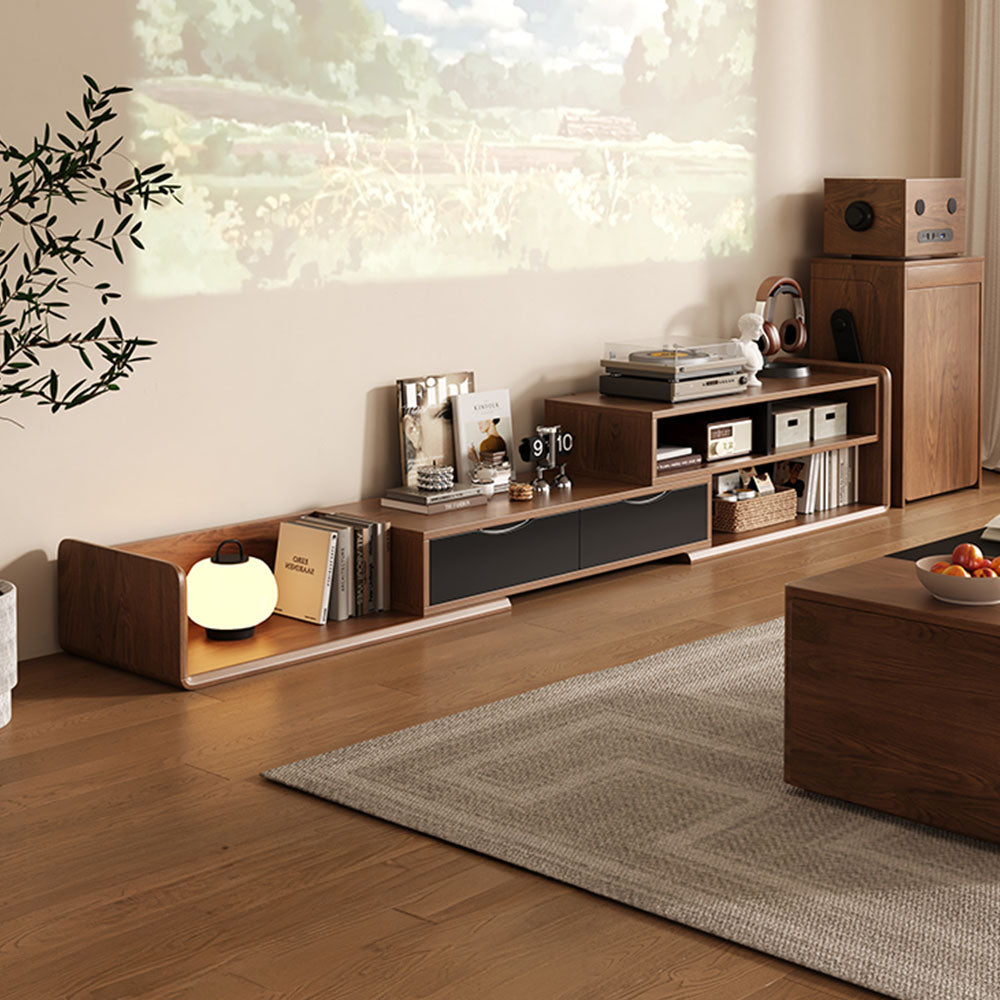
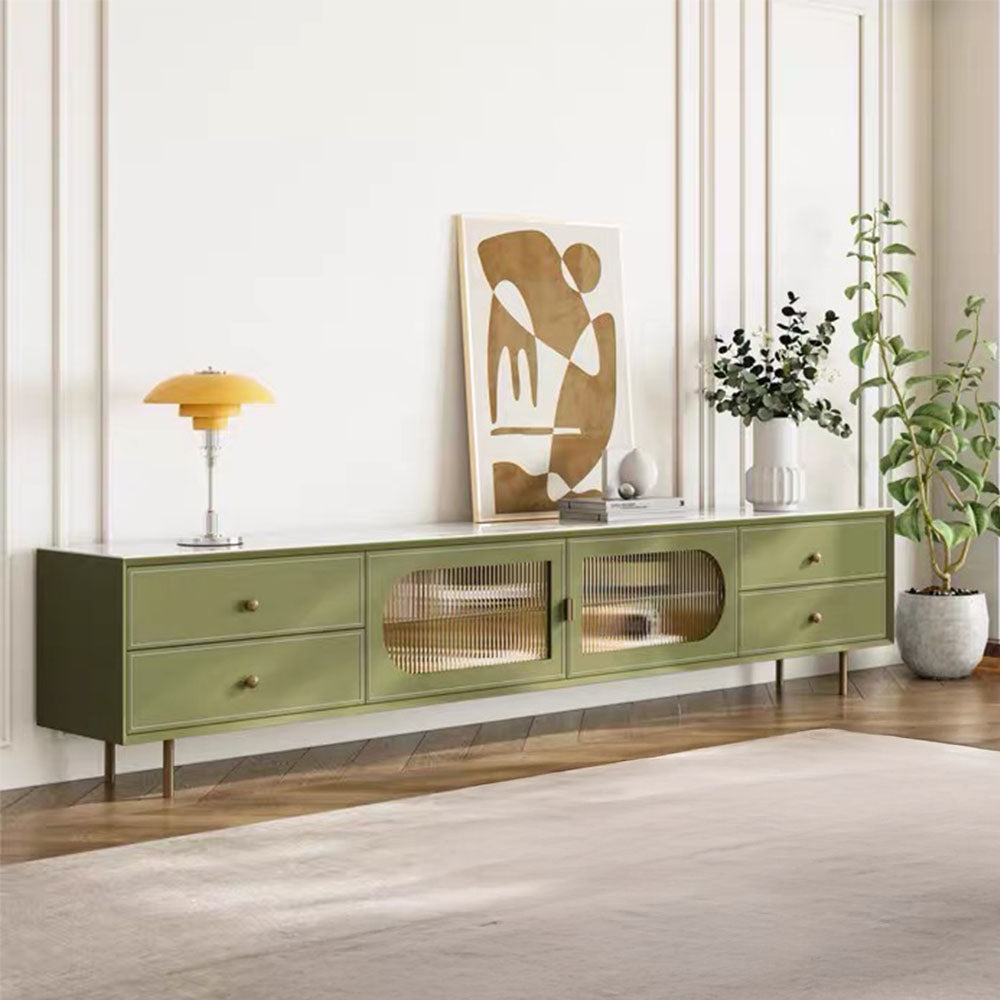
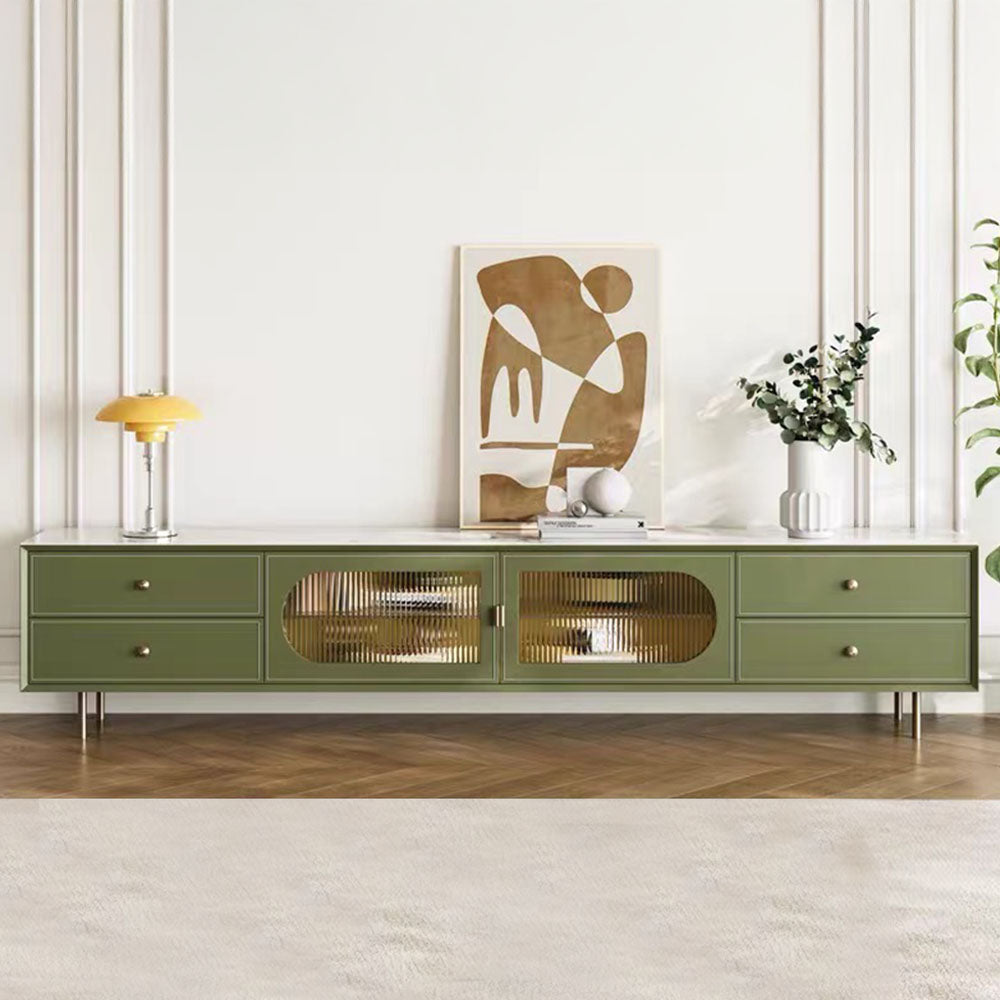
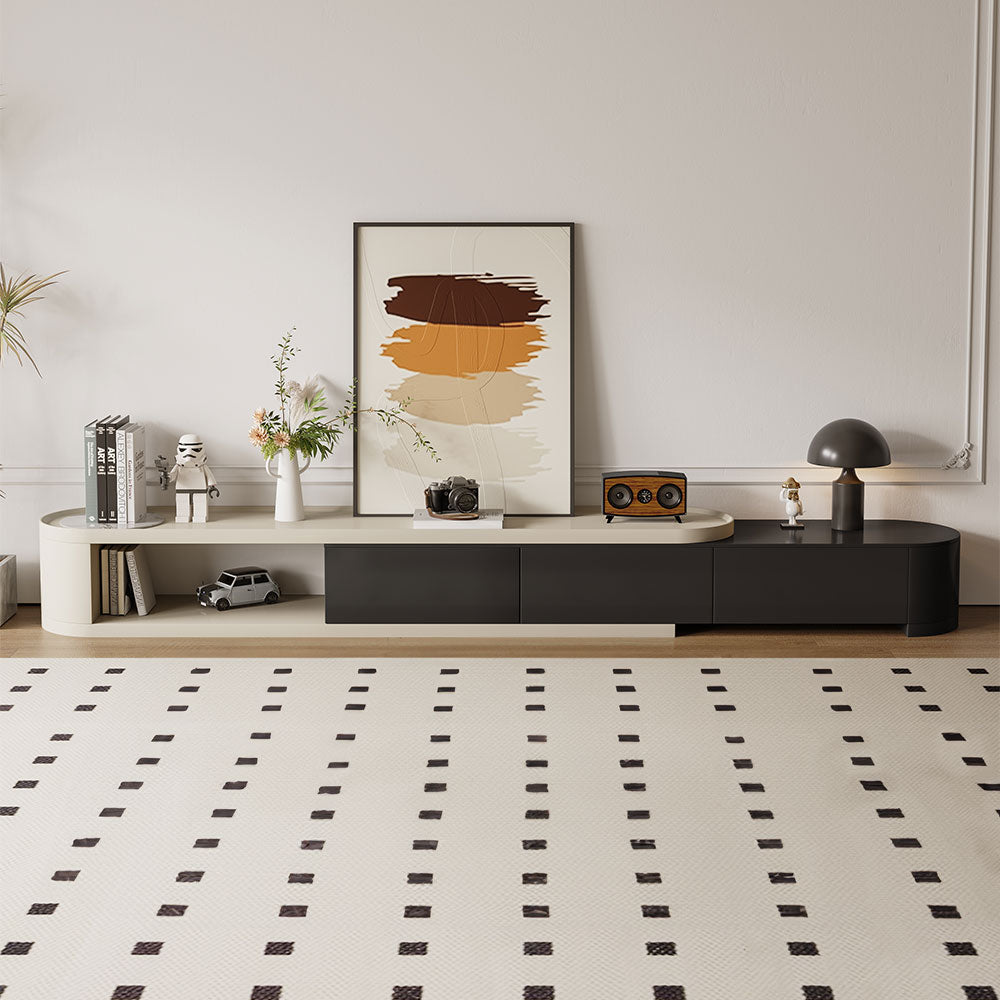
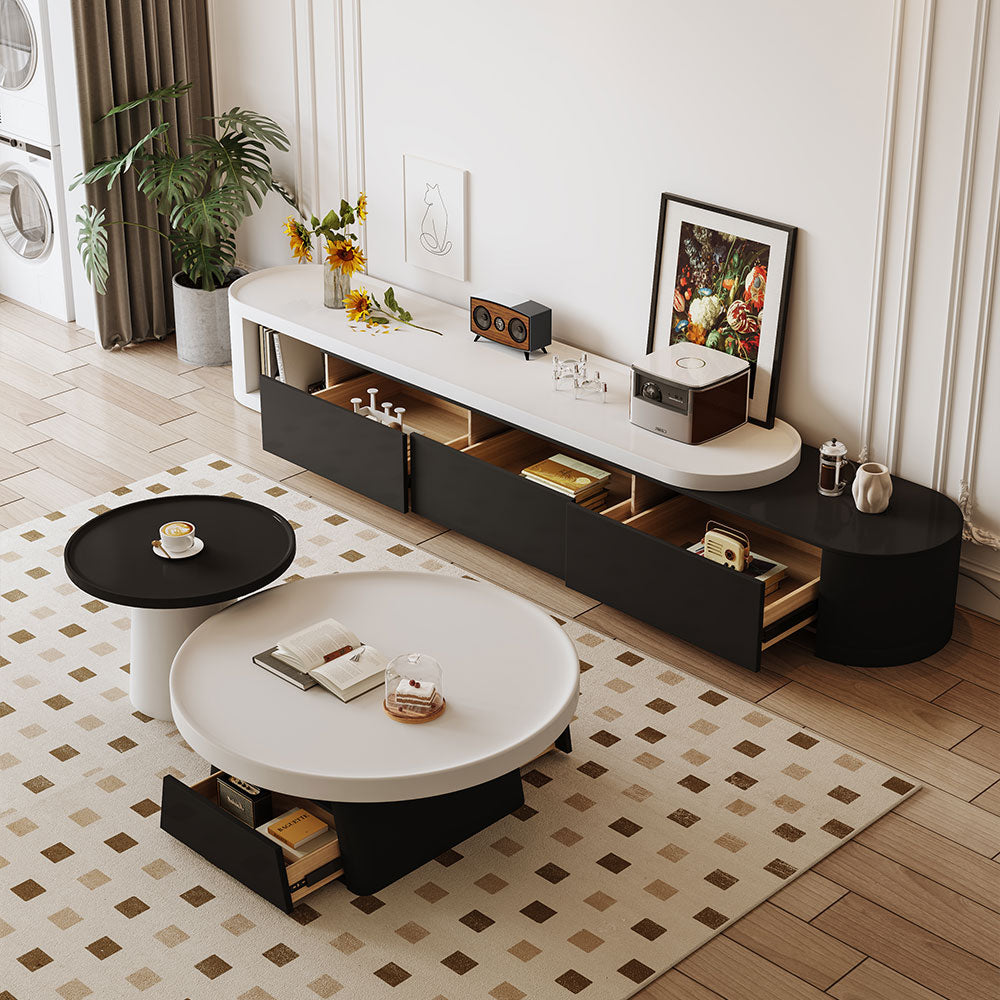
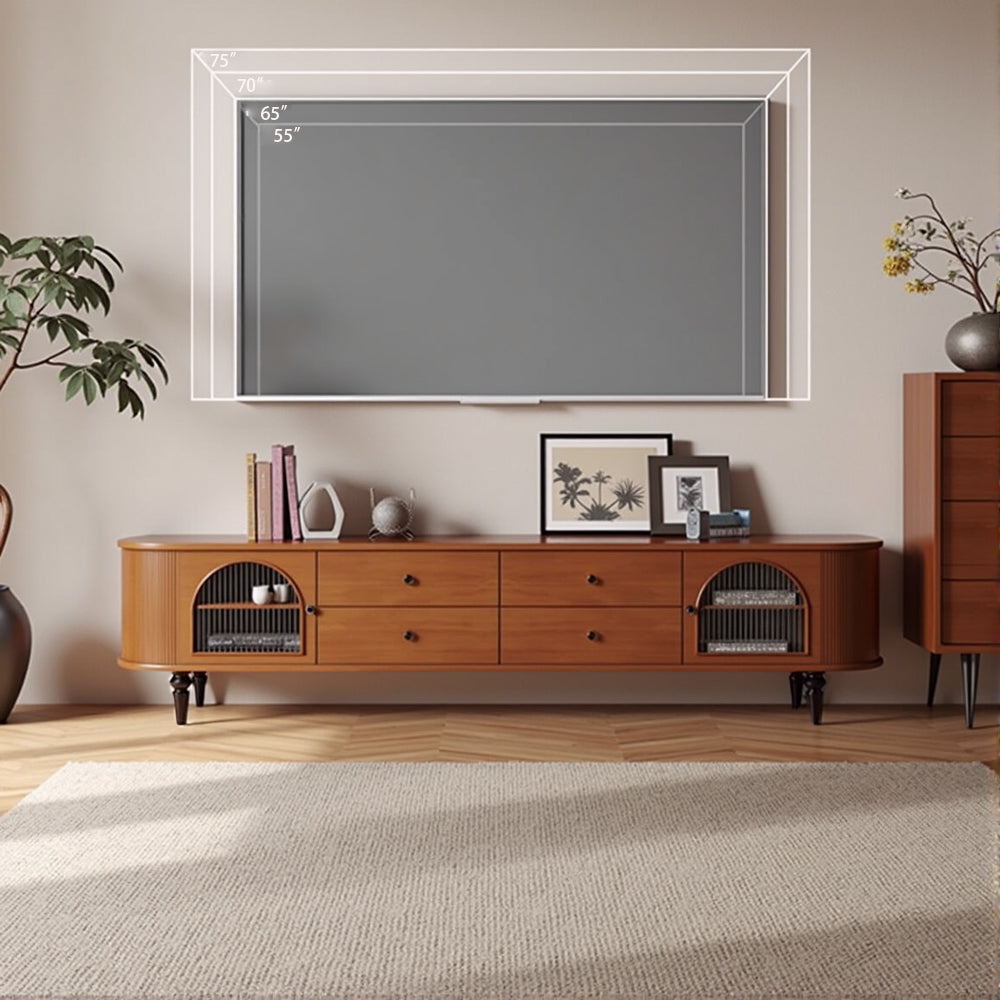
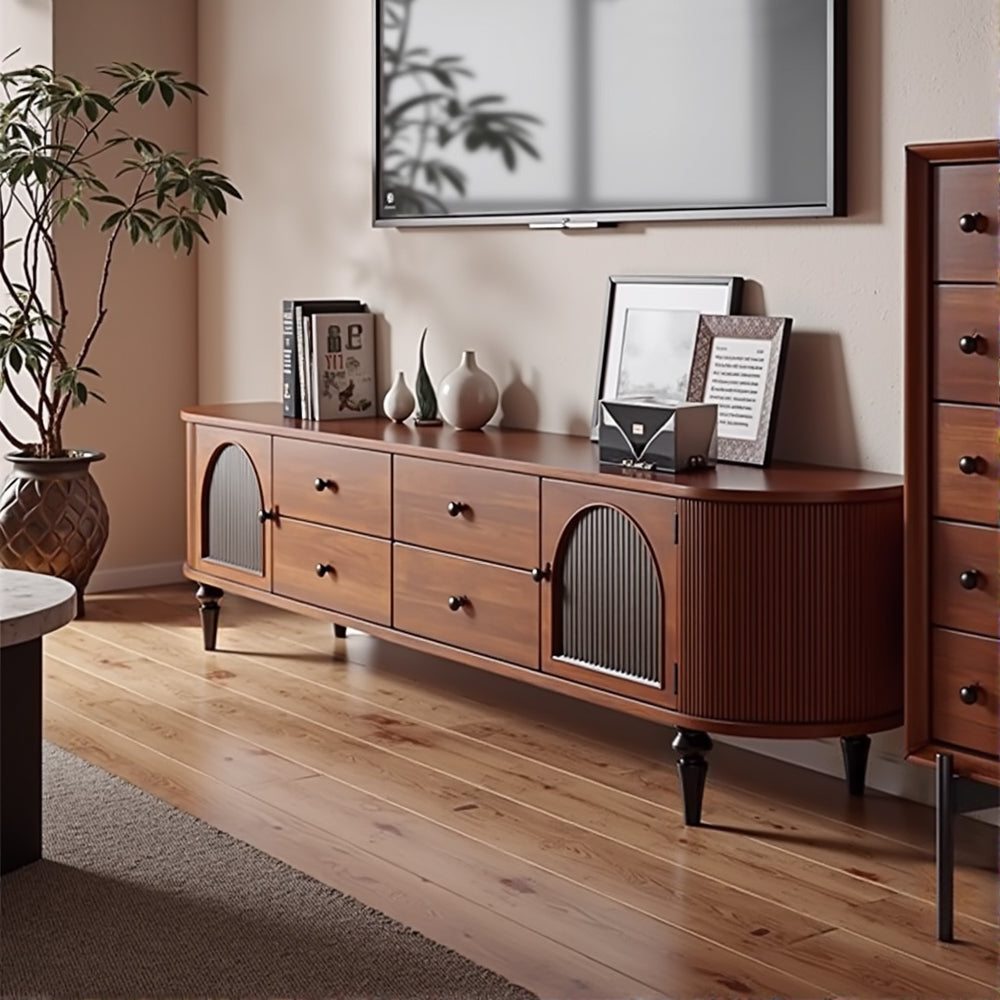
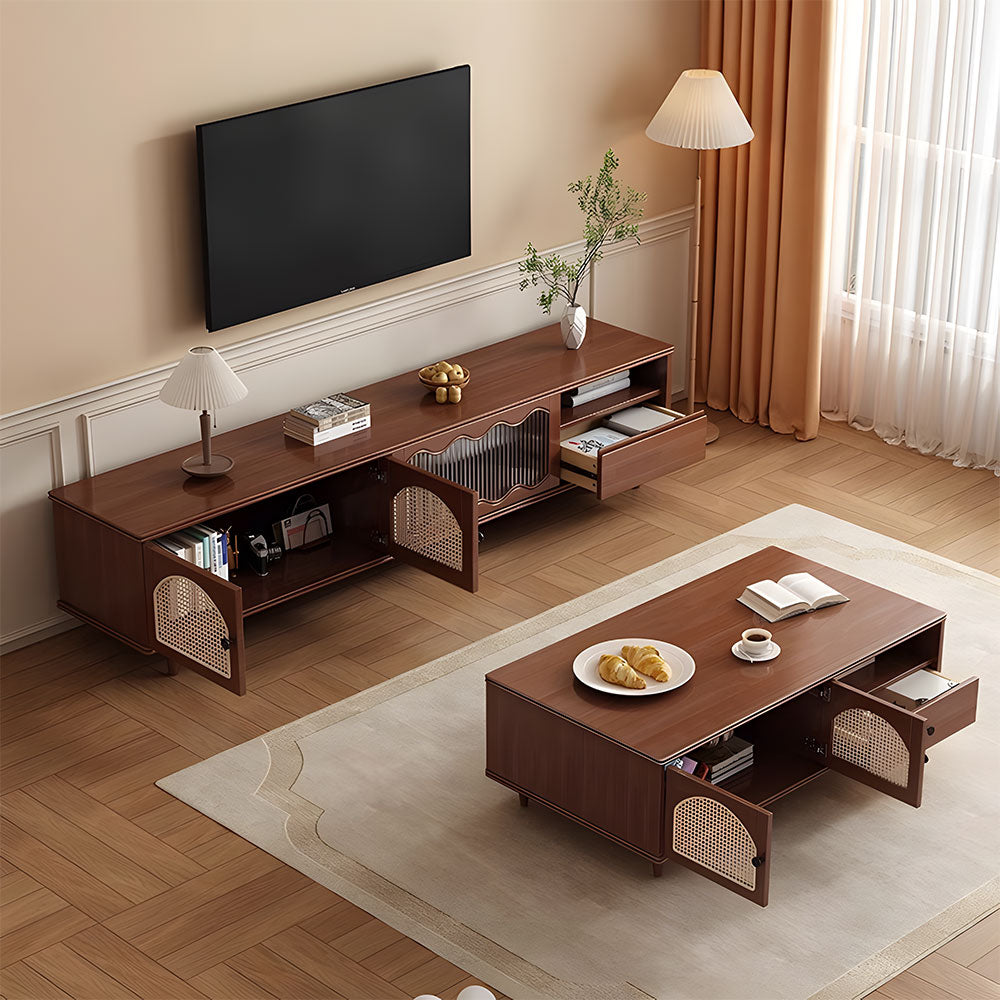
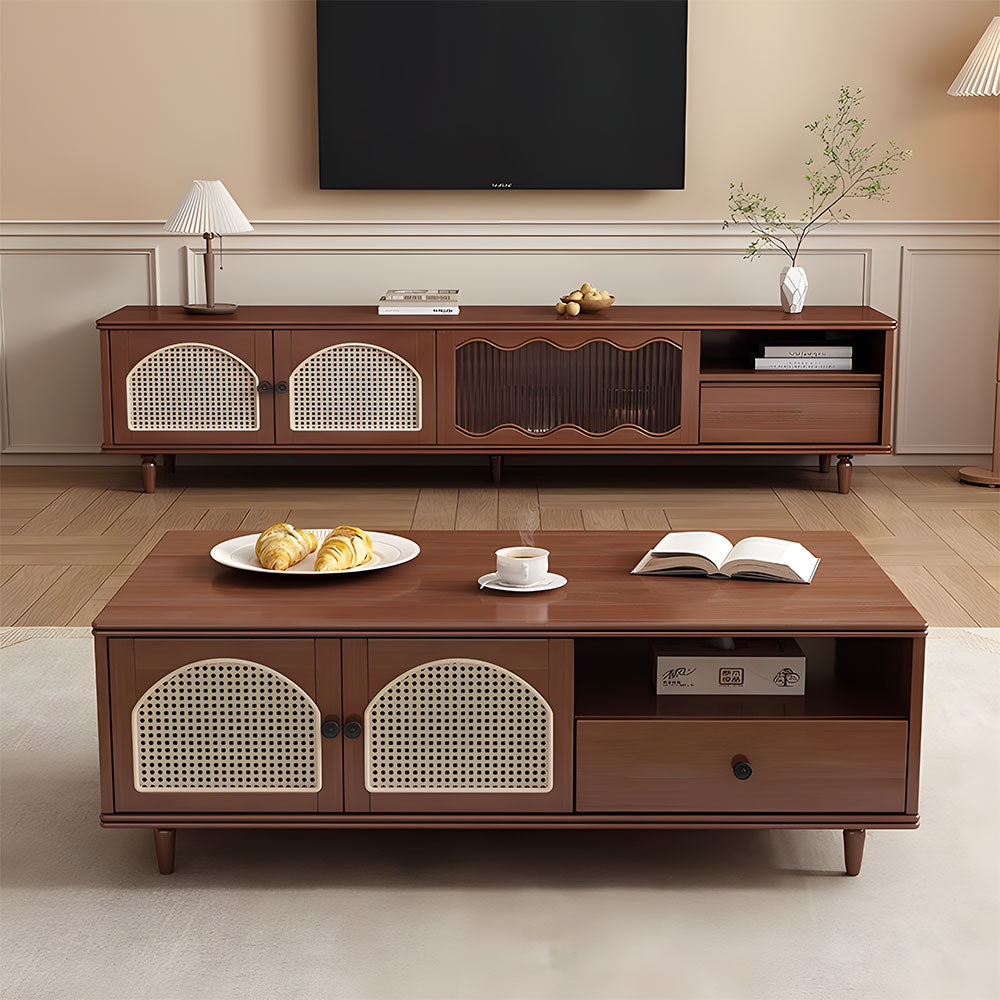
In most cases, yes. A TV stand that’s a few inches wider than your TV on each side looks more balanced and helps reduce the risk of tipping, especially in homes with kids or pets. If the TV is much wider than the stand, the setup can look top-heavy and may feel unstable.
A good rule of thumb is to place the center of the screen roughly at your eye level when you’re seated on your main sofa or chair. For many living rooms, this means the top of the stand falls somewhere around mid‑thigh to just above knee height, but it’s always best to measure your seating height and check the combined height of stand plus TV.
Make sure the TV stand is deep enough for your largest devices, like an AV receiver or gaming console, and that the listed weight capacity comfortably exceeds the combined weight of your TV and electronics. This prevents overhang, overheating, and damage to the media console over time.
Start by listing the devices and accessories you want to keep near the TV: streaming boxes, consoles, routers, speakers, remotes, games, and cables. If you like a clean, minimal look, choose a TV stand with doors and drawers; if you prefer easy access and don’t mind seeing your devices, open shelving can work well.
Look for features like rear cut‑outs, grommets, wire channels, or removable back panels that let you route cables without leaving a tangle behind the media console. These details make it much easier to keep your setup tidy and to swap devices later.
Instead of trying to match every wood tone exactly, aim for a small palette of 2–3 complementary finishes. For example, if your floors and doors are dark, a slightly lighter walnut or oak stand with black metal legs can add contrast, while a stand that matches your coffee table exactly might make the room feel flat.
Floor TV stands are the most flexible and renter‑friendly; they offer storage and don’t require drilling into the wall. Floating units create a lighter, modern look and make cleaning the floor easier, but they require proper wall anchors and a suitable wall. If you prefer a very minimal look, you can wall‑mount the TV and pair it with a slim media console or shelf for devices.
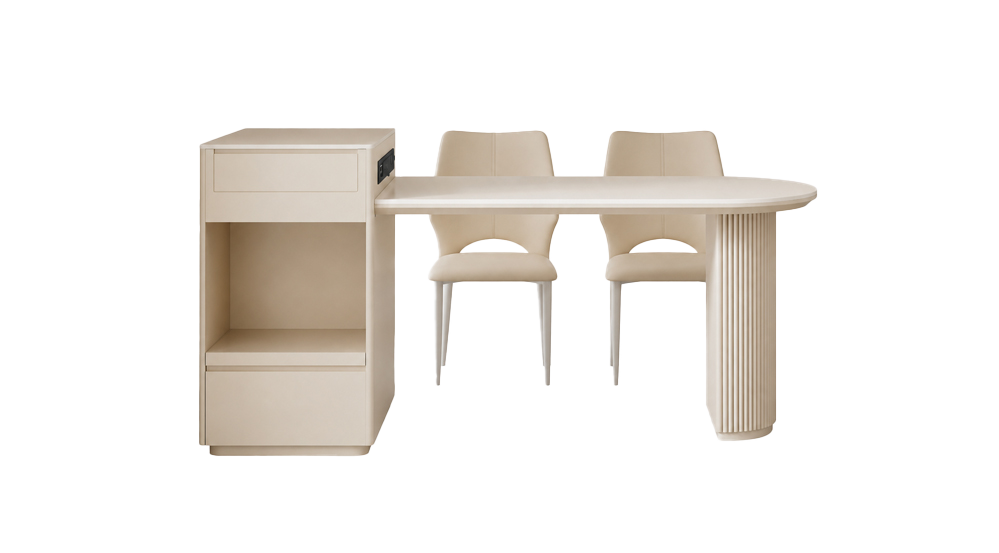
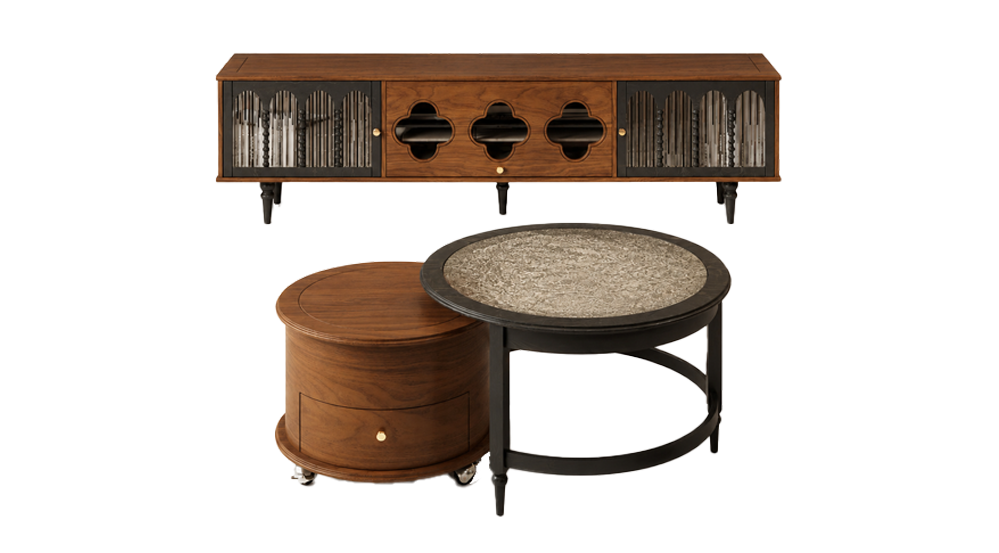
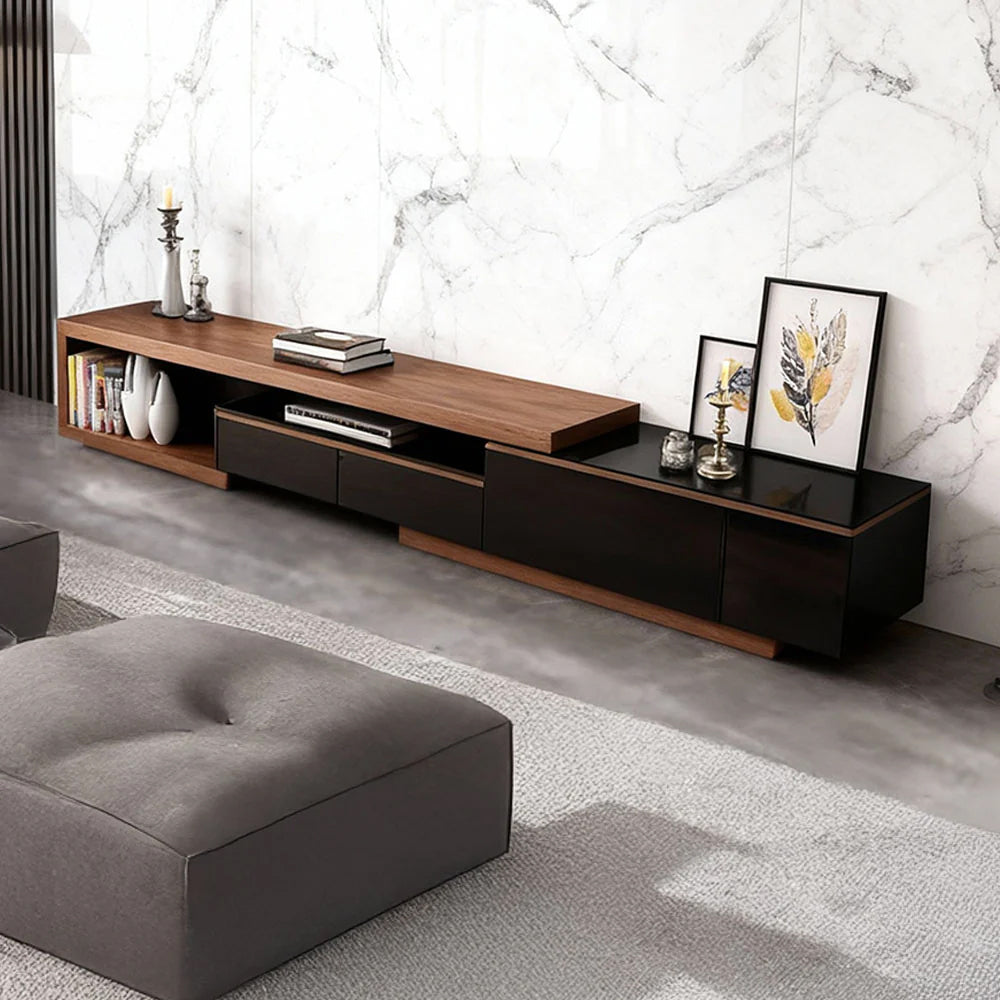
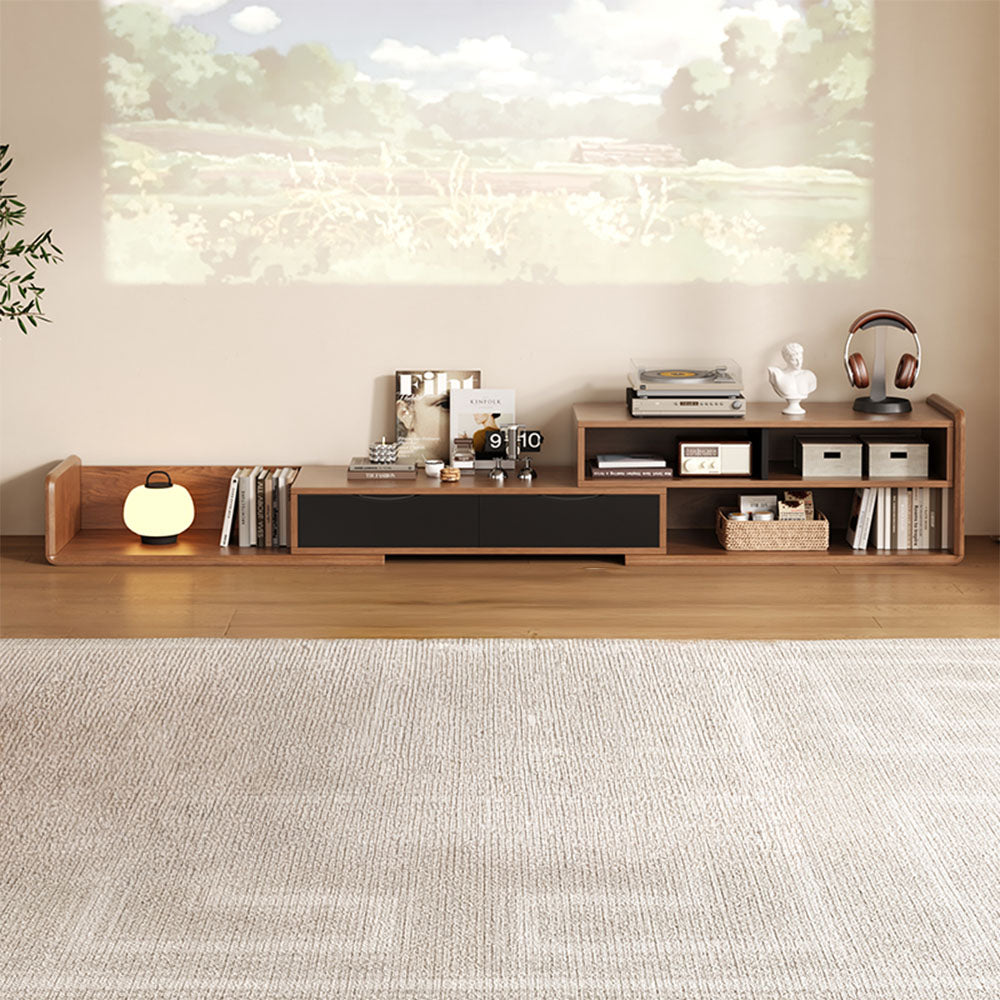
In tighter spaces, a low, long stand or a narrow console often works better than a tall, bulky cabinet. Look for designs with slim legs, integrated storage, and, if possible, flexible length or modular designs, such as a retractable TV stand, which allows you to easily adjust its width and configuration as you move or rearrange the room.
Choose a sturdy stand with a wide footprint and check that it’s rated for your TV size and weight, then use the included anti‑tip hardware to secure the stand or TV to the wall. Avoid placing heavy devices or decor high up where curious hands or paws might pull them down.
Many people still prefer a TV stand or low console even with a wall‑mounted TV because it provides storage, hides cables and power strips, and gives a place for speakers or decor. If you have very few devices and want the cleanest possible look, you can skip a stand, but most living rooms benefit from at least a small media cabinet.
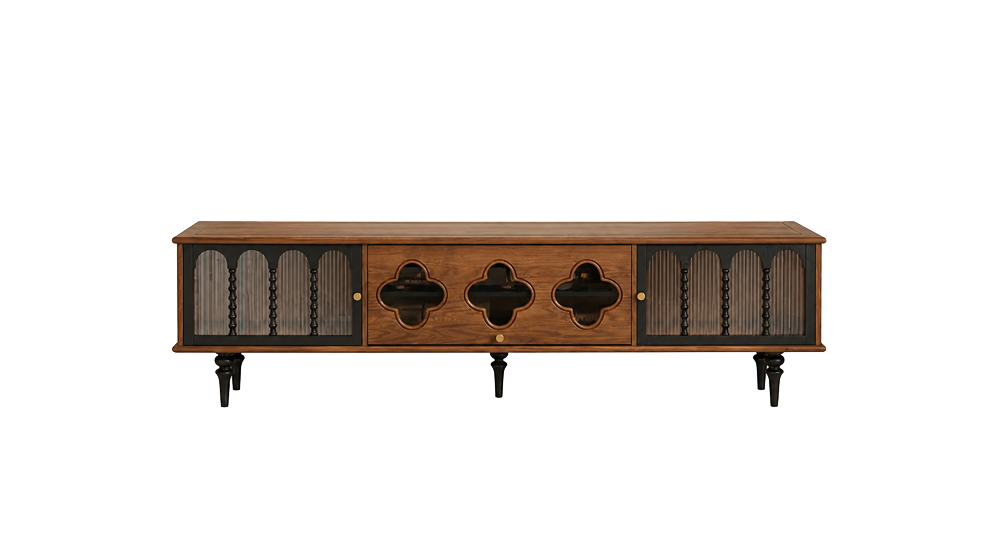
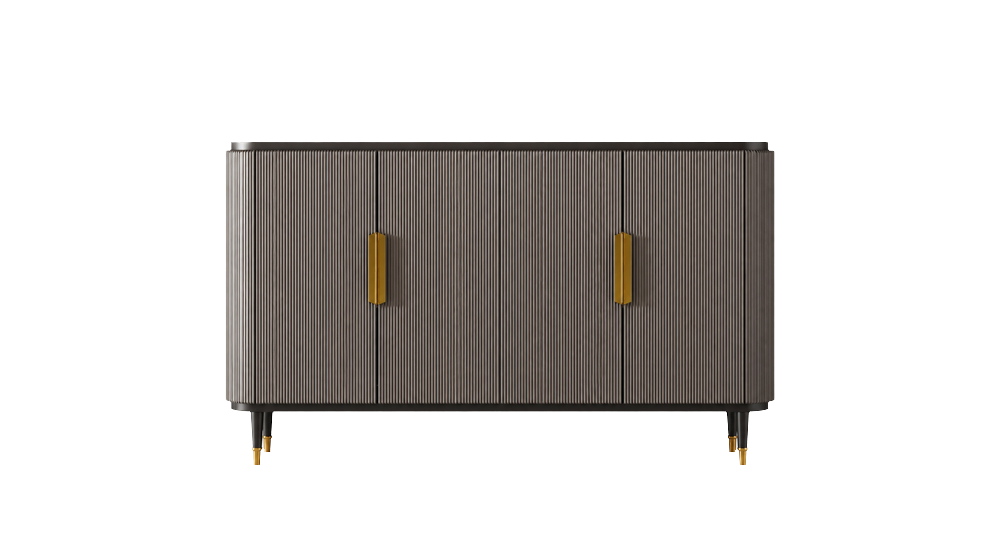
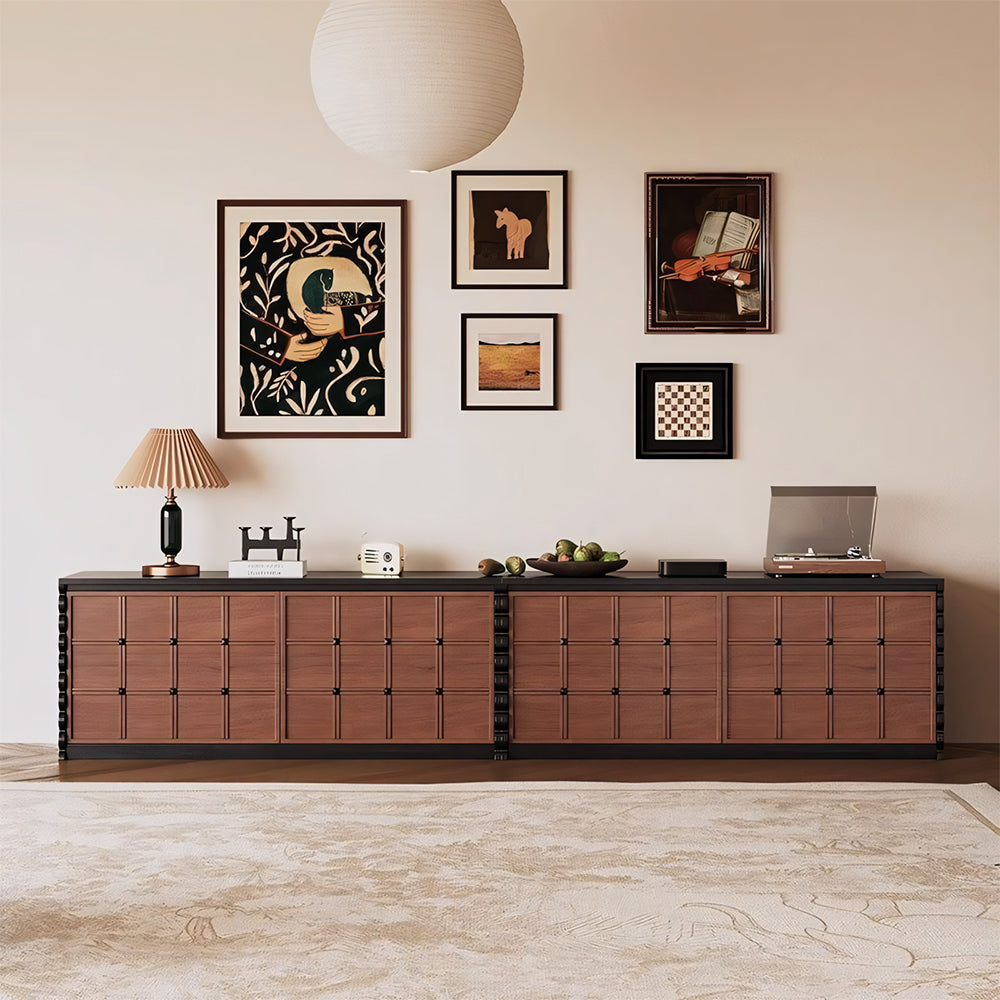
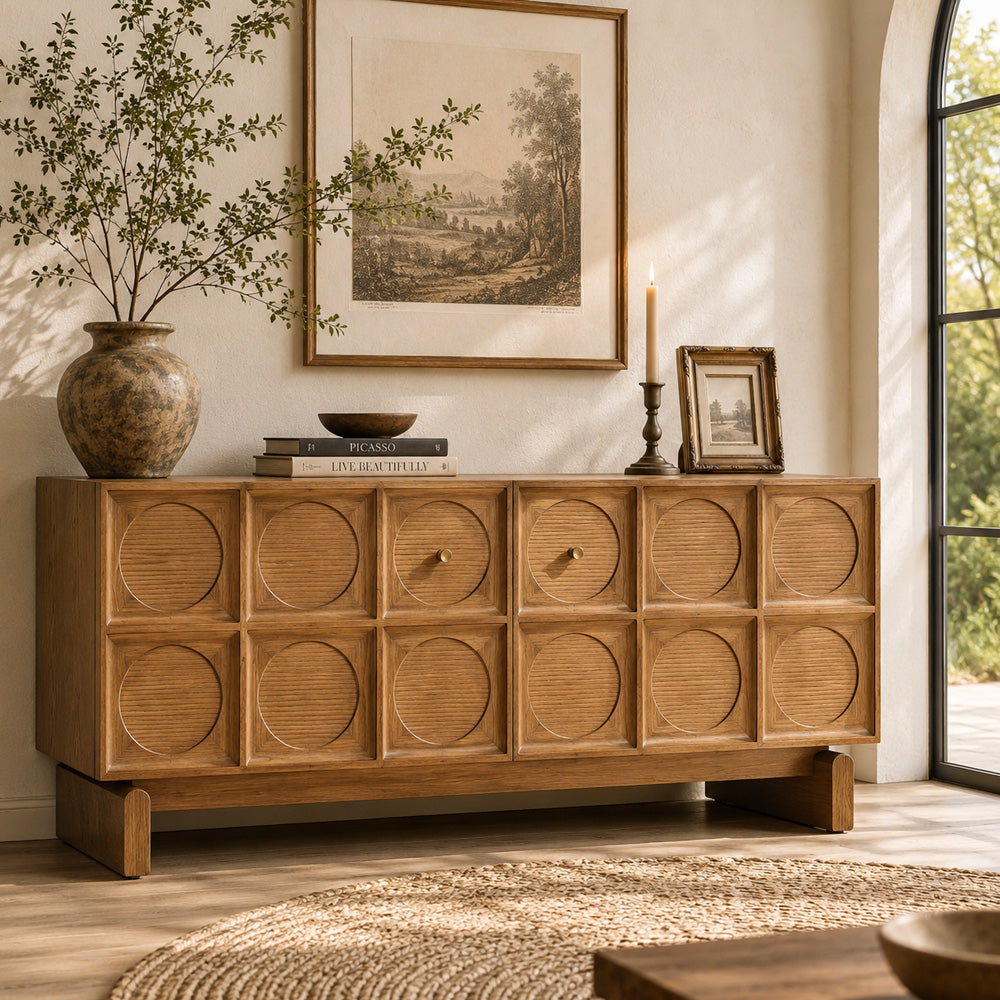
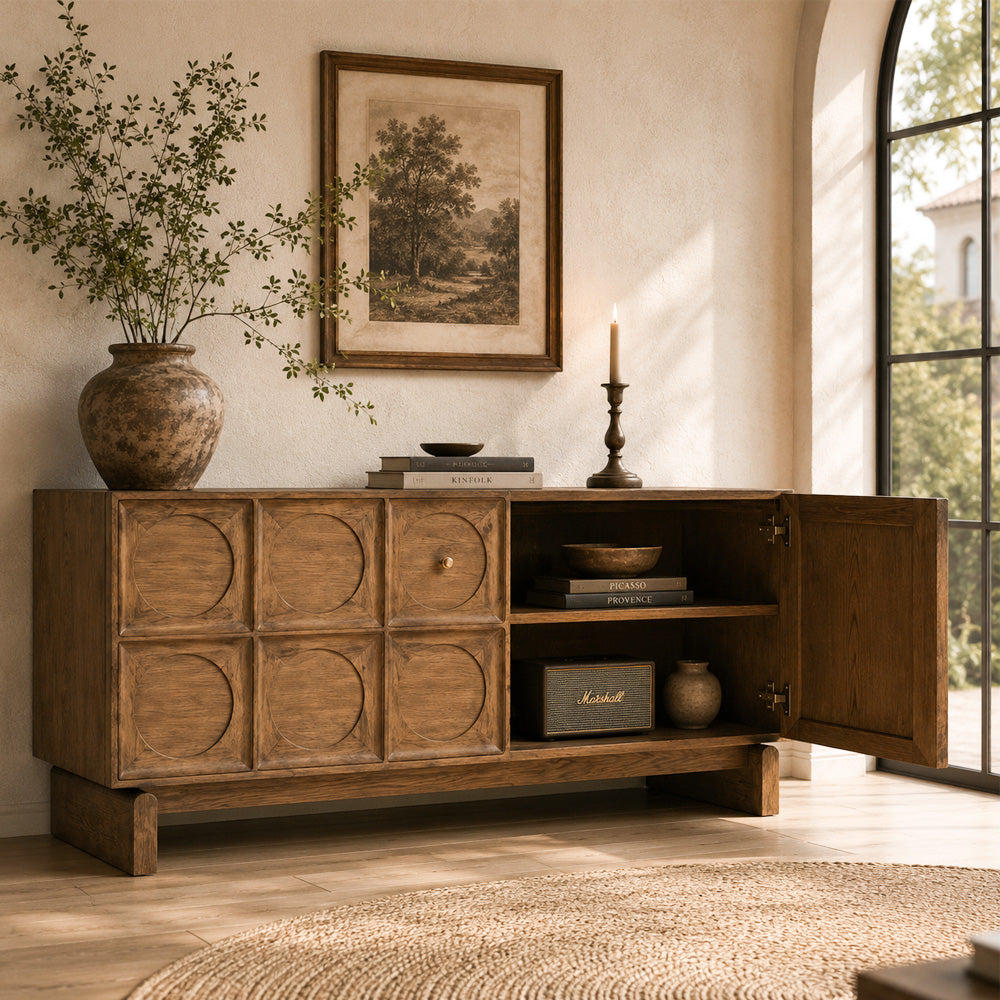
Yes, as long as the piece is wide and sturdy enough, supports the weight safely, and offers enough depth for your TV base and devices. Many TV users like using vintage credenzas or sideboards for a more unique look, often drilling cable holes in the back to make them function like media cabinets.
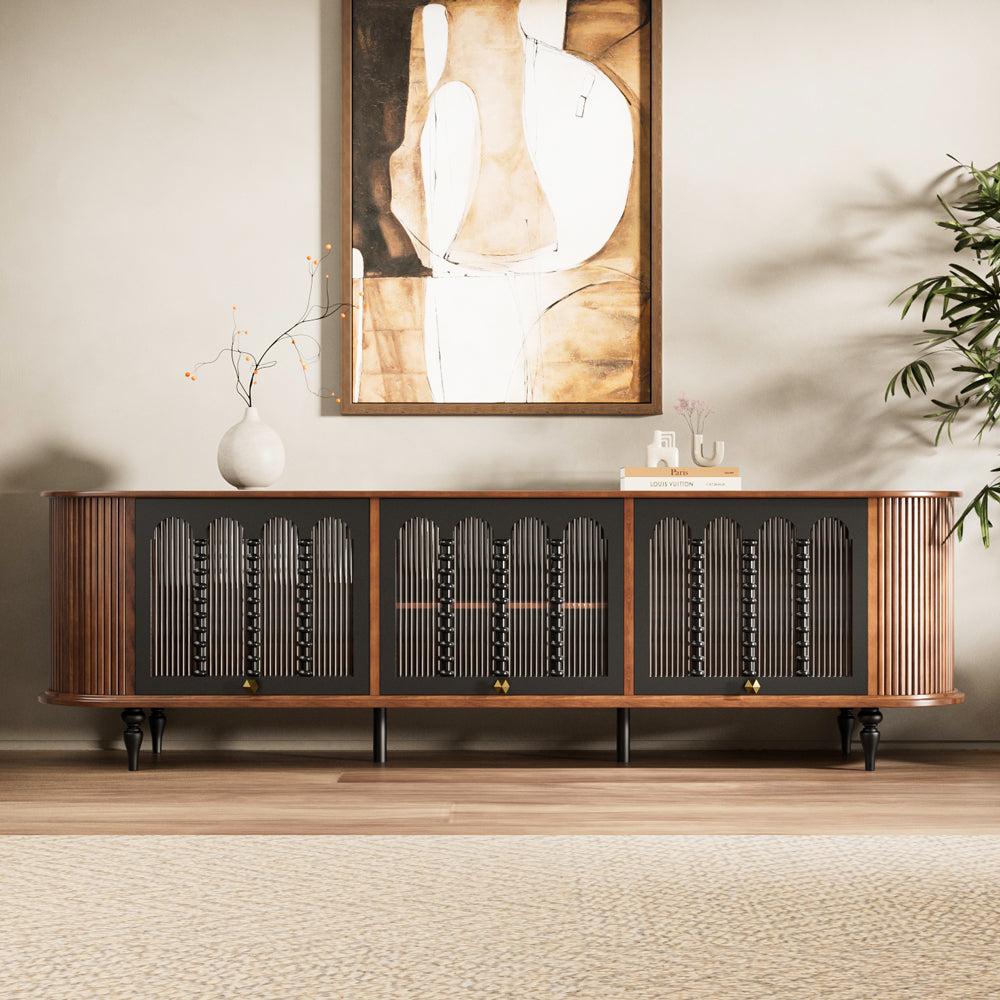
Solid wood and high‑quality engineered wood are popular for their durability and warmth, while metal and glass offer a more contemporary feel. The best choice depends on your style, but in all cases you’ll want sturdy construction, smooth hardware, and finishes that can handle daily use.
Mid-century designs often use both solid wood and veneer—and the “right” choice depends on budget, stability needs, and how you expect the piece to age. If you want a clearer breakdown (and how to spot quality construction), read our guide: Mid Century TV Stands: When Real Wood Matters—and When Veneer Works.
loading